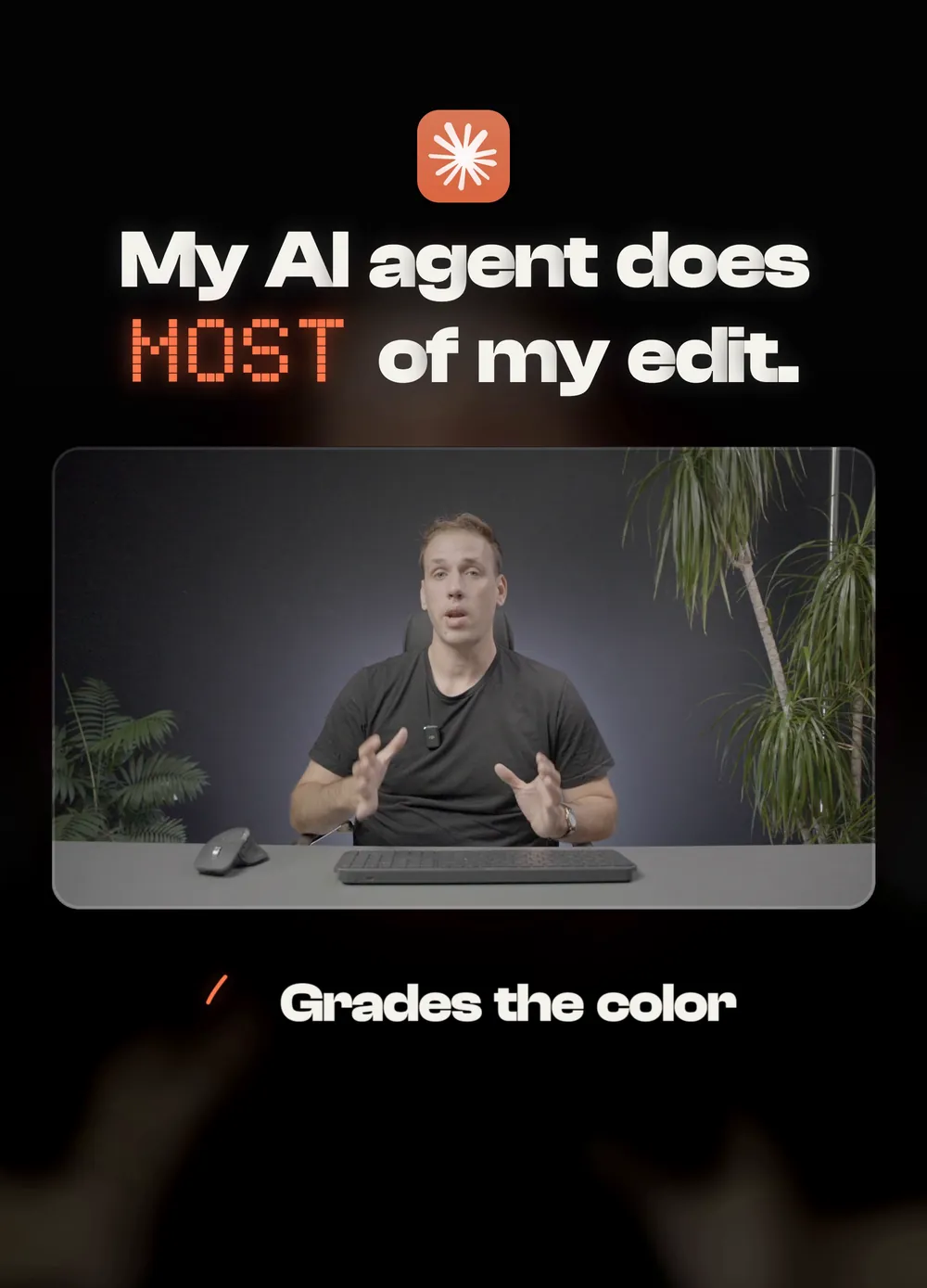
My AI agent picks the take, builds the timeline, grades the color and designs the titles. It cannot tell me which version is better. That part is notes. Here are the 21 I gave on three reels, word for word, what each one changed, and the rule it became.
- The first cut looks fine, but it does not look like yours.
- You give the same note on every video.
- “Make it better” and nothing really changes.
A note you give twice is a note you did not save.
What you need
An agent that edits, and something to react to.
- An AI editorClaude Code with editing skills. Mine are in the 3 editing skills I kept.
- A first versionLet the agent make one before you say anything. Notes are reactions, not instructions up front.
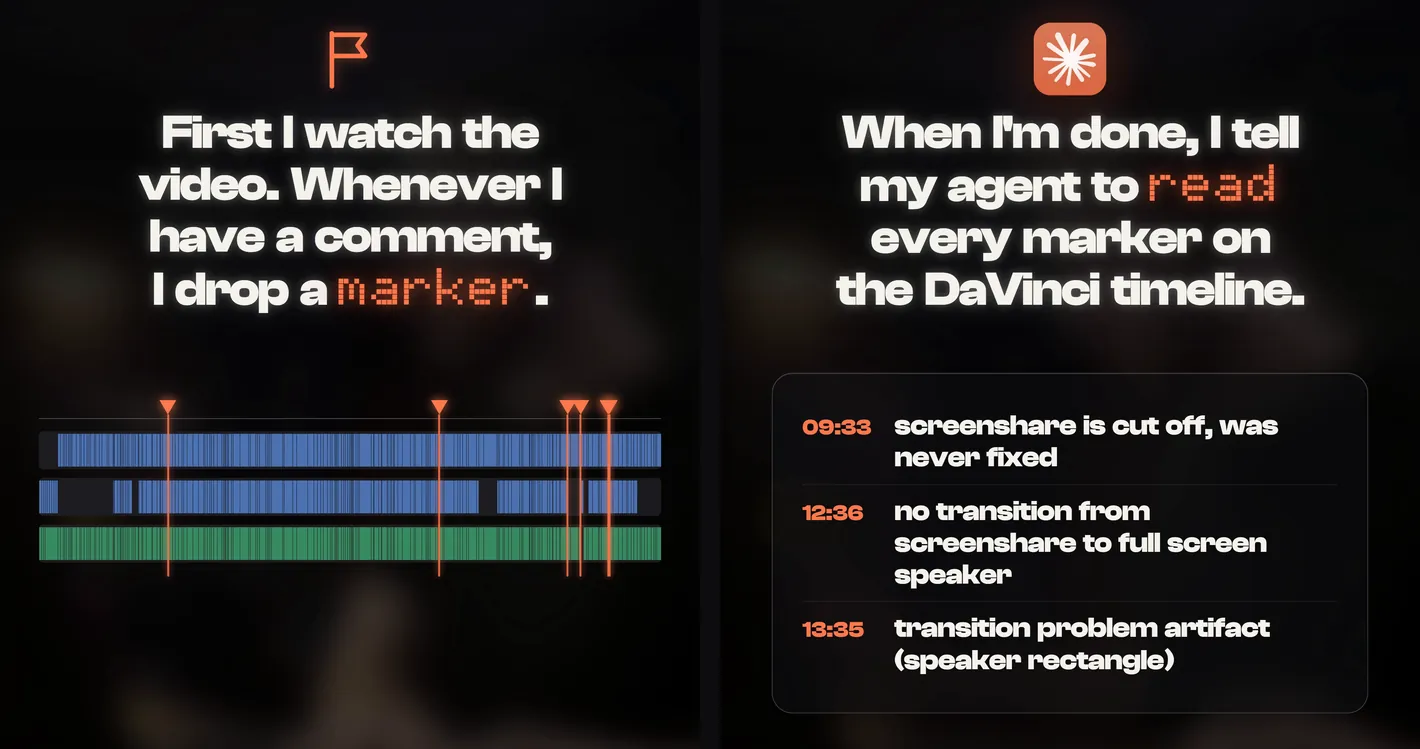
- A place for notesA chat works. A feedback log works better. In DaVinci Resolve, markers on the timeline work best.
How to read a note
Every note below has three parts. The rule is the one that matters: it is what I never have to say again.
- 01The noteWhat I typed, word for word. Short, lowercase, no polish.
- 02What changedWhat the agent did with it in the next version.
- 03The ruleWhat the note became, so I never have to give it twice.
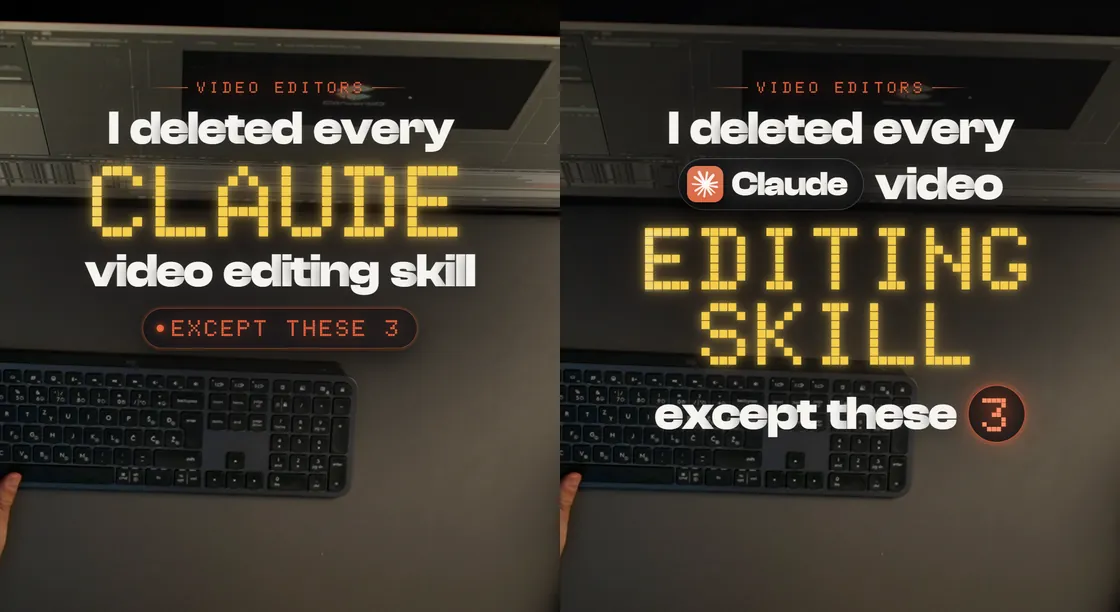
The first second is yours to design.
The agent will put a title on the hook. What the eye lands on first is your call.
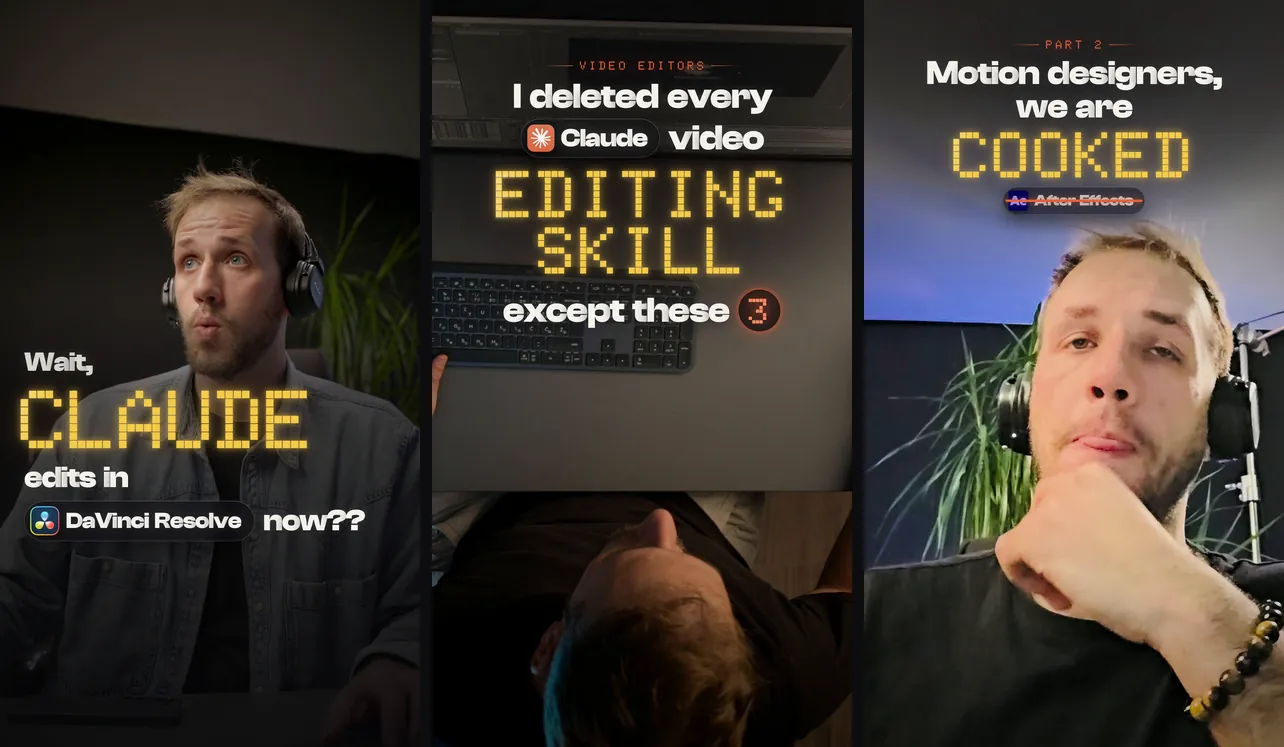
“hook title bolder, multiple lines, mini icon of dvr, designer-y”
One thin line became a four line stack, with the real DaVinci Resolve app icon next to its name.
the ruleA hook title is a designed lockup, not a caption. Real app icons make it look designed.
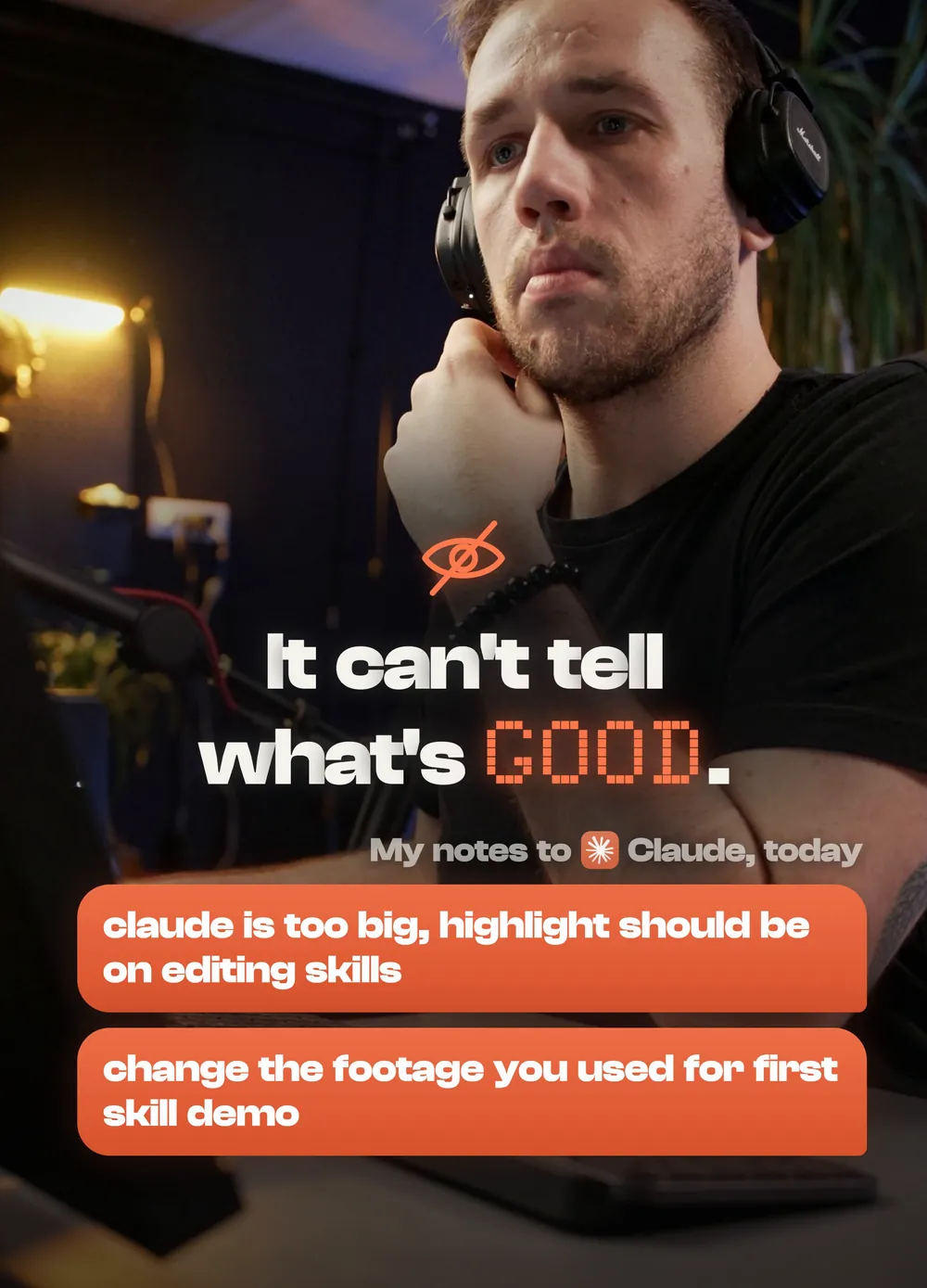
“hook title can be better designed, claude is too big, highlight should be on editing skills”
The brand name shrank into a small chip with its icon. The gold highlight moved to the two words the video is about.
the ruleHighlight the topic the viewer cares about, not the brand. The tool goes in a small chip.
“improve hook title, center it, designery”
The title was centered above my face: a small line on top, the gold word, the old tool struck through.
the ruleCenter the title when the face is below it. Never put text on the face.
If they cannot read it, it is not there.
Agents love small text and dark boxes. You are the one holding the phone.
“white text is a bit too small now”
The white hook lines went from 62 to 88 pixels, stacked on two lines, with a stronger shade behind them.
the ruleHook text is at least about 88 pixels tall on a 1080 wide frame. Check it on a phone.
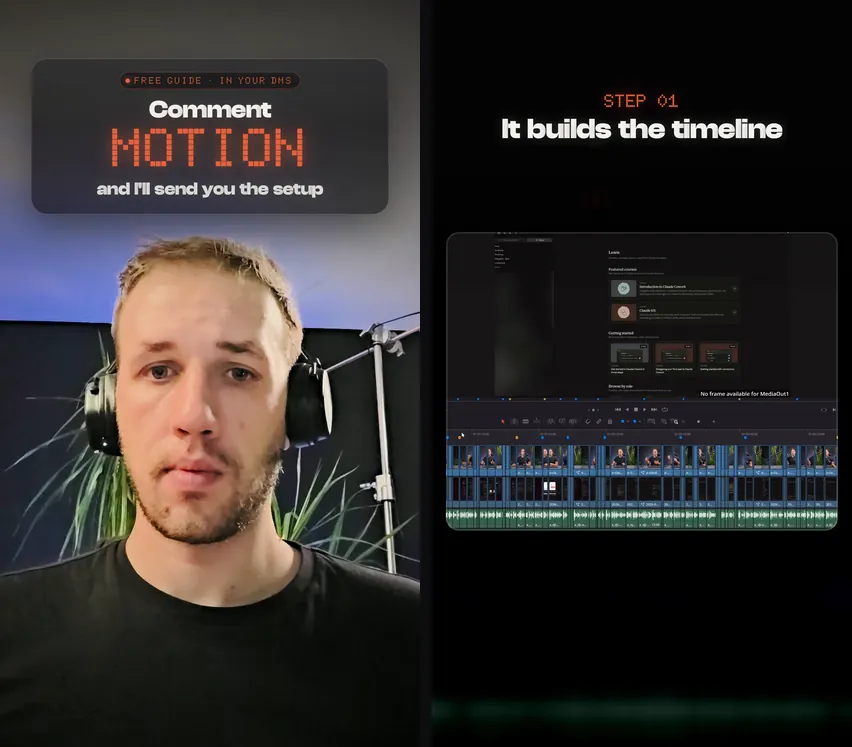
“comment motion radial black should be blurred and better designed”
“line still has rough cut”
The black blob behind the text became a frosted glass card. A shade with a visible edge became a soft blurred one.
the ruleNo black blobs and no hard edges behind text. Use frosted glass or a soft blur, and keep cards off the head.
“improve colors and layout”
Every title now sits in the same zone. Backgrounds got darker and less saturated, so the panels in front stand out.
the ruleOne place for titles. Backgrounds step back, the subject pops.
The agent picks footage. You pick what it means.
It can find a clip of you typing. It does not know which clip feels right.
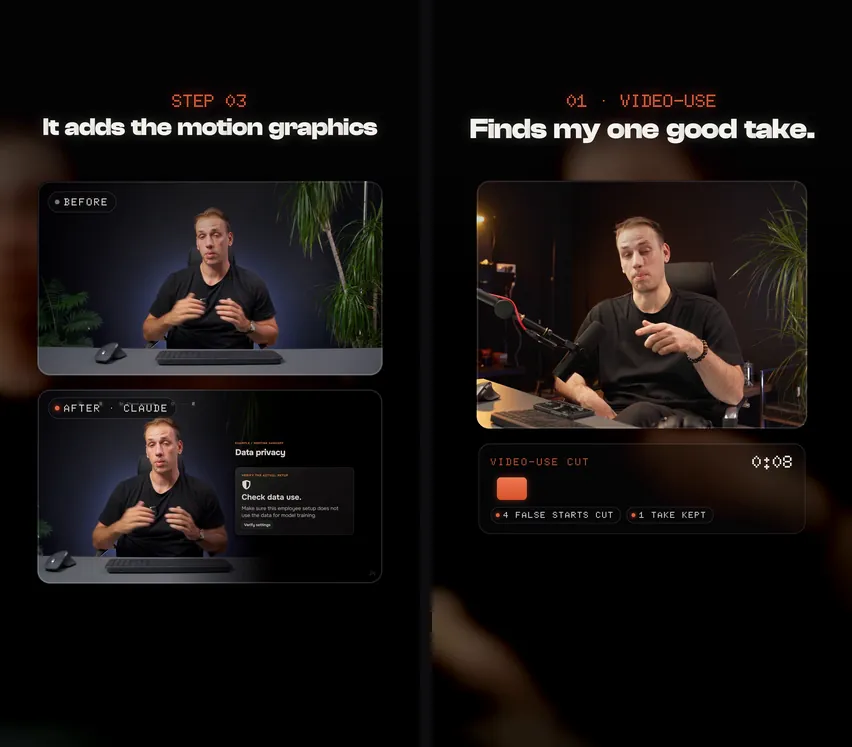
“use better footage for each scene”
Paused screenshots were replaced by the raw clip and the finished clip playing together, frame for frame.
the ruleShow real motion and real change. Never a static screenshot.
“change the footage you used for first skill demo”
A messy phone selfie was replaced by a take from my main camera at the desk.
the ruleDemos use your best looking camera, not a raw phone clip. Check the take has real speech first.
“don't use the part where I do the hand gesture to call them to see”
The typing shot moved to a part of the clip with no gesture in it.
the ruleA gesture means something. Do not use it under the wrong line.
“better intro video, my fonts”
The hook moved to a real reaction shot, and every title switched to my own typefaces.
the ruleThe hook face is a real reaction. The type is always yours.
How it moves, and where it stops.
Two things an agent will not feel on its own: a title that lands well, and a shot that runs too long.
“improve letter animation, blur fade in letter by letter”
Every title now fades in one letter at a time, from blurred to sharp.
the ruleTitles animate letter by letter. It is the default, not a special effect.
“last video should end earlier”
The last shot went from 4.9 seconds to 2.8, and now ends while the gesture is still held.
the ruleEnd on the payoff. No tail.
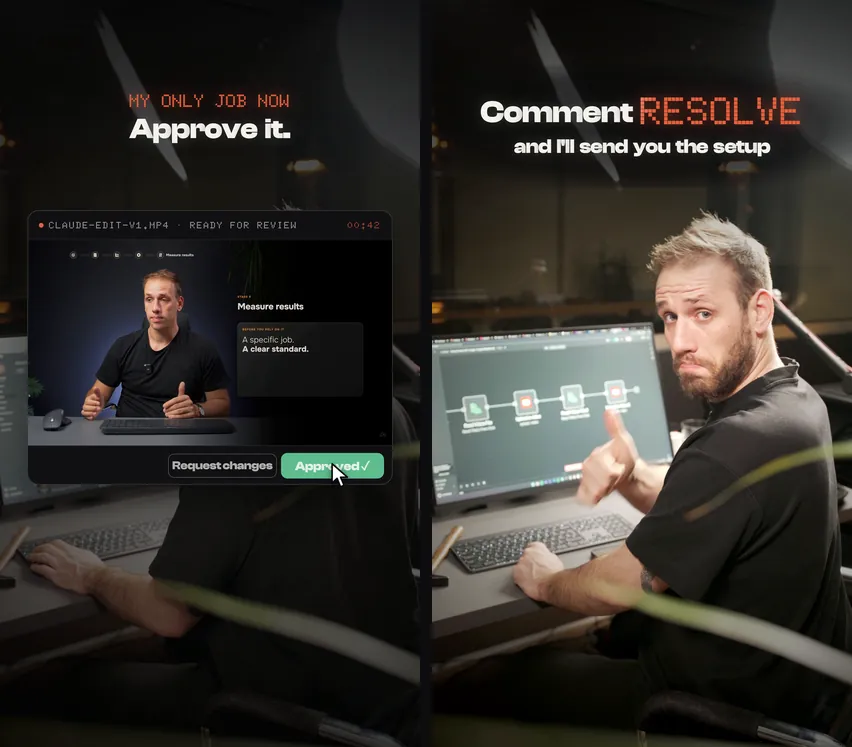
“me at a computer and cutout screen for approving”
The ending became me at the computer: the screen lifts out as a card, Approve gets clicked, I give a thumbs up.
the ruleTie the payoff to a person on camera, not to a screen alone.
Only what is true. Only what is needed.
An agent will happily add a step that sounds right. You are the one who knows if it is.
“no need for the setup you mention”
My guide listed install steps that a new app version had made unnecessary. It was rewritten to one update and one sentence.
the ruleNever add a setup step that is not needed.
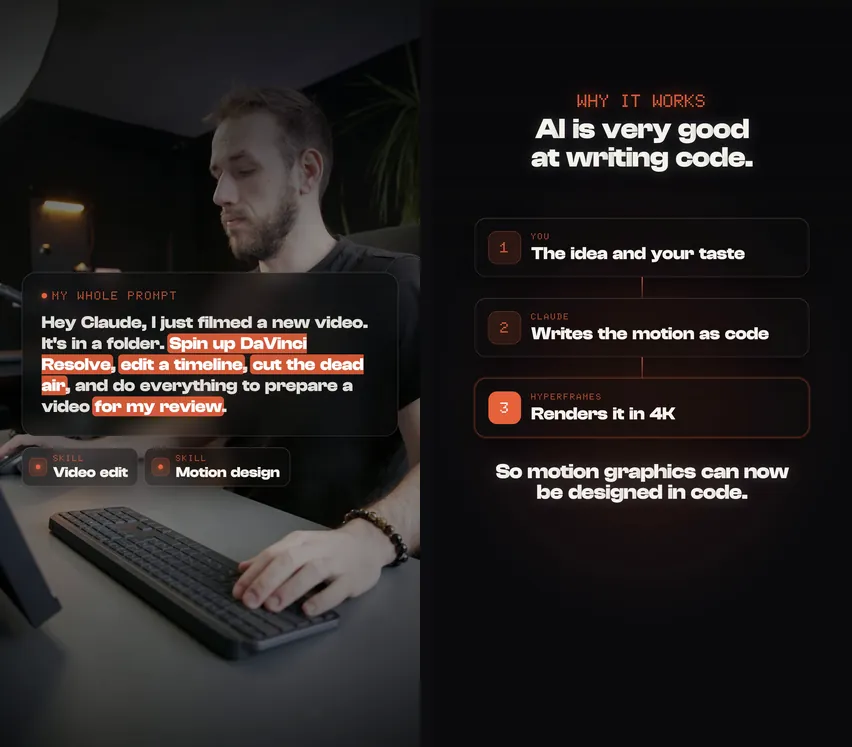
“under my whole prompt add mini cards with names of skills”
Small cards under the prompt now name the skills that did the work.
the ruleShow what actually did the work.
“remove code from the screen, explain AI is very good at writing code”
A wall of code became three plain step cards and one takeaway line.
the ruleExplain the idea. Do not show raw code.
It has to look like the source.
If the export looks different from your raw clip, something in the middle changed it.
“video quality broken, color is different”
The phone clip was HDR. It was converted to standard color the right way, and the grade and the vignette were made lighter.
the ruleCompare the color with your raw clip. HDR phone footage gets converted before anything else.
“final video should be 4k if that's best output”
The master is now true 4K, built from 4K sources. Instagram gets a smaller copy made from it.
the ruleKeep a 4K master. Downscale for the platform, never the other way around.
You approve the cut. Then it renders.
The agent is fast enough to finish the wrong thing. Decide where it has to stop and ask.
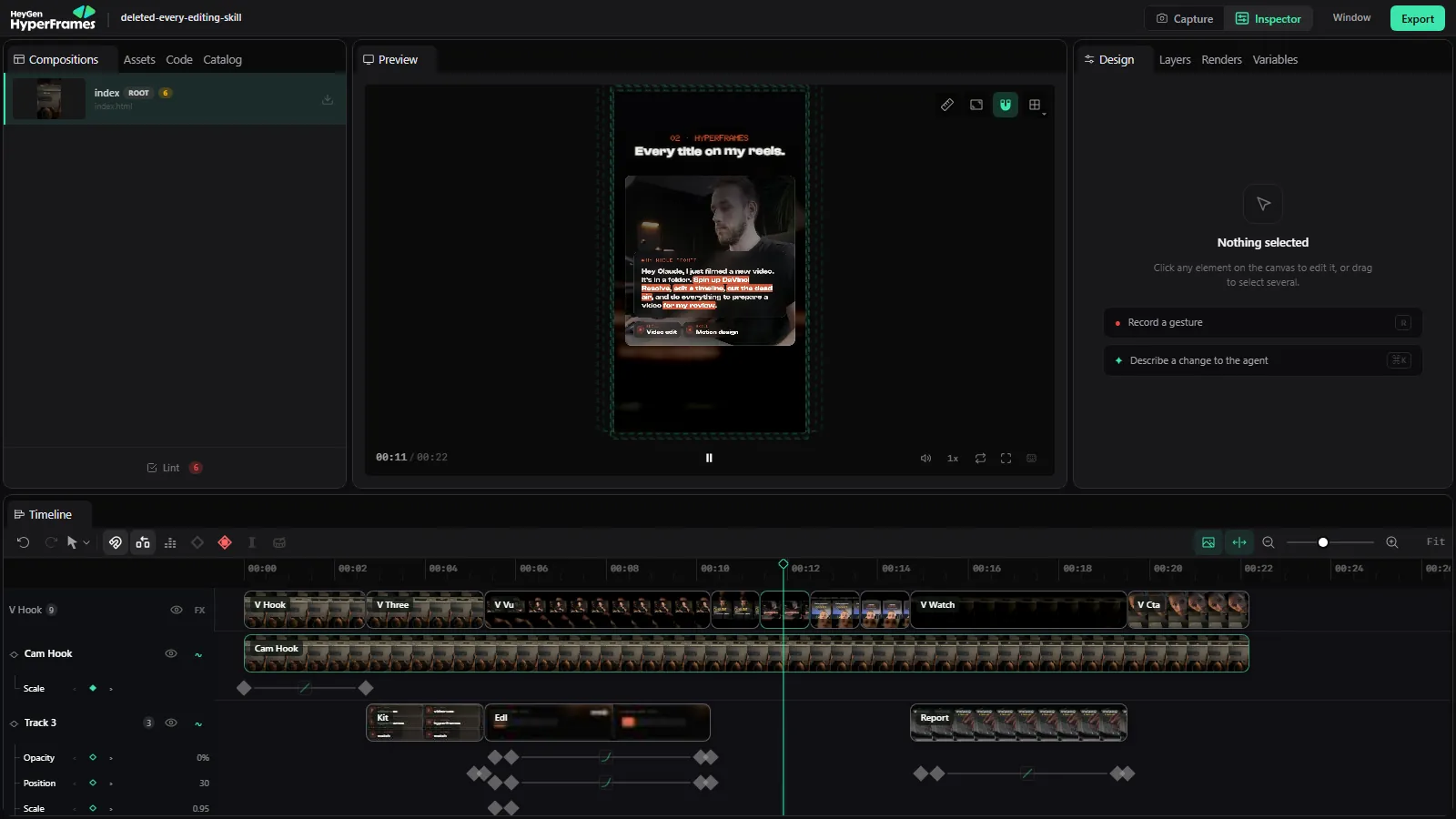
“never render final video, always show in editor for me to confirm”
The agent now stops at a live preview and waits. No final file exists until I say yes.
the ruleNo final render before you approve the cut in the editor.
“perfect, remember this”
I said it when a hook design finally landed. That design became the standard for every reel after it.
the ruleWhen a note lands, say so. “Remember this” turns one good result into the default.
Notes an AI can act on
You do not need to sound like a director. You need to be specific.
- 01Say what is wrong and what you want“claude is too big, highlight should be on editing skills” has both halves in one line.
- 02One note per problemThree problems are three notes. A paragraph gets half fixed.
- 03Point at the momentThe second, the scene number, or a screenshot. “Especially scene 3” is enough.
- 04Say why when it is taste“Better designed” makes it guess. The reason tells it what better means.
At [second], [what is wrong]. I want [what you want instead], because [why].
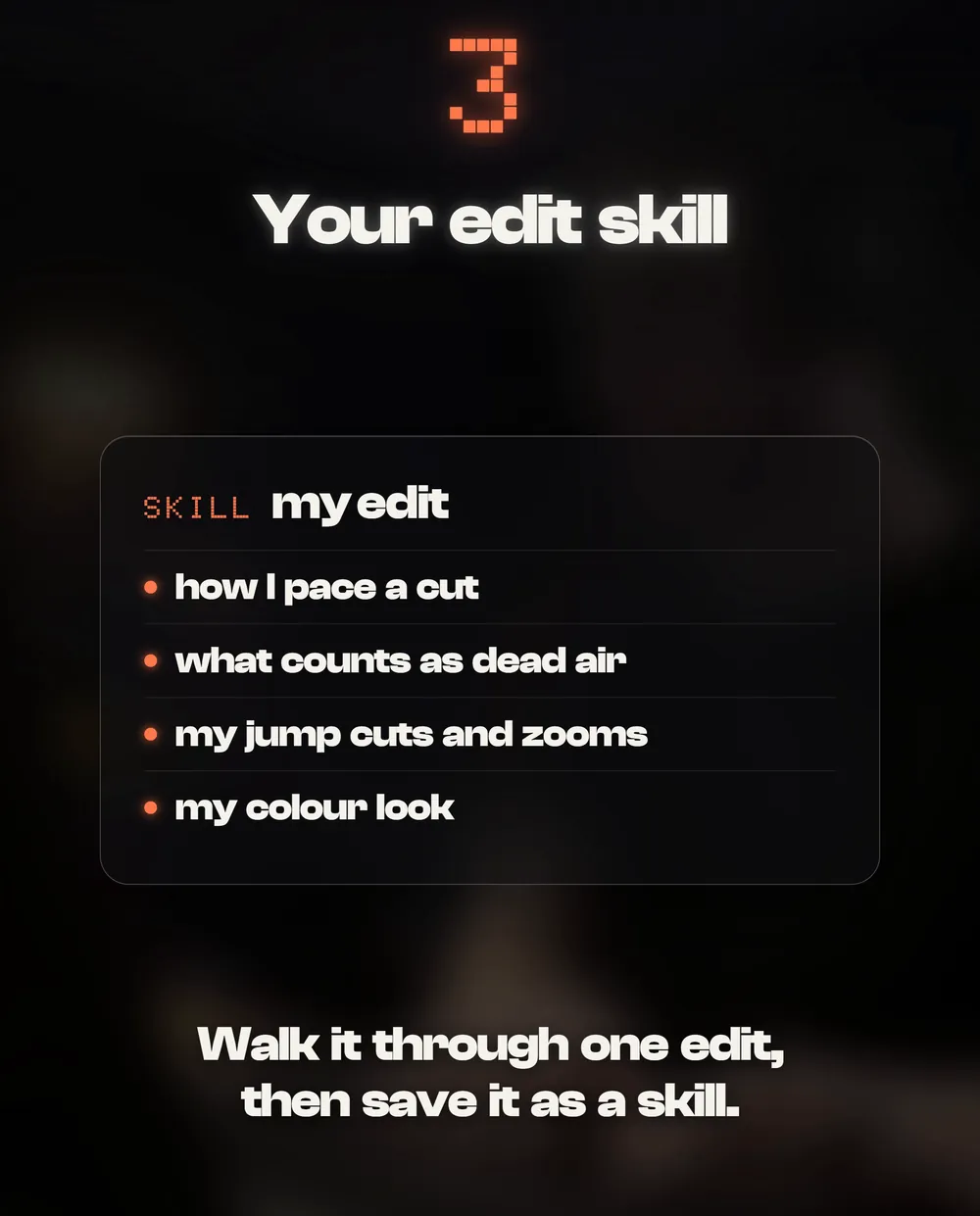
Turn your notes into a skill
A note you give twice is a note you did not save. Keep a feedback log, then make the agent read it before every edit.
- 01Walk through one editLet the agent make a first version. Give your notes like you would give an editor.
- 02Log every noteThree columns: the note, what changed, the rule.
- 03Save the rules as a skillFrom then on the agent starts from your taste, not from zero.
Add that note to my feedback log: what I said, what you changed, and the rule it becomes.
Save these rules as a skill and read it before every edit.
The feedback log
Three columns. One row per note. The first row is one of mine.
Start a feedback log for my edits with three columns: Note, What changed, The rule. Add a row every time I give you a note.
Quick fixes
The new version is not what I meant
Before it changes anything, ask it to say back what your note means. If its reading is off, you fix one sentence instead of a whole version.
It fixed one thing and broke another
Give one note per problem and look after each round. Ask it to list everything it changed since the last version, so you can spot what moved.
It keeps making the same mistake
The note never became a rule. Add it to your feedback log and your skill (steps 10 and 11), and ask it to read the skill before every edit.
I can tell it is off, but not why
Put a reel you love next to yours and ask: “What does this one do in the first second that mine does not?” Then turn the answer into a note.
My note was wrong
That happens. Ask it to check before it changes: measure the clip, compare the frames, and tell you when a note does not match what it sees.
Before you change anything, tell me in one line what you think my note means.
Show me two versions of the hook and wait for my pick.
List everything you changed since the last version.
Read my feedback log before you start this edit.
An independent guide by Luka (@omgluka), made at Engram. Every note here was given on a real reel. Claude is made by Anthropic and is not affiliated with this guide.