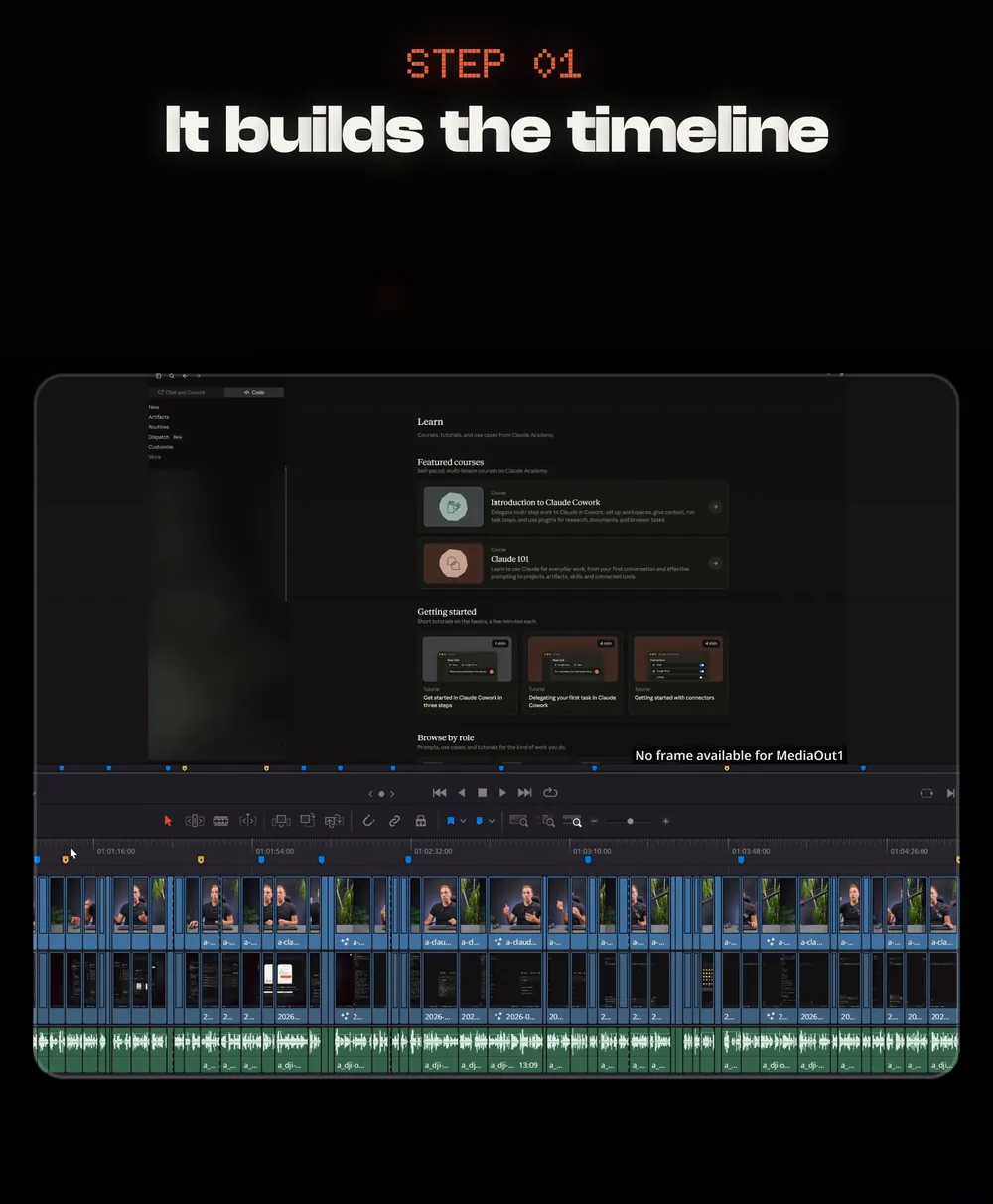
Claude can run a real edit in DaVinci Resolve: it builds the timeline, cuts the dead air and grades the clips, then hands the cut back for my review. This is how I set it up, the prompt I use, and how I give notes.
- An hour of dragging clips before the edit even starts.
- Dead air you cut by hand, again.
- Notes typed in a chat that never land on the right frame.
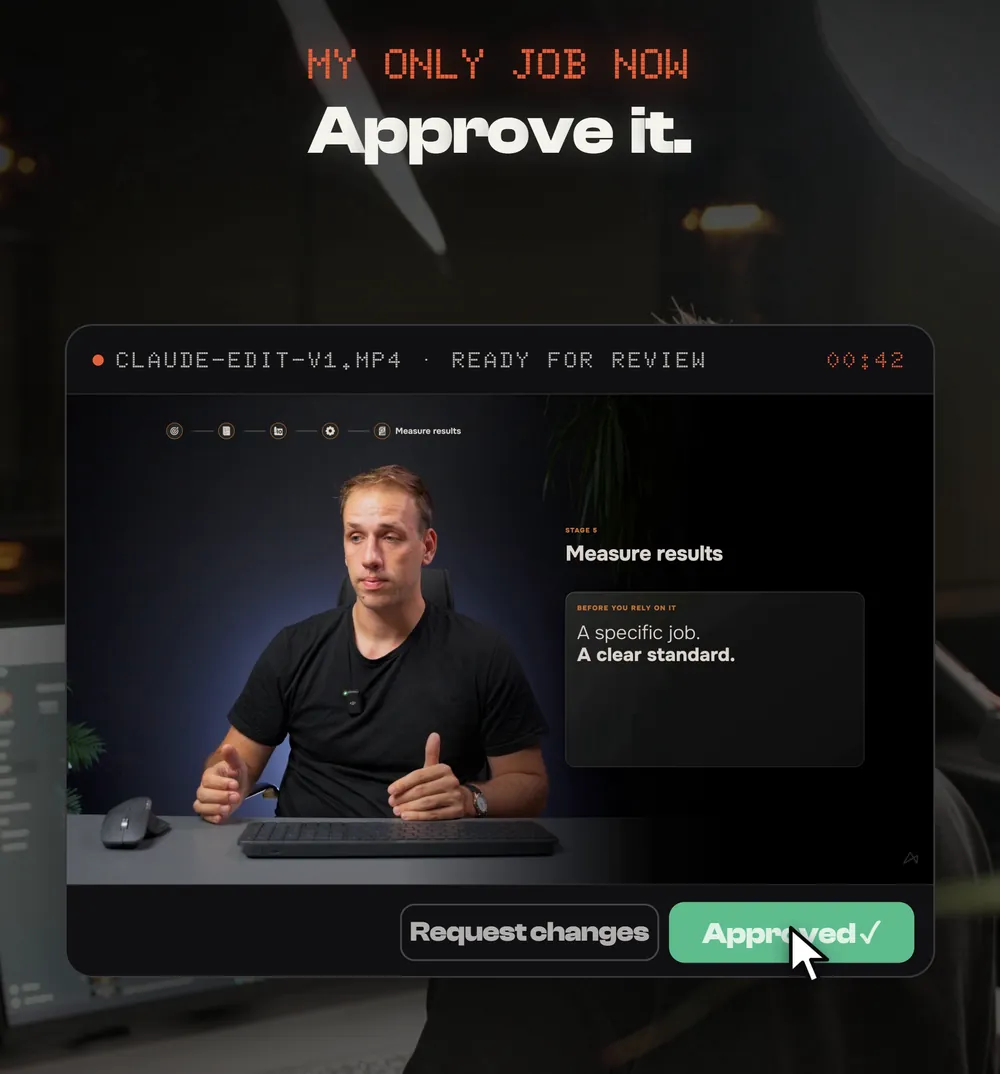
My only job now: approve it.
What you need
Three things. If you already edit in Resolve Studio, you have most of it.
- DaVinci Resolve Studio 21.1Version 21.1 lets Claude work inside Resolve. Studio is the paid version.
- ClaudeThe Claude desktop app is the easiest start. Claude Code gives you more control, and it is what I use every day.
- Your footage in one folderOne folder per video. Claude imports from it, and your source files stay where they are.
Update to Resolve 21.1
This is the only setup. In Resolve: Help, then Check for Updates. Then open Resolve and leave it running: Claude talks to the open app.
Ask Claude to connect
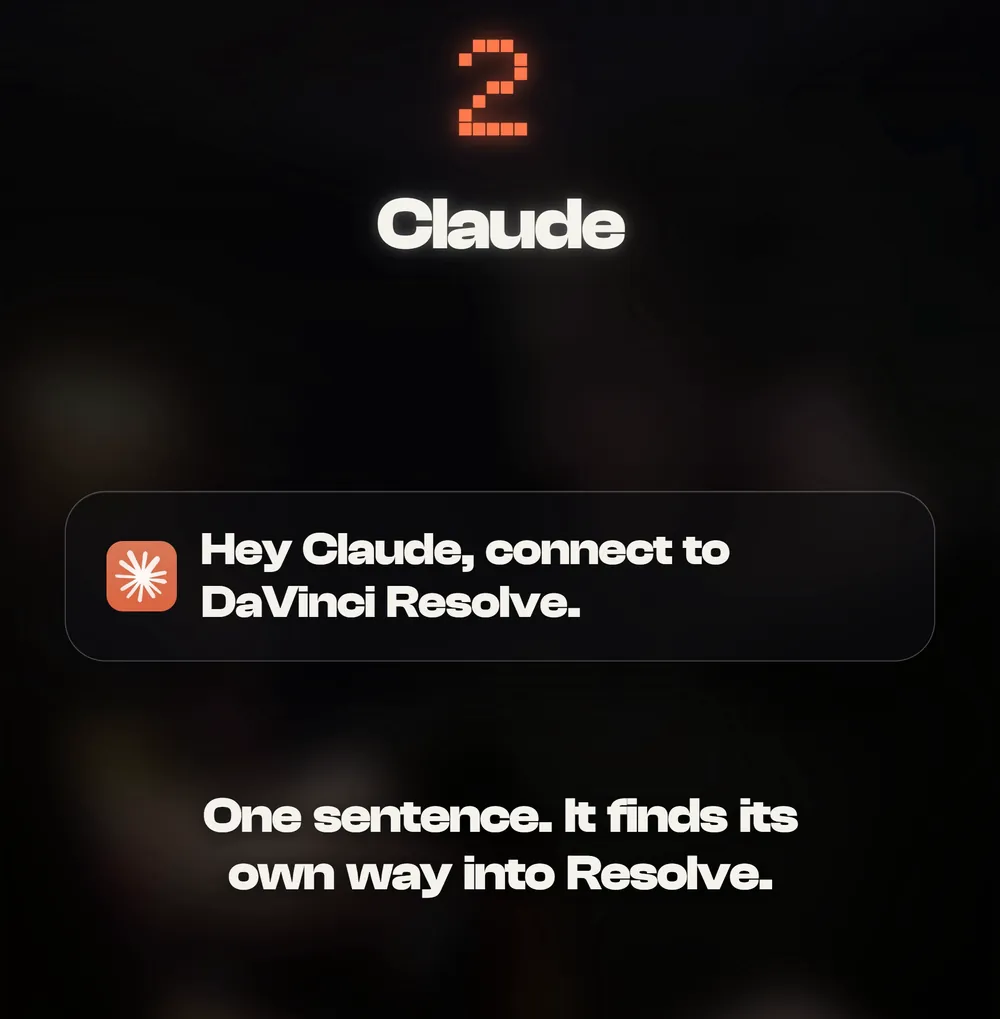
Open Claude and say it in plain words. It finds its own way into Resolve and tells you when it is in.
Hey Claude, connect to DaVinci Resolve.
List my DaVinci Resolve projects.
Send the prompt
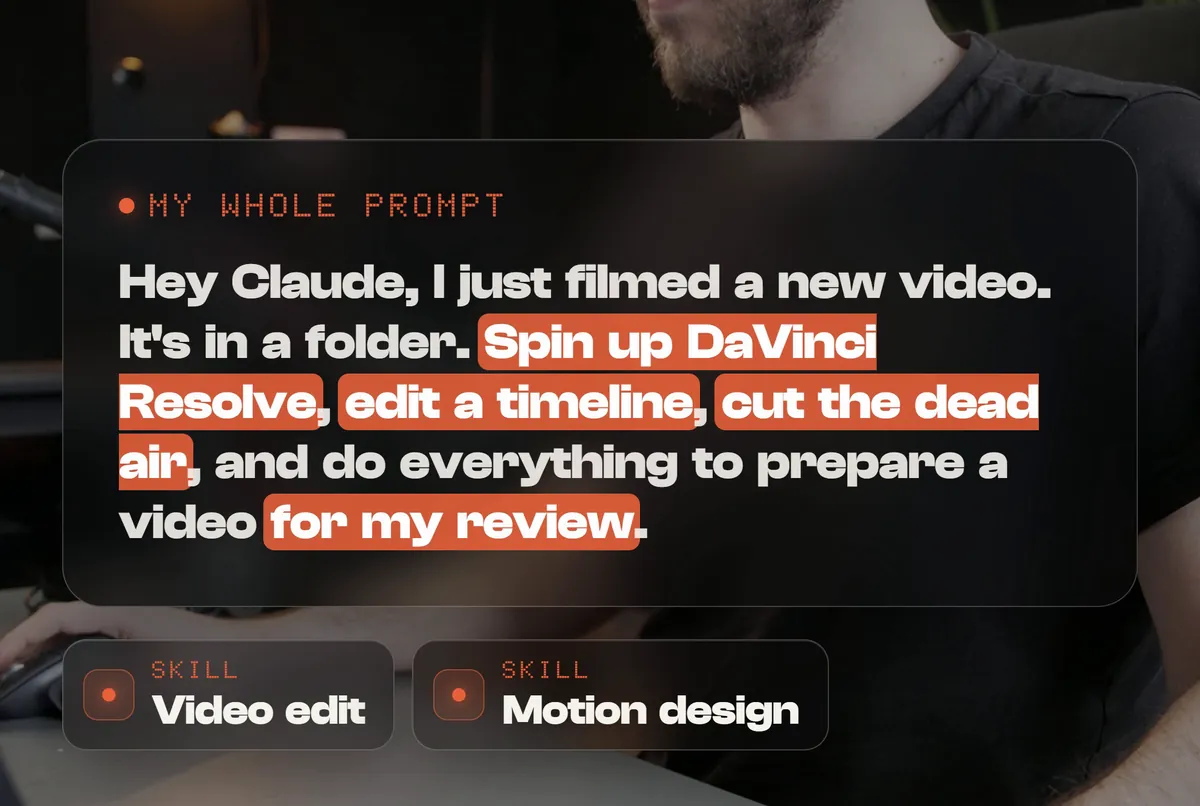
This is the whole prompt from the reel. Talk to Claude like an assistant editor.
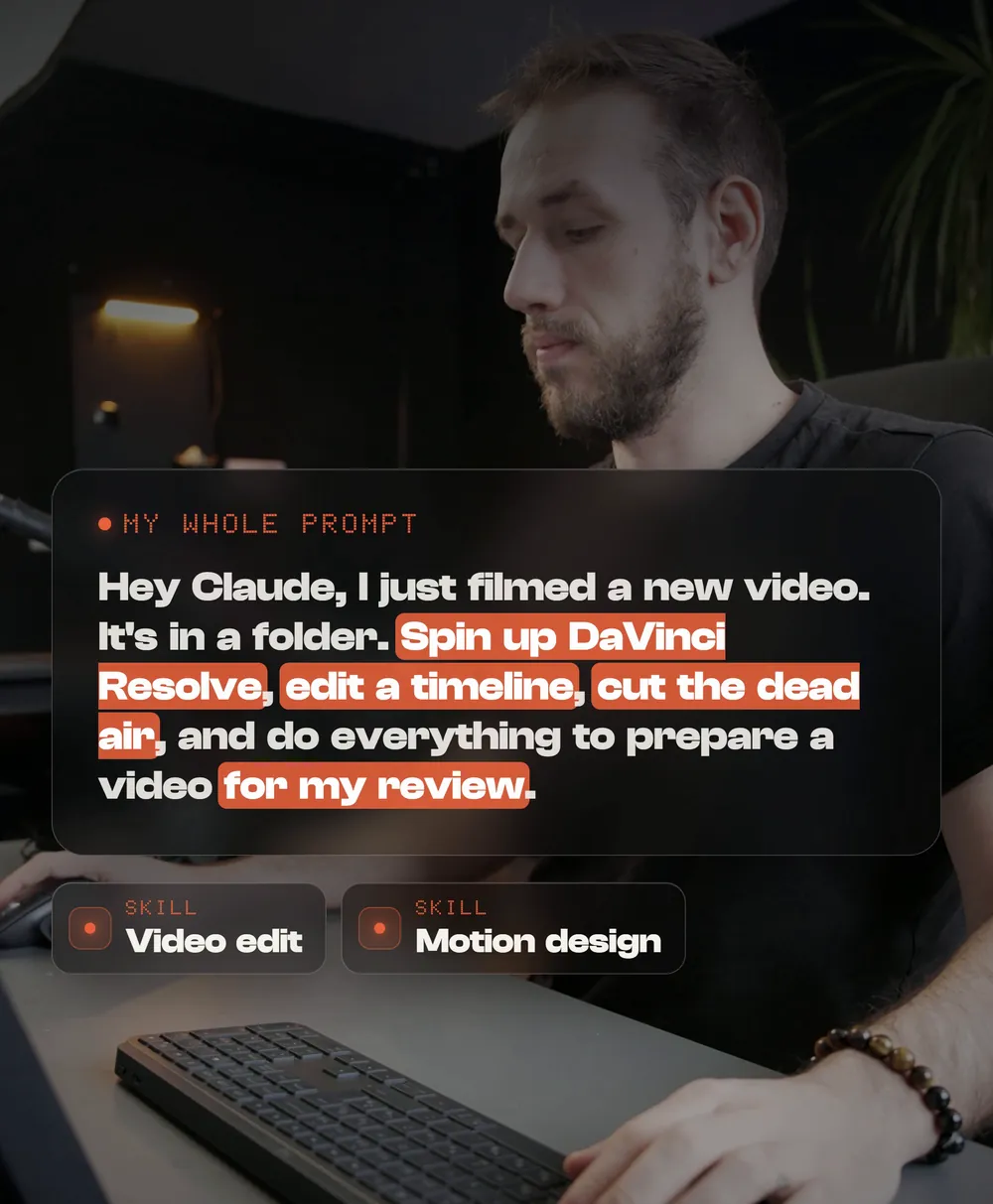
Hey Claude, I just filmed a new video. It’s in a folder. Spin up DaVinci Resolve, edit a timeline, cut the dead air, and do everything to prepare a video for my review.
Want a sharper first cut? Be specific about what to keep and when to stop.
Hey Claude, the clips for today’s video are in [folder]. Open DaVinci Resolve, create a project called [name], build a timeline, cut the dead air and repeated takes but keep natural breaths, grade every clip to match the first one, and add a marker on every cut you were unsure about. Don’t render. Tell me when it’s ready.
Watch it edit
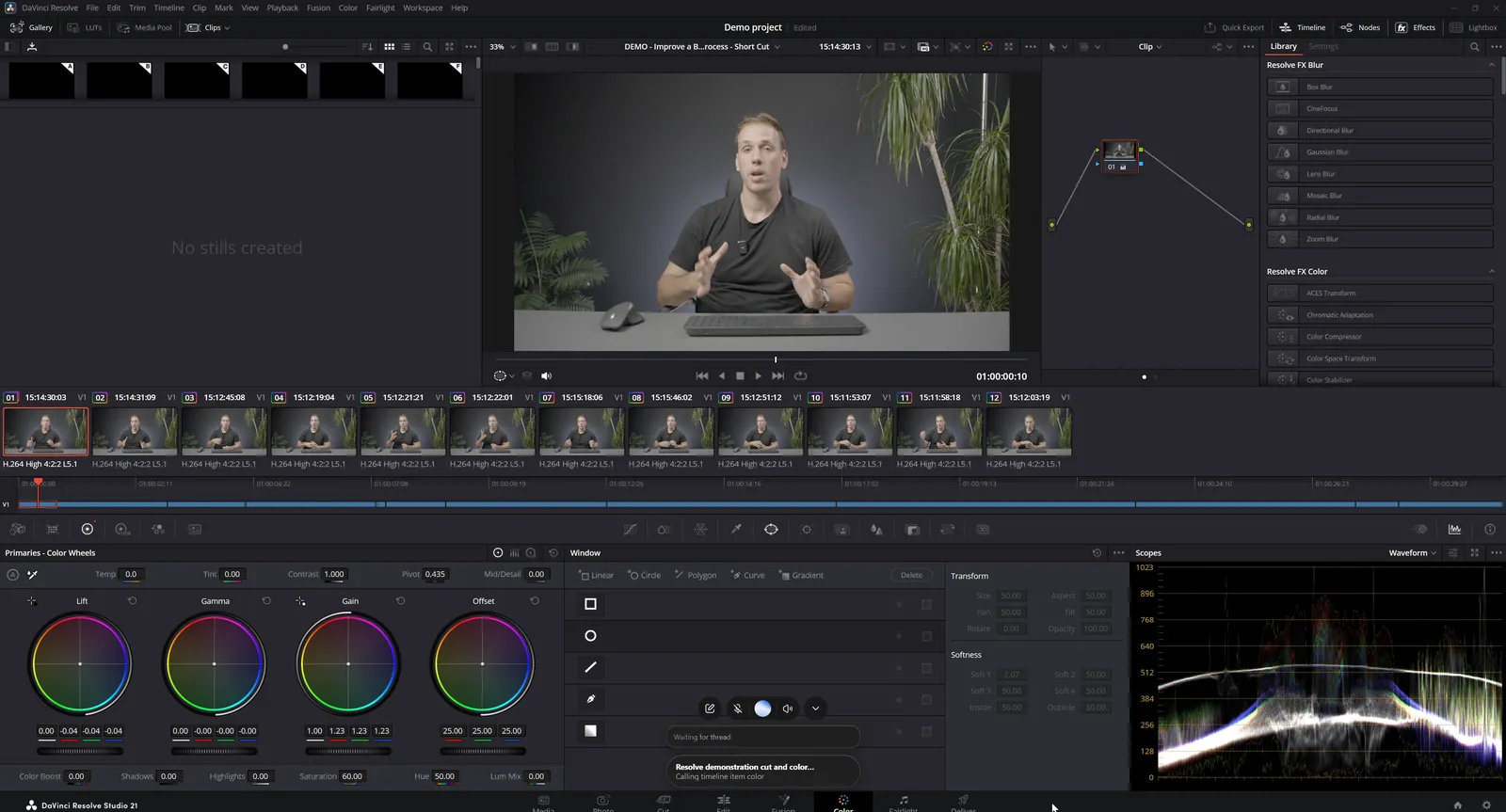
Keep Resolve on screen. On my setup it works in this order.
- 01Imports your folderA new project and bin. Your clips stay where they are on disk.
- 02Reads what you saidTranscribes the takes, so it cuts on sentences, not guesses.
- 03Cuts the dead airDrops silences, false starts and repeated takes, then builds the timeline.
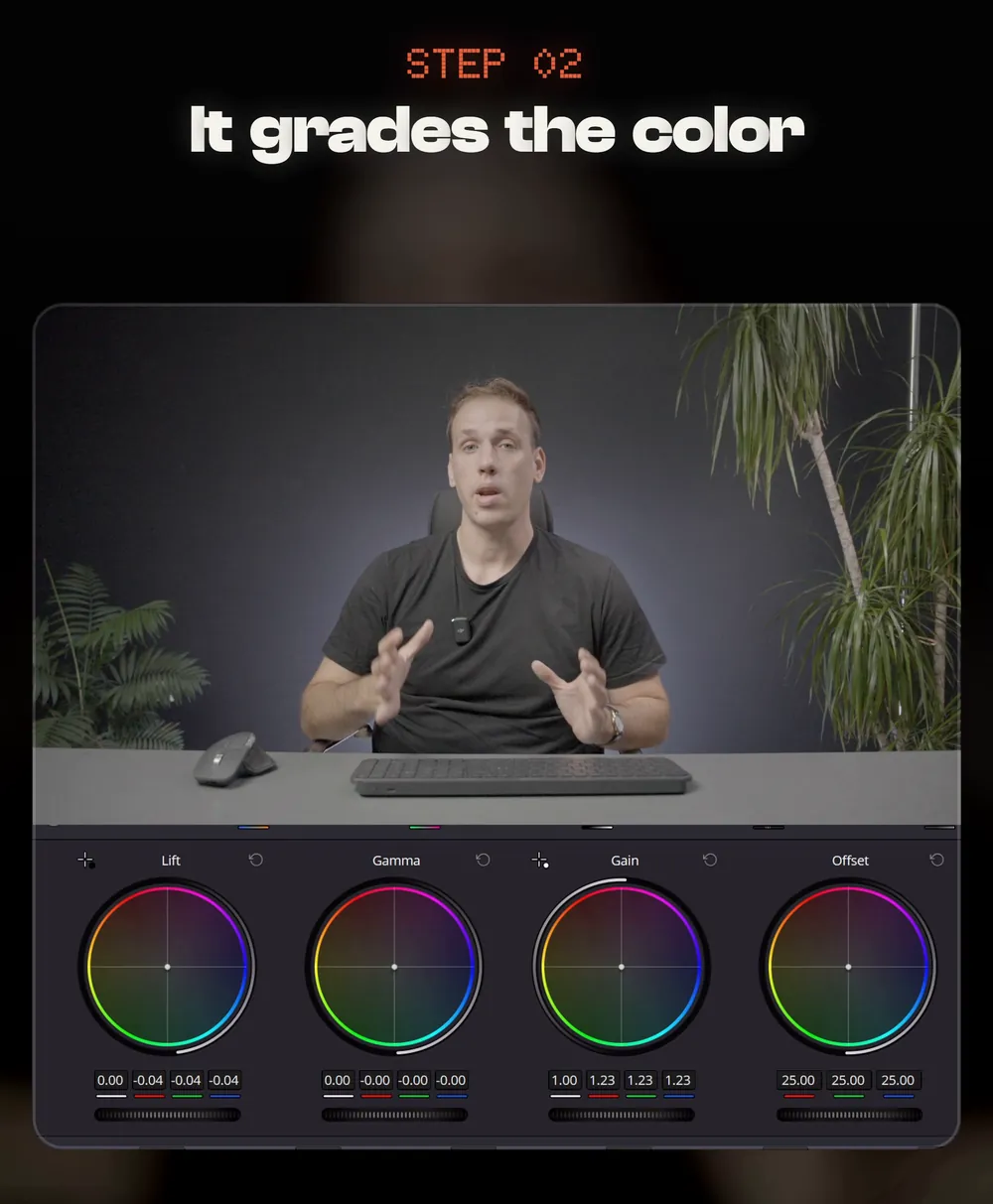
- 04GradesBalances each clip on the Color page and matches them to each other.
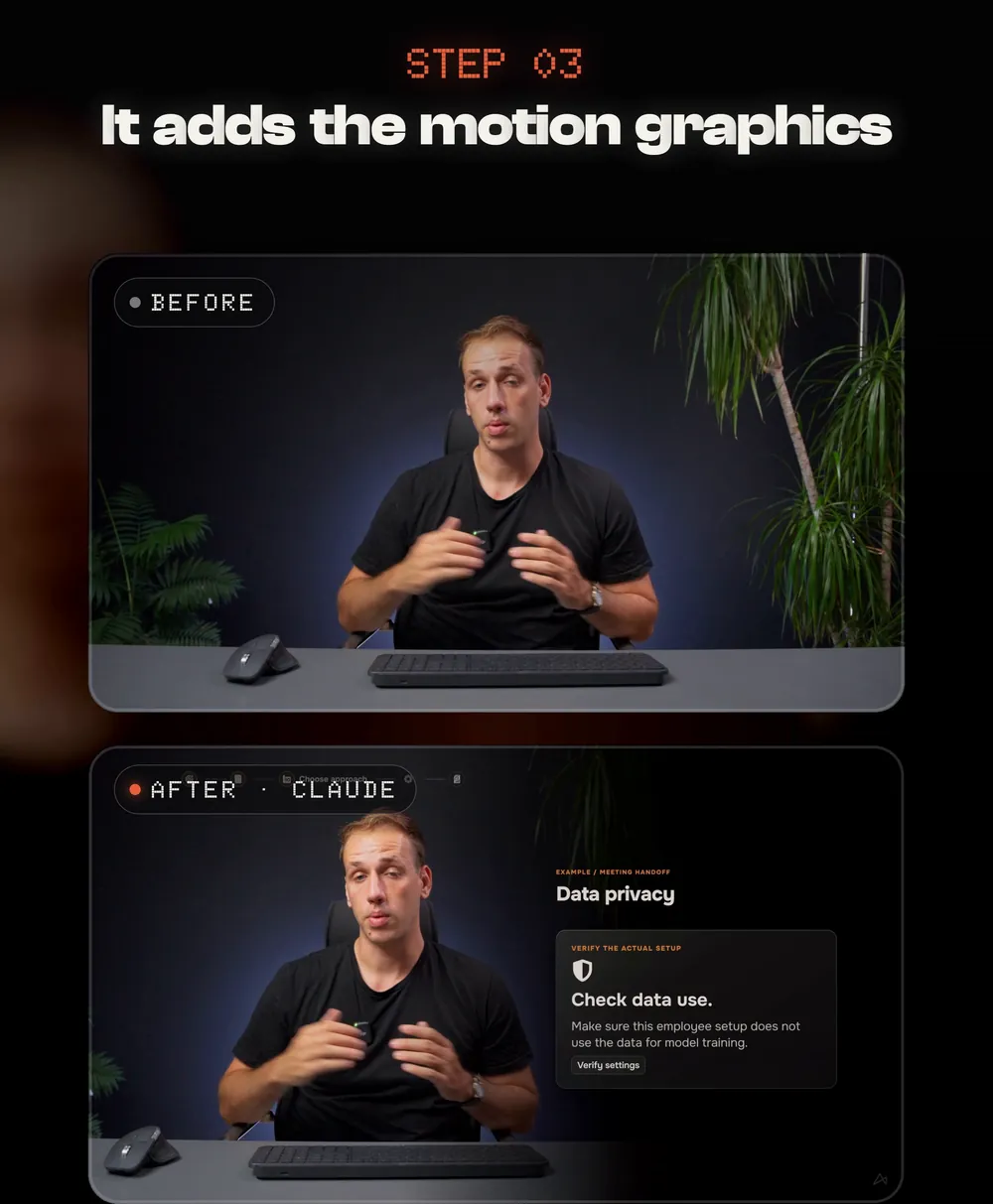
- 05Adds graphics, if you askTitles and motion graphics on a track above your edit.
- 06Marks its decisions and stopsMarkers on anything worth a second look, then it hands the cut back to you.
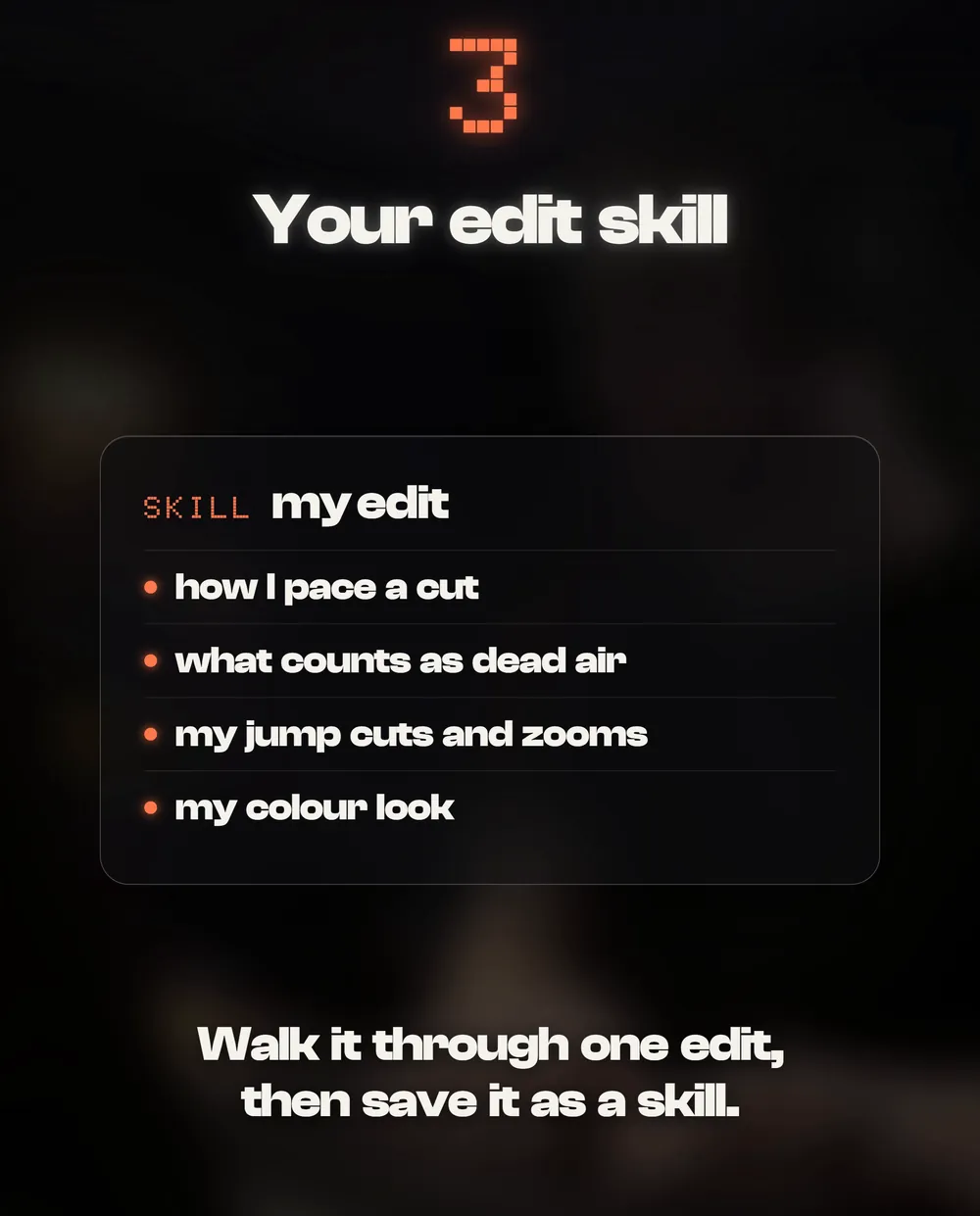
Teach it your style once. Save it as a skill.
This is what makes it yours. A skill is a saved set of instructions Claude loads every time. Without one you get a generic edit. With a video edit skill and a motion design skill, you get your edit.
- How you pace a cut
- What counts as dead air for you
- Your jump cuts, zooms and captions
- Your colour look
- Your fonts and colours
- How titles animate in and out
- Where graphics sit on screen
- What it should never do
Walk Claude through one real edit and give notes while it works, like you would to a junior editor. When the cut is right, save it:
Save everything we just did as a skill called [format] edit: the steps, the rules I gave you, and what a good result looks like, so you can repeat it on the next video.
Review it like a director
Your only job now. One watch, five checks.
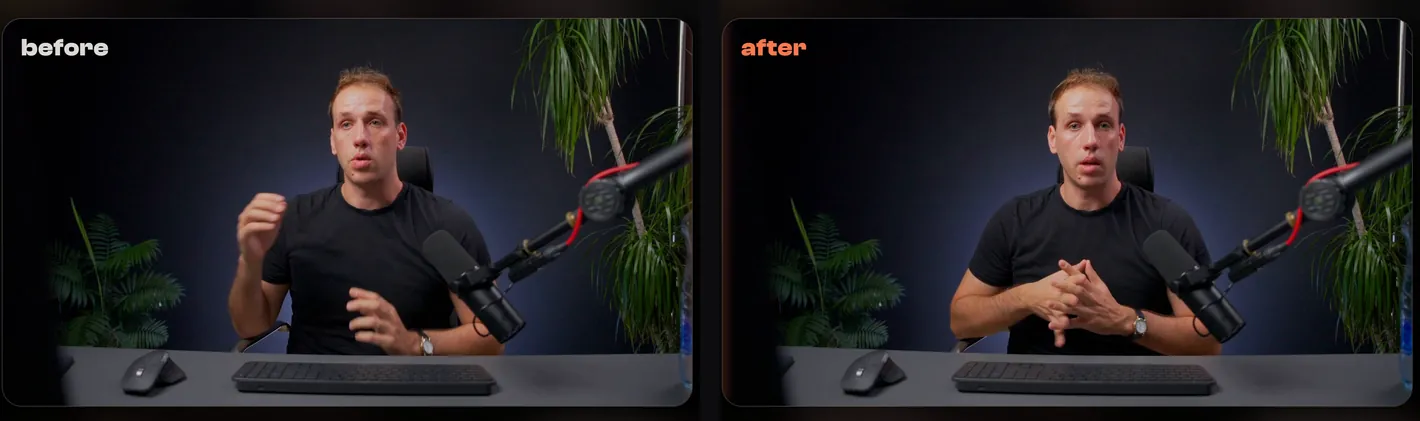
Tighten the intro, make the grade a bit warmer, and keep the take where I laugh.
Leave your notes as markers
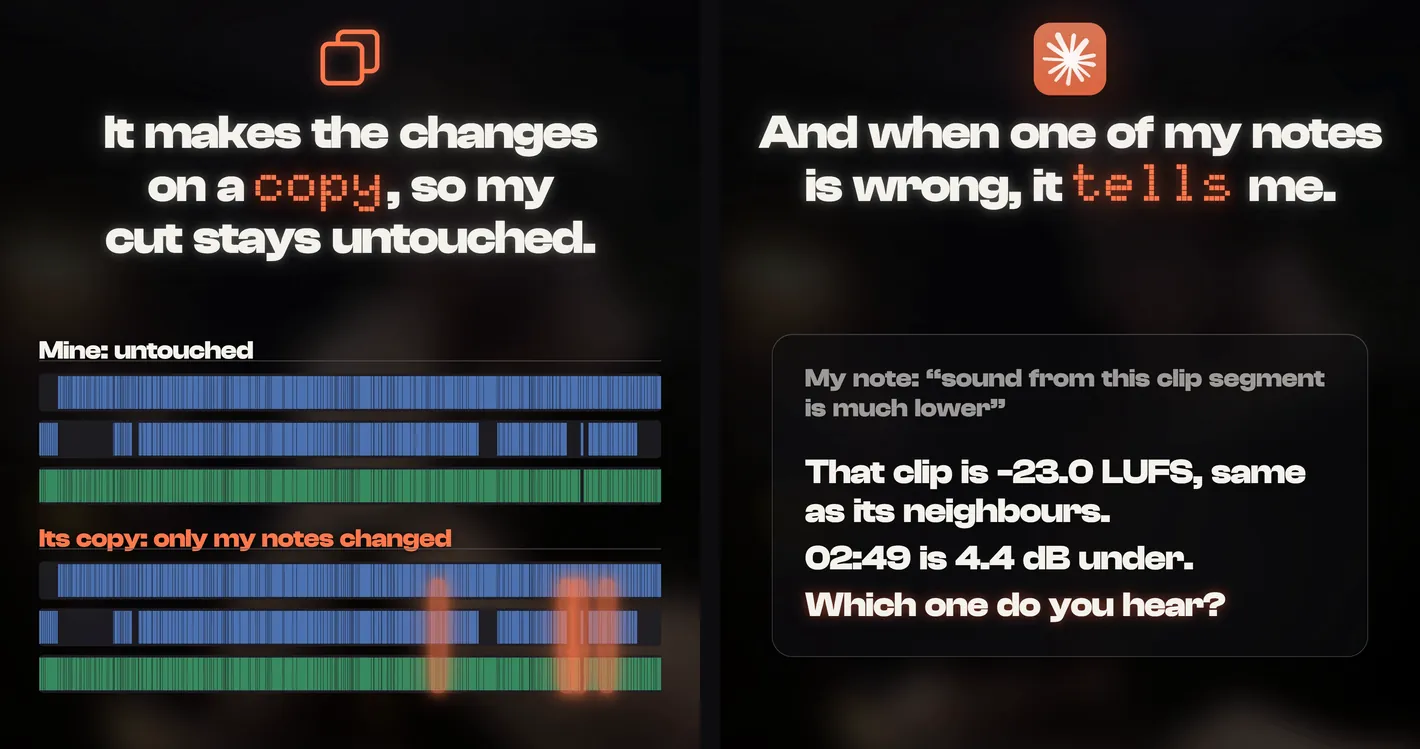
Typing notes in a chat means describing where the problem is. A marker sits on the exact frame, so Claude never has to guess which moment you mean. Watch the cut once, drop a marker wherever you have a comment, type the note into it, and make the fixes red.
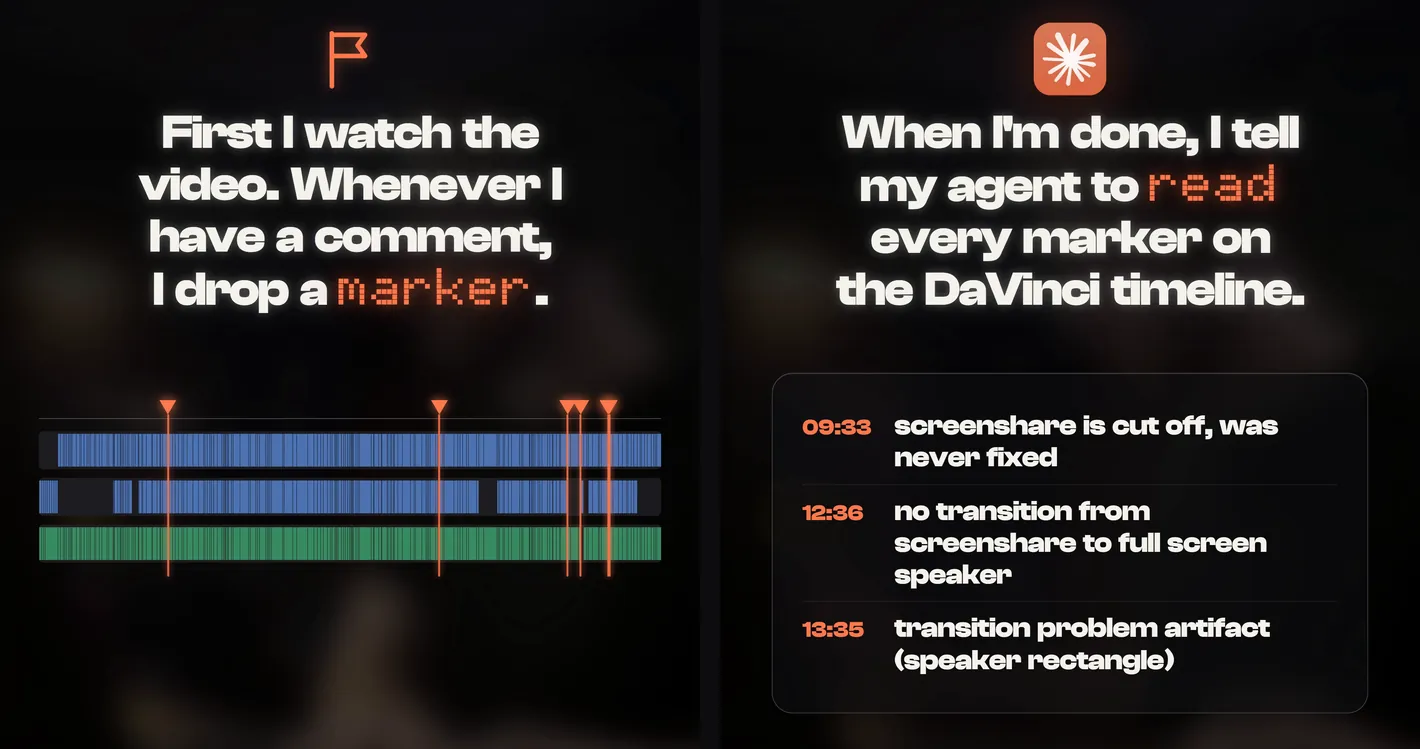
Read every marker on this timeline, timeline markers and clip markers. Make the changes on a duplicate timeline, check each fix on the frames, and tell me which notes you didn’t change and why.
Quick fixes
The first cut is not what I meant
Say what you want in plain words and it edits the same timeline: “start on the second line, keep the take where I laugh, warmer skin.” For a bigger change, ask for it on a duplicate timeline so you can compare.
Claude can’t connect
Make sure Resolve 21.1 is open, then ask Claude what is in the way. It walks you through it. If it mentions a setting, it is Preferences › System › General › External scripting › Local.
I use the free version of Resolve
This guide is for DaVinci Resolve Studio 21.1. Ask Claude what it can do with your version.
I’m nervous about a real project
Ask Claude to work in a new project or on a duplicate timeline. Your source files stay where they are.
It stopped halfway on a long video
Ask it to continue from the last marker, or split the job: timeline first, then colour, then markers.
Cut a 30-second vertical version for Instagram from this timeline, starting on the strongest line.
Put a marker on every jump cut so I can check them one by one.
Match the color of every clip to the clip at the playhead.
Find every place I restarted a sentence and keep only the last take.
Set up a 1080x1920 H.264 render for Instagram and add it to the render queue. Don't start it.
An independent guide by Luka (@omgluka), made at Engram. DaVinci Resolve is a trademark of Blackmagic Design. Claude is made by Anthropic. Neither is affiliated with this guide.