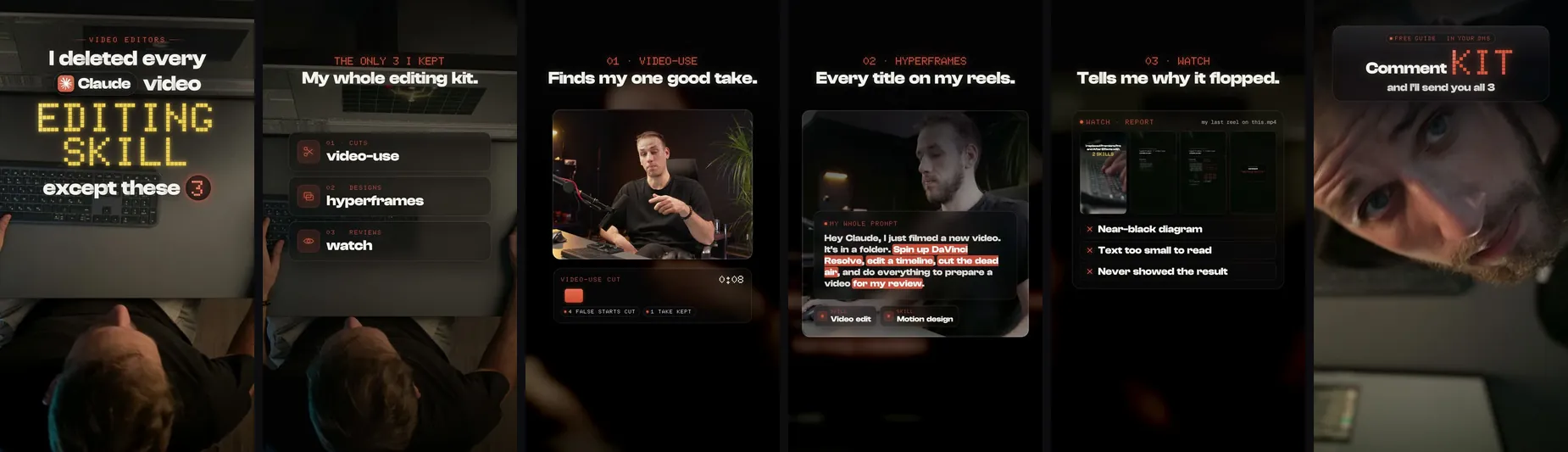
I deleted every Claude skill for video editing except three. Each does one job: video-use finds my one good take, HyperFrames designs every title, watch tells me why a reel flopped. I did not write any of them, and all three are free and open source.
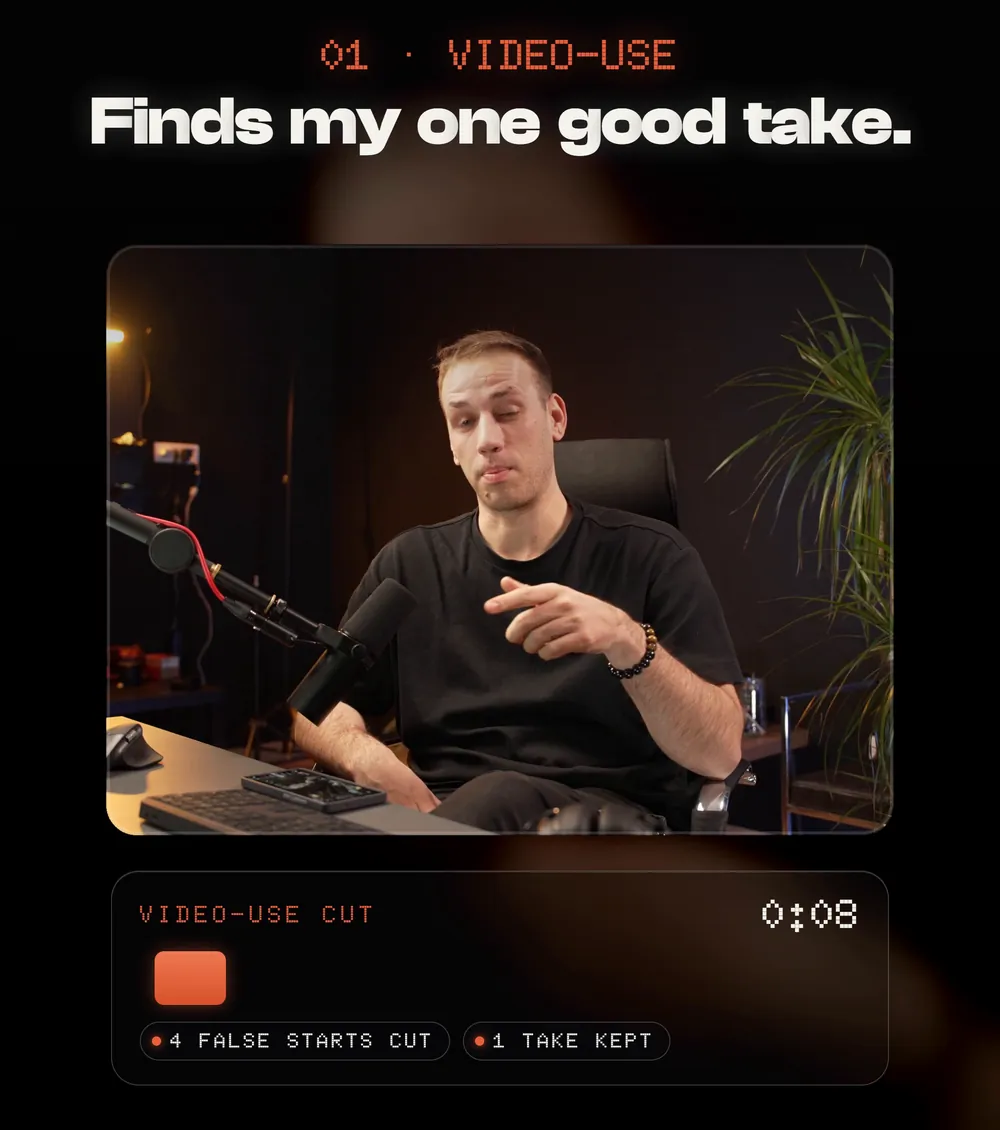
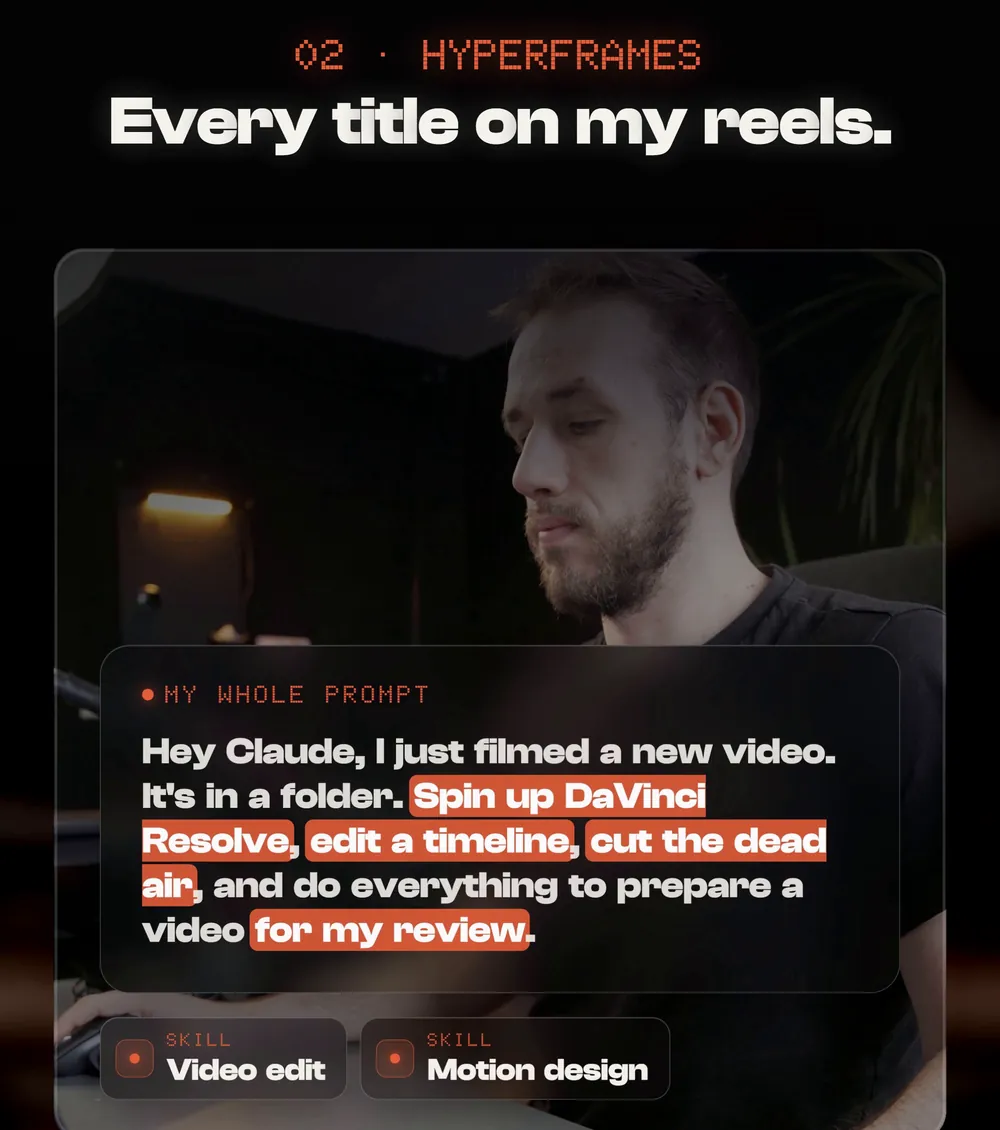
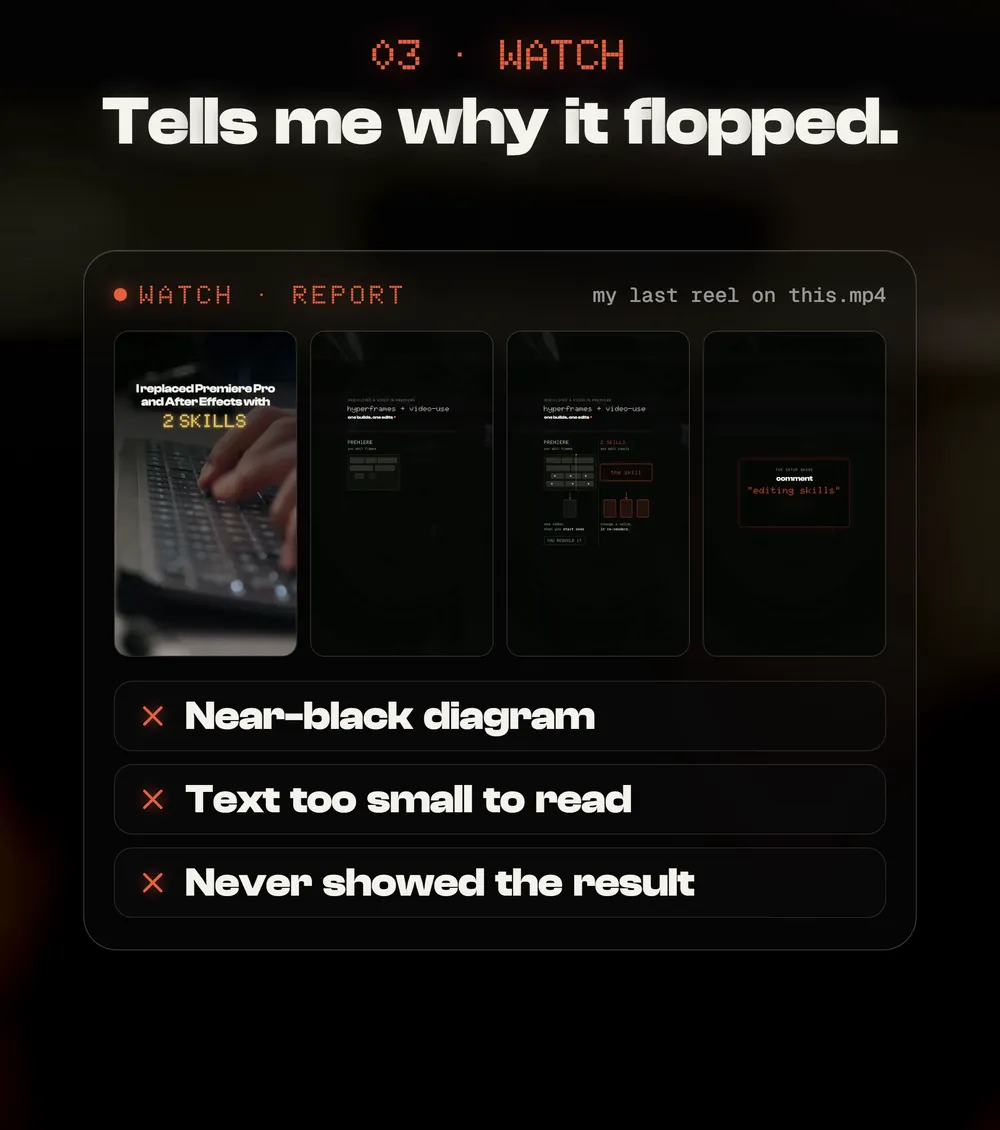
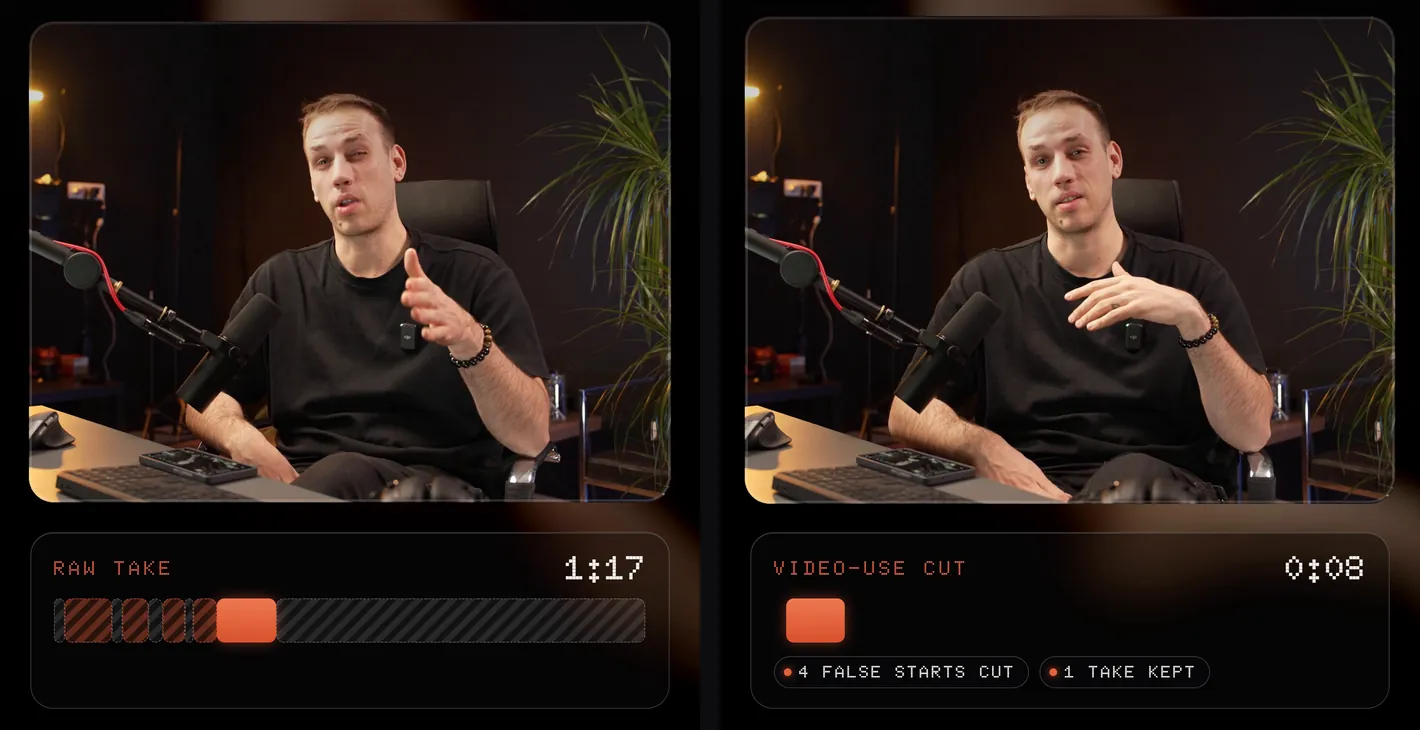
- A minute of raw takes for eight usable seconds.
- Titles that take longer than the edit.
- A reel flops and you never find out why.
The agent edits. You decide what is good.
What you need
If you can tell an editor what you want, you can do this.
- Claude CodeClaude that can work on your computer. It installs and runs all three for you.
- A folder of raw takesStraight off the camera or the phone, false starts and all. That is what video-use is for.
- An ElevenLabs API keyvideo-use transcribes your takes with it. Get one at elevenlabs.io under Settings, API keys.
- Node.js 22 and FFmpegThe tools underneath. If they are missing, Claude tells you and installs them.
Install the 3 I kept
One is a prompt, the other two are two lines each. In the order you use them:
- Reads a transcript of every take, keeps your best one and cuts the false starts and the dead air
- Shows you its plan and waits for your OK before it cuts
- Transcribes with ElevenLabs, so it asks for an ElevenLabs API key once
- Free and open source, by HeyGen
- Claude writes your titles as a web page, you play them live, then it renders the video up to 4K
- Lets Claude watch a video: a frame for every cut, the transcript, a close look at the first 10 seconds
- By Taoufik, built on claude-video by Bradley Bonanno
Set up github.com/browser-use/video-use for me. Read install.md first, install it, wire up ffmpeg, register the skill, and ask me for my ElevenLabs API key when you need it. Then tell me it is ready and wait for my footage.
/plugin marketplace add heygen-com/hyperframes/plugin install hyperframes@hyperframesHyperFrames, the official Claude Code plugin.
/plugin marketplace add taoufik123-collab/claude-watch/plugin install watch@claude-watchwatch. Then /watch works anywhere.
Cut the raw takes
Open Claude Code in the folder with your takes. Ask for the cut, and ask to see the plan first: that is where a change costs one sentence.
Edit the raw takes in this folder into one clean clip. Keep my best take of each line, cut the false starts and the dead air, and show me your plan before you cut anything.
 0:01 · stops short
You probably know you can ask AI to tell you anything, but did you know you can...
 0:09 · other words
Did you know you can tell it to do things on your browser?
 0:14 · other words
You probably know you can ask AI to do anything.
 0:18 · stops short
You probably know you can ask AI to tell you anything.
 0:21 · kept
You probably know you can ask AI to tell you anything, but did you know you can tell AI to do anything on your browser now?
Put the titles on
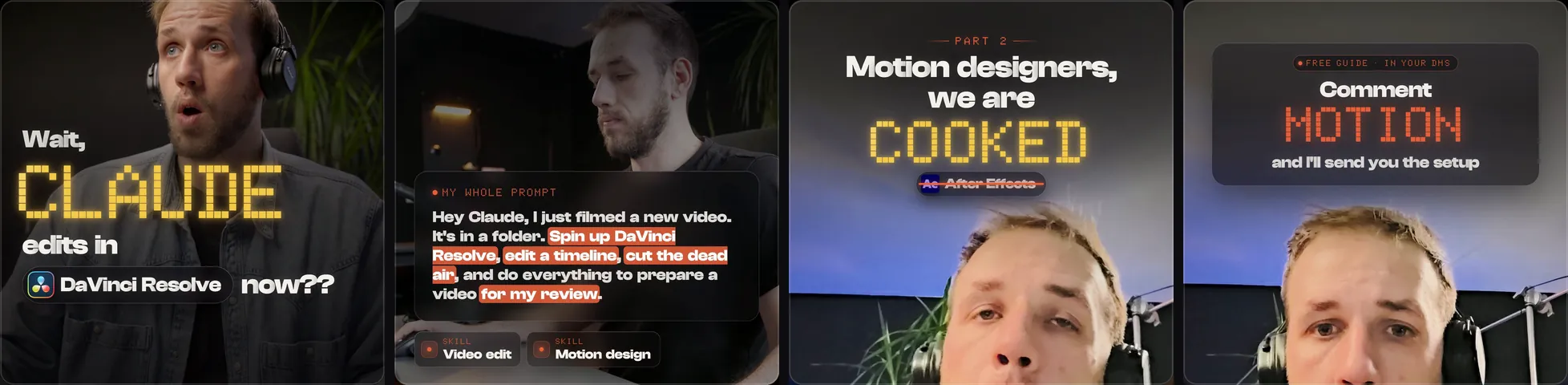
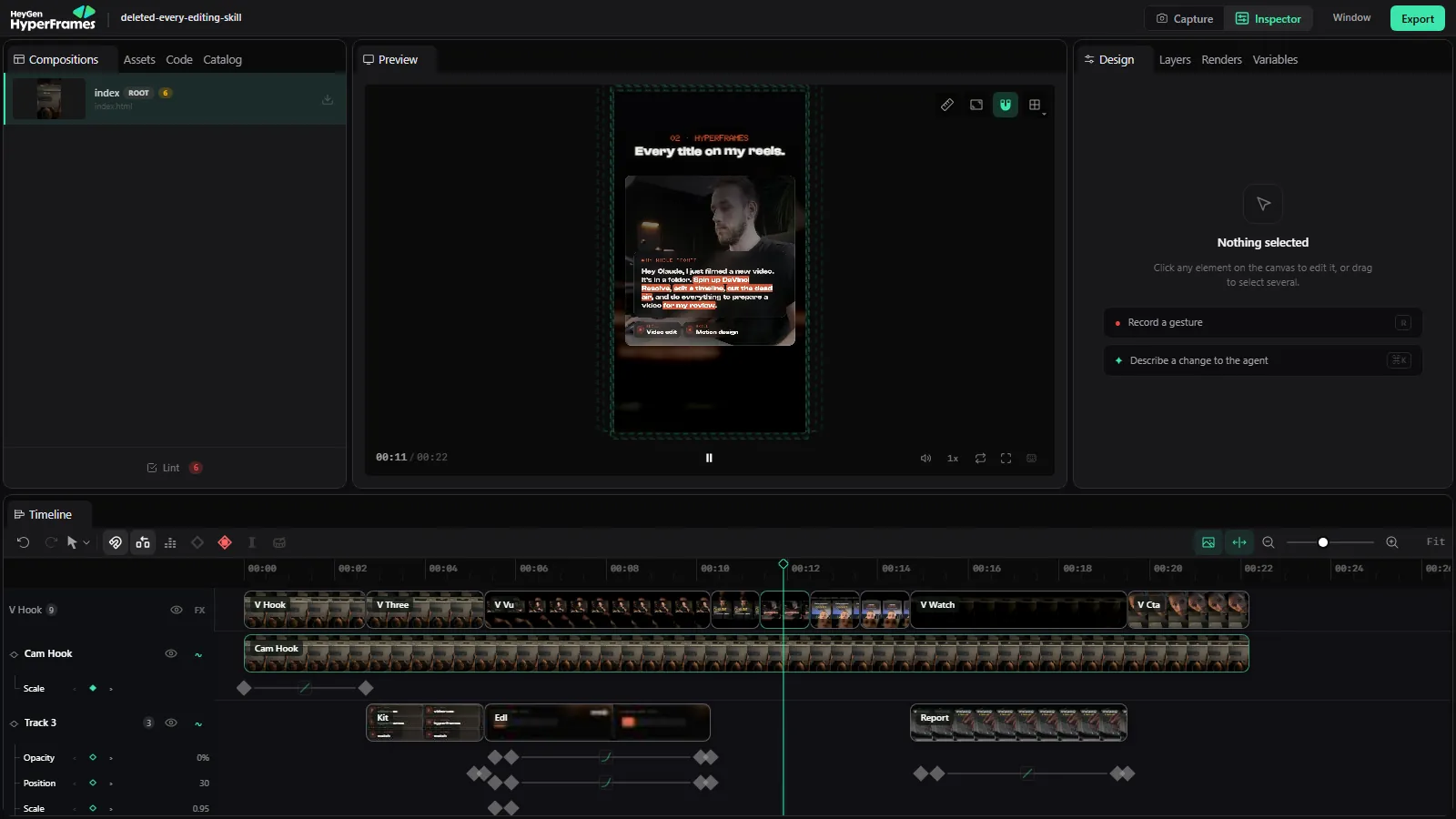
HyperFrames designs the hook, the titles and the call to action on top of your cut. Give it your look, and ask to see it before it renders.
Put titles on edit/final.mp4 with HyperFrames: a hook title for the first two seconds, one short title per point, and a comment call to action at the end. Use my fonts and colours, keep the text clear of Instagram’s buttons, and open it in the Studio before you render.
Review it with watch
watch pulls the frames and the transcript, so Claude can see the reel the way a viewer does. Point it at your last reel and ask a real question.
/watch [link to your reel] Why did people swipe away in the first 3 seconds? Check the text size, the contrast, and whether I show the finished result.
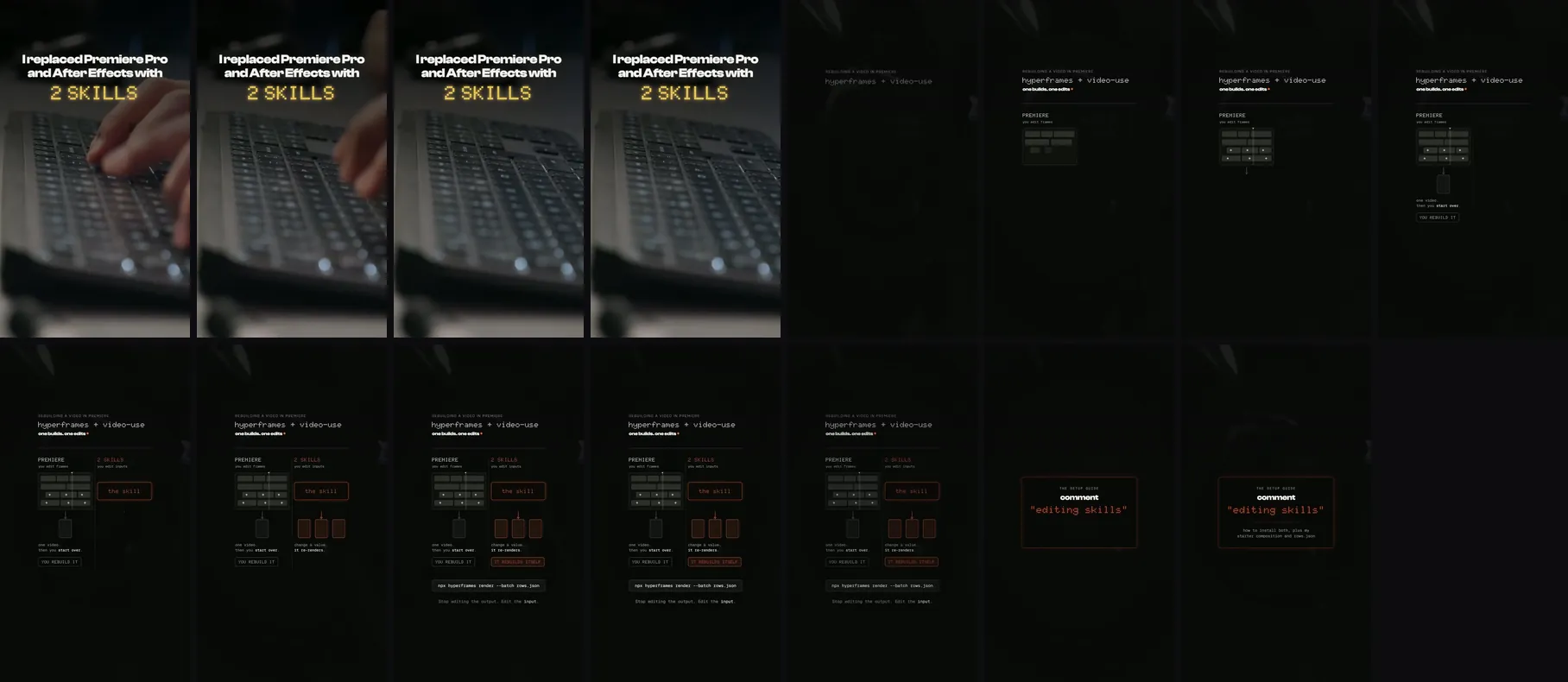
- Near-black diagram
- Text too small to read
- Never showed the result
Chain them
Each one is good alone. Together they are an editor that learns from your numbers.
- 01watchYour last reel, or a winner in your niche. What made people stay, and where they left.
- 02video-useCut the new takes with those notes. Best takes, no dead air.
- 03HyperFramesThe hook, the titles and the call to action, on top of the cut.
- 04watch againOn your own export, before you post. Fix what it flags.
/watch edit/final.mp4 Would you keep watching after the first second? What would you change before I post?
Approved. Render it in 4K vertical: 2160 x 3840, 30 fps, MP4.
Give notes. Then save it as a skill.
Give notes like you would give an editor: one at a time, with the second it happens. Then save what you did, so the next edit starts there.
At 0:01, the hook is too slow: start on the second line. Make the titles bigger. End on the punchline, no tail.
Save everything we just did as a skill called [my reel edit]: which tool does what, the order, my notes, and what a good result looks like.
Quick fixes
The first cut is not what I meant
Fix it in the plan, before anything is cut. Say which take you want and why: “use the second take of the hook, it has more energy, and keep the pause before the punchline.”
Transcription fails with “payment required”
video-use transcribes with ElevenLabs, and your ElevenLabs plan has an unpaid invoice or no credits left. Sort out the plan, then run it again.
Windows: the auto colour grade crashes
Ask for a named grade instead of auto: “use the subtle grade” (or warm_cinematic, or neutral_punch).
Windows: burned subtitles crash
Skip subtitles in video-use and let HyperFrames add the captions. They look better there anyway.
watch gives frames but no transcript
The video has no captions. When it asks, add a Groq key (or an OpenAI key) and it transcribes the audio itself.
The titles look generic
Give it your fonts, your colours and two reels you love before it designs anything, then save that in your skill (step 06).
Find the three best 20-second moments in this long video and cut each into a vertical clip. Show me the plan first.
Add word-by-word captions that sit above Instagram's caption area, in my fonts.
/watch [a reel that did well in my niche] What happens in the first second, and how fast are the cuts?
Design three versions of the hook title and show me all three before you pick one.
An independent guide by Luka (@omgluka), made at Engram. video-use is an open-source project by Browser Use. HyperFrames is an open-source project by HeyGen. watch (claude-watch) is by Taoufik, built on claude-video by Bradley Bonanno. ElevenLabs transcribes for video-use. Claude is made by Anthropic. None are affiliated with this guide.