I deleted every motion design skill except three. Models are good at motion design now, and a skill that dictates every move holds them back. These three teach the tools and leave the design to the model.
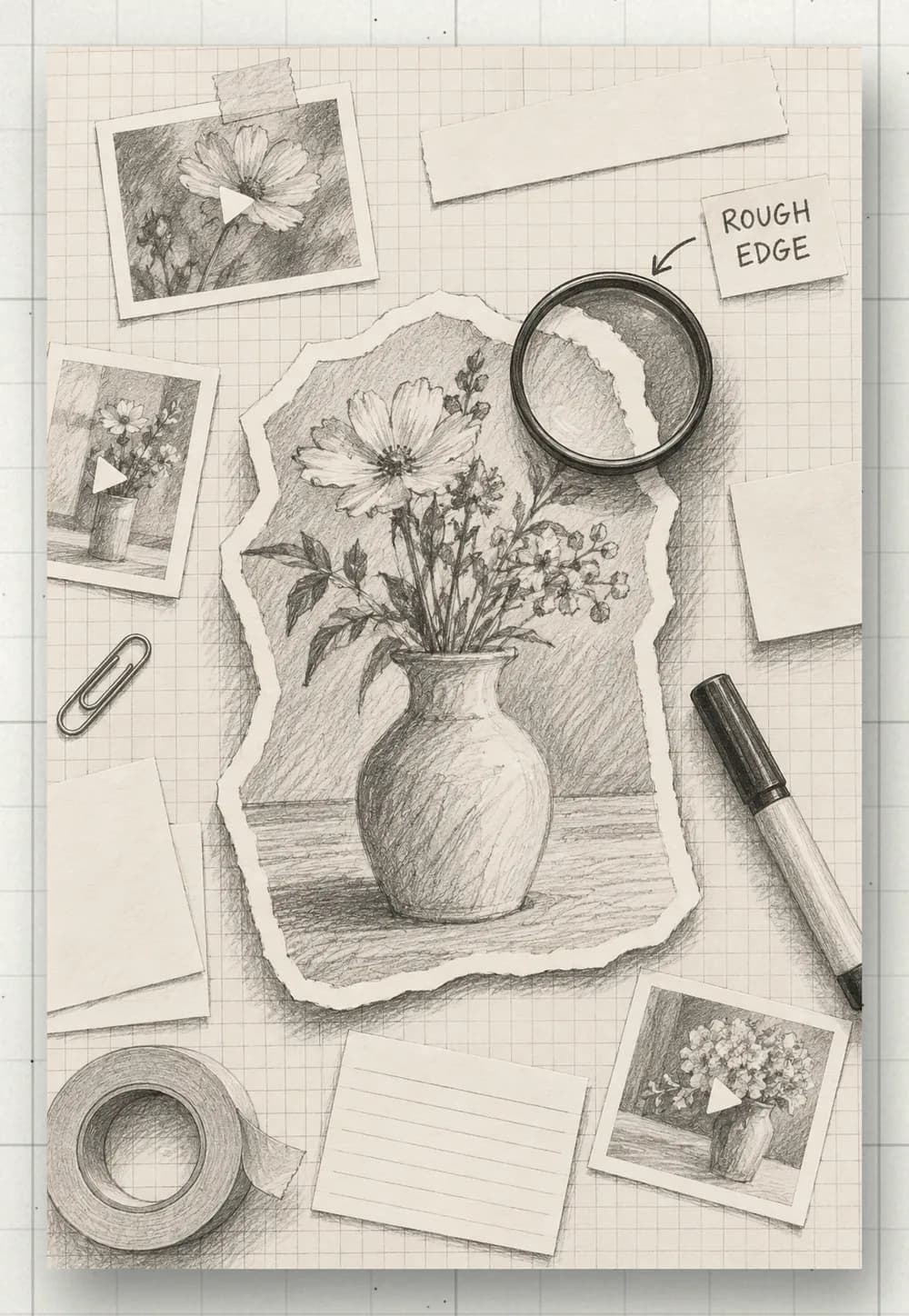
- Hours in After Effects for one title card.
- AI motion that looks like everyone else’s.
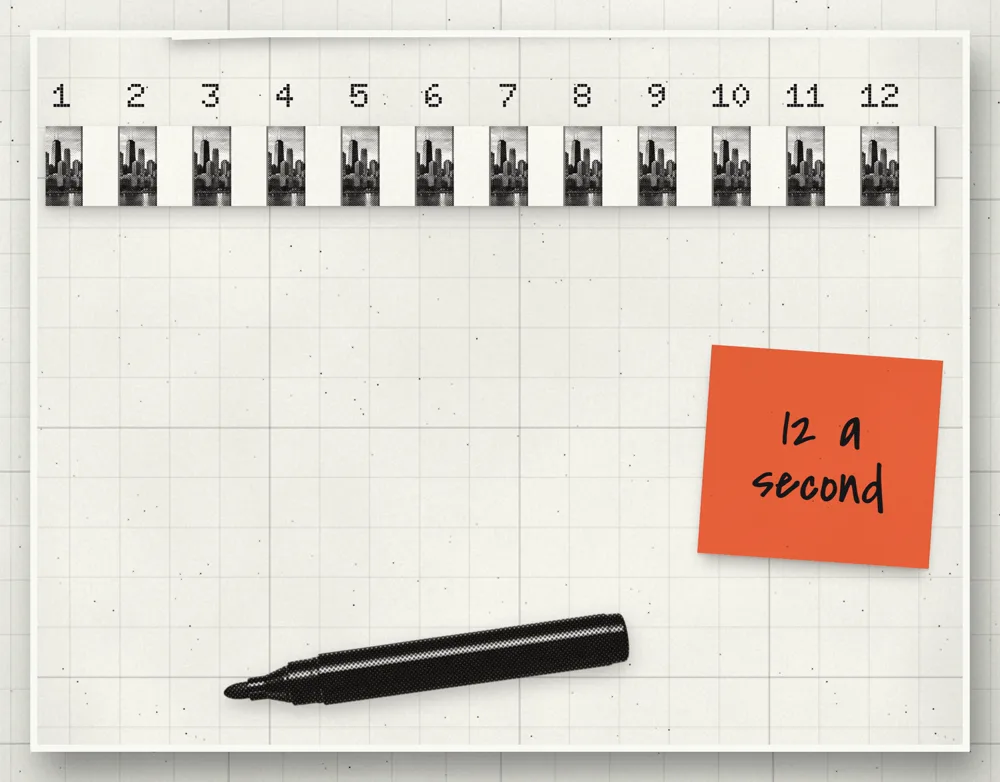
- A prompt that worked once and never again.
Teach the tool, sketch the idea, leave the design to the model.
What you need
Less than you think. If you can write a brief, you can do this.
- Claude CodeClaude that can work on your computer. It installs and runs everything for you.
- Your footage, or one ideaA video you filmed, or a single point you want to explain. Clear ideas make clean graphics.
- Your lookYour fonts, your colours, and two or three motion graphics you love. References, not rules.
Cut the video first
Motion lands best on a finished edit. Cut the raw footage first, then build the graphics on the cut, timed to what is said.
Here is my raw footage. Keep the best takes, cut the retakes and the dead air, and give me the cut with a word-level transcript: every word and the second it starts.
- 0.15Long
- 0.39before
- 0.79I
- 0.89started
- 1.31working
- 1.69with
- 1.99AI
- 2.37agents,
Install the 3 I kept
Two are free tools, one is a habit. In the order you use them:
- Before anything moves, Claude sketches every scene in an HTML storyboard
- You fix the idea on paper, not in motion
- Then it animates each scene from its sketch
- Made by the GSAP team
- Teaches Claude the animation library itself: timelines, easing, stagger
- Free and open source, by HeyGen
- A web page becomes the video, rendered up to 4K
Install the official GSAP skills from github.com/greensock/gsap-skills and the HyperFrames skills from github.com/heygen-com/hyperframes. Before you animate anything, sketch every scene in an HTML storyboard and wait for my approval.
Brief it, then approve the storyboard
One idea, the length, your look. Brief it like a client would brief you, and ask for the storyboard before any animation.
Before you sketch, show me three references for the look (stills, type, colours) and wait for my pick.
Make a 20-second vertical (9:16) motion graphic that explains how every post trains the next one. Use my fonts and colours. Sketch every scene in HTML and give me the storyboard to approve: one pencil sketch per scene, with its line under it. Then animate each scene from its sketch and render it in 4K.
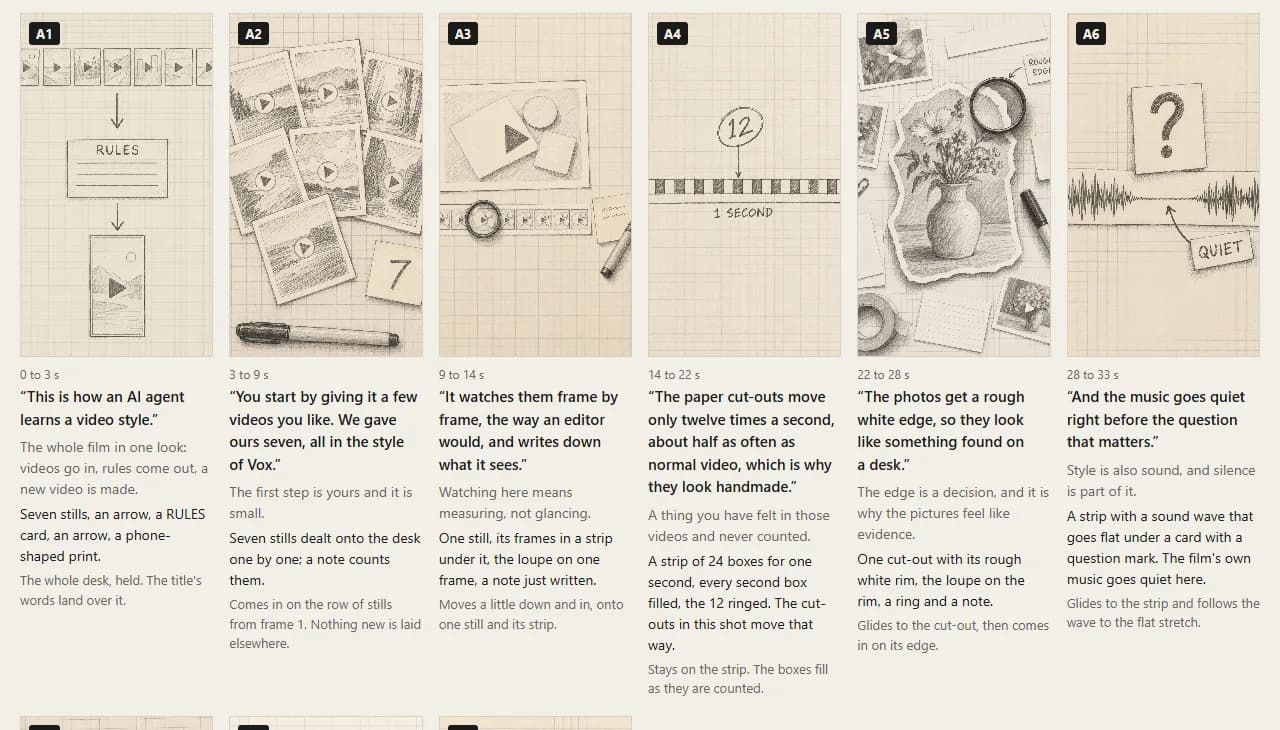
On my cut: read the transcript and add motion graphics where they explain what I am saying. Sketch them in an HTML storyboard first, then place each one on its word.
Watch it build
Claude writes the motion as code, so every move is exact and repeatable. It designs the frames from your sketches, animates them in GSAP and opens a live preview.
Open it in HyperFrames Studio so I can play it and scrub it, scene by scene.
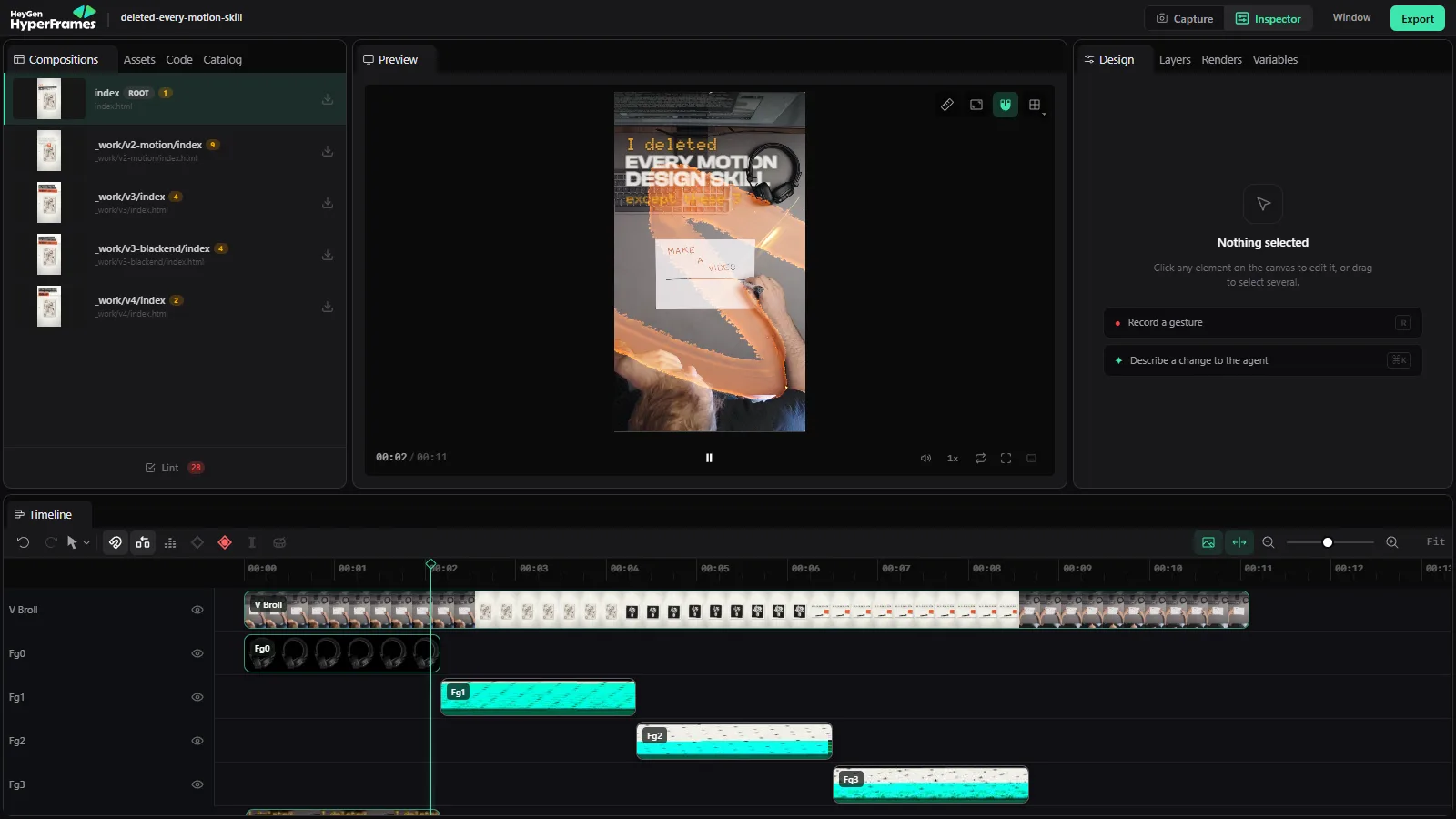
Direct it. Then save the format.
Give notes like a creative director: one note per scene, with the second it happens. Small notes, played back each time.
At 0:04, slower in, faster out. At 0:09, make the title bigger. The second scene needs more space around the picture.
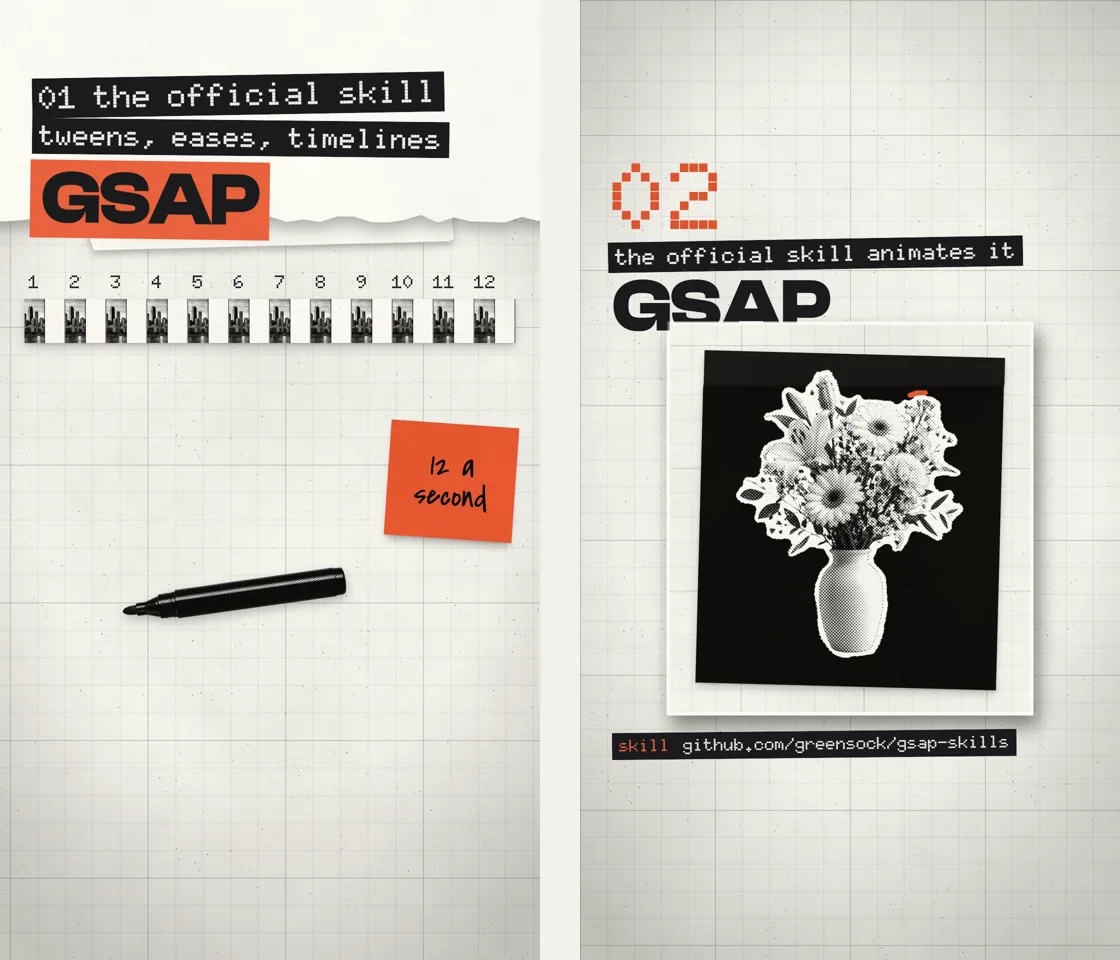
When it is right, save it, so the next one starts there.
Save everything we just did as a skill called [format] graphic: the scene structure, the timing, my notes, the references, and what a good result looks like.
Render it in 4K
When you approve it in the preview, ask for the file. One render, at full quality.
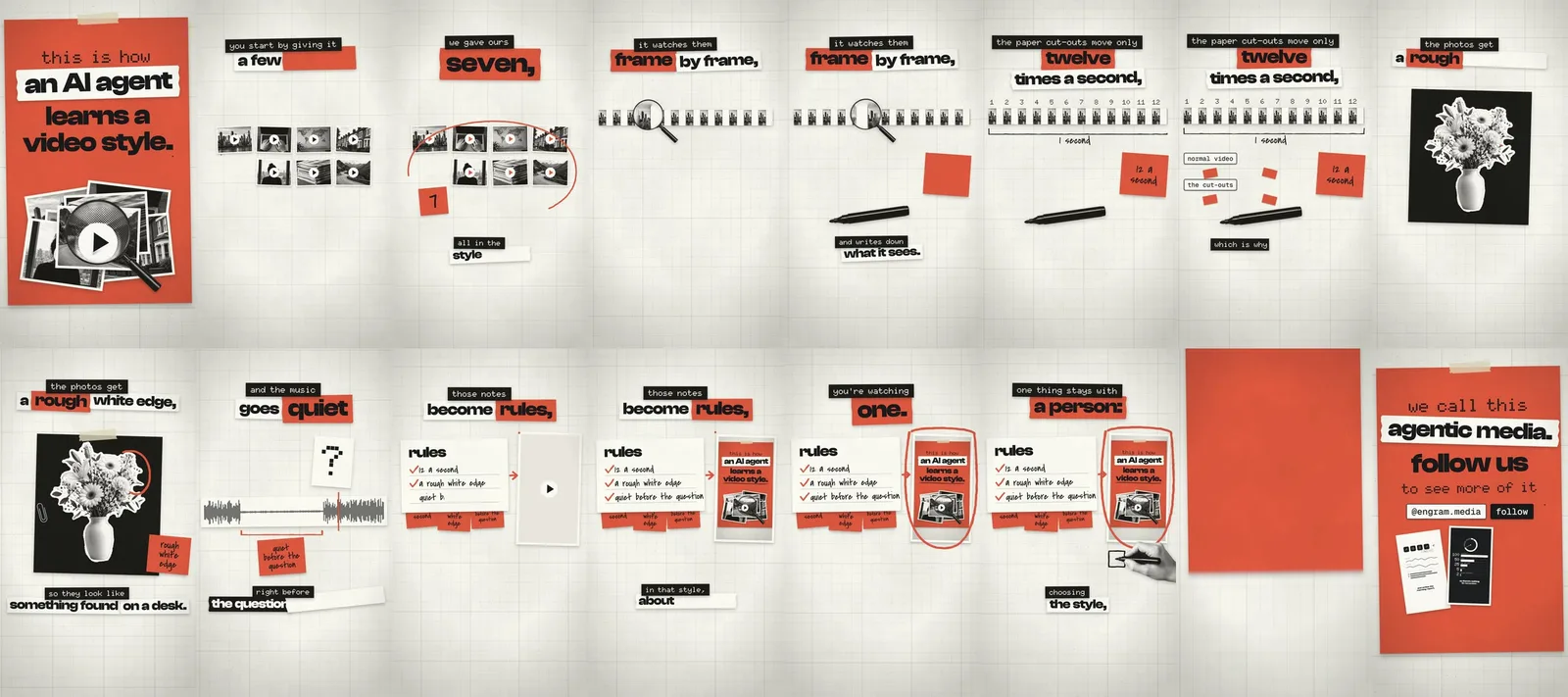
Approved. Render it in 4K vertical: 2160 x 3840, 30 fps, MP4.
Quick fixes
It looks generic
Show it two or three motion graphics you love before it sketches, and fix the idea in the storyboard, not in the animation.
The motion feels stiff
Tell it how it should feel: “softer easing, overlap the entrances, nothing linear.”
The graphics miss the words
Cut the video first (step 01) and give it the word-level transcript. Then ask it to place each graphic on its word.
The storyboard is not what I meant
Strike the lines you do not want and ask for a second route: “draw a second version of scenes 2 to 4, same script.”
What about Claude Motion?
Anthropic launched it on 8 October 2026: type /motion in the claude.ai message box. It is in beta on Team and Enterprise plans, and Anthropic describes it as animating text, charts, shapes and images into an MP4. For graphics laid on your own footage, on any plan, use this setup.
Turn this paragraph into a 15-second vertical explainer with three scenes. Sketch them in HTML first.
Make a lower third with my name and title that animates in and out. Show me two versions.
Animate this chart so the bars grow in one by one and the winner glows.
Export it as a transparent MOV (ProRes 4444) so I can put it over my footage.
An independent guide by Luka (@omgluka), made at Engram. HyperFrames is an open-source project by HeyGen. The GSAP skills are by the GSAP team. video-use is by Browser Use. Claude and Claude Motion are made by Anthropic. After Effects is a trademark of Adobe. None are affiliated with this guide.