From 4 to 25 October my three Instagram accounts, @omgluka, @engram.media and @aiautomation.cc, posted 20, 52 and 18 reels a week: 90 in three weeks, 30 a week. The 52 is a week with a wave of 39 trial reels on @omgluka; without it, about 20 a week. Every reel went through the same six steps. Two of them are mine: the yes or no, and the footage.
- You post when you find the time, and some weeks you don’t.
- Every reel starts from a blank page and an empty timeline.
- The AI reels you see look like everyone else’s.
Claude makes it. I say yes or no.
What you need
The loop runs on four things. The last one can wait until you post every day.
- Claude CodeClaude that works on your computer: it researches, writes the storyboard and builds the reel.
- Your own footageYou and your work, filmed well once. In my style every shot is my own footage or a real screenshot.
- HyperFramesFree and open source, by HeyGen: a web page becomes the video, up to 4K. Claude installs it.
- A way to postInstagram’s own app can schedule a reel ahead. Mine posts through Meta’s API (step 06).
- 01The ideasan agent
- 02The storyboardClaude
- 03Yes or nome
- 04The footageme, once
- 05The buildClaude, then my yes
- 06Postinga scheduled job
The ideas
When the feed slows down, I ask an agent what travels right now in my lane, with proof. On 25 October it read four things in one day: my own 301 reels and their 2,383 comments, 2,504 YouTube videos of my niche from the last 60 days (162 of them outliers), 899 Instagram posts from 38 accounts of my lane (168 outliers), and 27 dated releases and debates of the last 30 days.
Research what travels right now in my lane: [AI tools for people who make videos]. Read the last 60 days of YouTube videos on it and mark the outliers (views far above the channel's subscribers and its own usual), read the newest 30 posts of [10 accounts in my lane] and mark the posts at 3 times that account's usual likes or more, and list this month's releases and debates with their dates. Then give me 12 fresh titles ranked by how far they should travel and how well I can make them, each with its first screen, what I would film and how it ends, and the evidence for each.
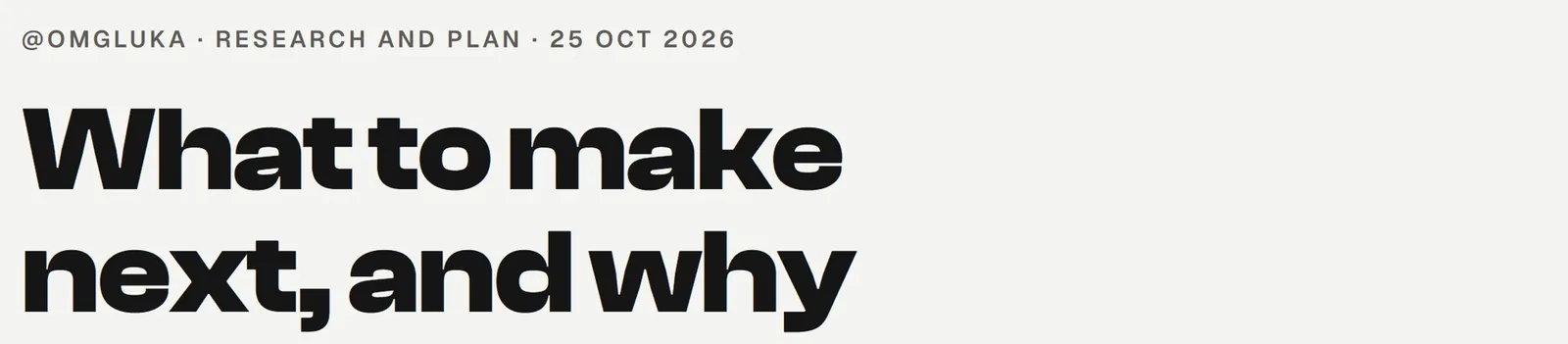
Three of its twelve titles, and the reels they became by 27 October:
- Wait, Claude rebuilt Premiere and After Effects??built as it stood: the same title
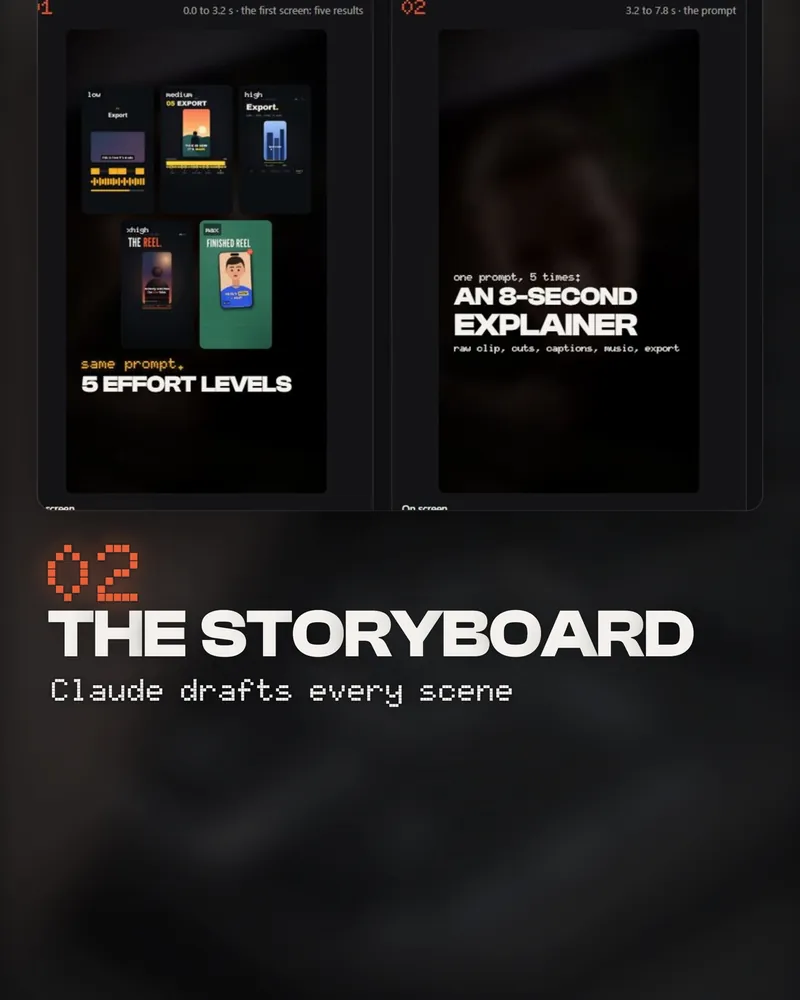
- I made the same motion graphic at every Claude effort level.rebuilt on my note as I gave Claude two real jobs at every effort level.
- Motion graphics that don't look like AI. One prompt.rewritten on my note as How I make 30 reels a week., the reel this guide comes from
Where it stops: Instagram shows no view counts for other accounts, only likes and comments, and TikTok could not be read without a login, so it was left out. The agent can tell you what travels. Whether you can make it well is still your call.
The storyboard
For a title I pass, Claude writes the words and draws every scene before anything is built: an HTML page with a picture for each scene, its words on screen, where each picture and claim comes from, how long it stays up, and its questions for me.
Storyboard this reel as an HTML page: one card per scene with a still of the shot, the words on screen, where the shot and every claim come from, and how long it stays up (long enough to read). End with what is true and how you know it, and your questions for me. Wait for my pass before you build anything.
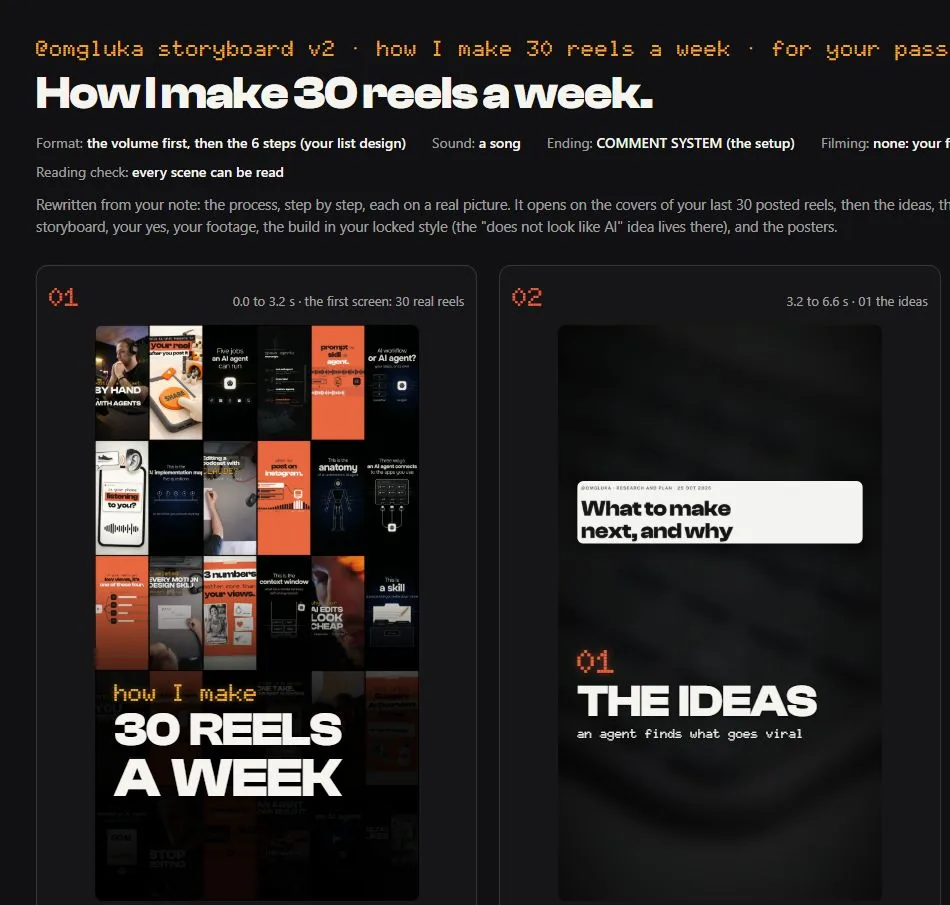
The words on screen are Claude’s until I change them, and the storyboard says so in its last box.
I say yes or no
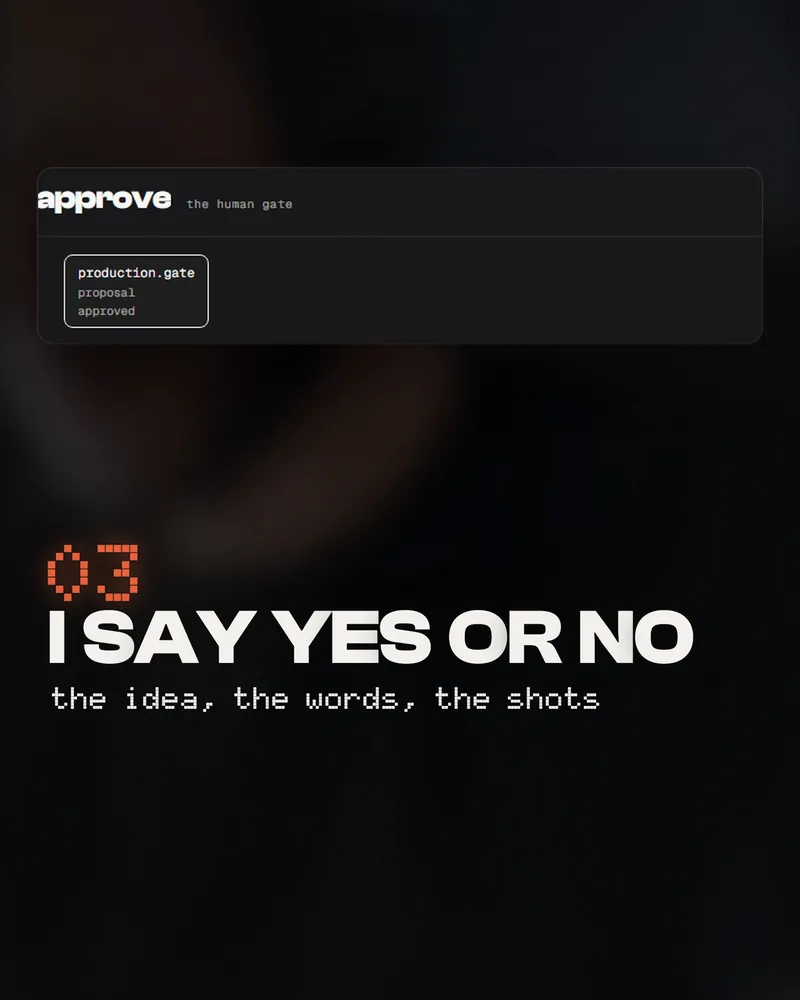
Nothing is built before my yes, and the yes comes in three parts: the idea, the words, the shots. Then once more on the finished reel, live in the preview, and only then does it render, once, in 4K. My board holds every reel at its stop, and a yes in chat counts the same.
Work in stops. Show me the idea, then the words, then the storyboard, then the live preview, and wait for my yes at each one. A no comes with a note: use it as the brief for the next pass. Never render before I approve the preview.
My own footage
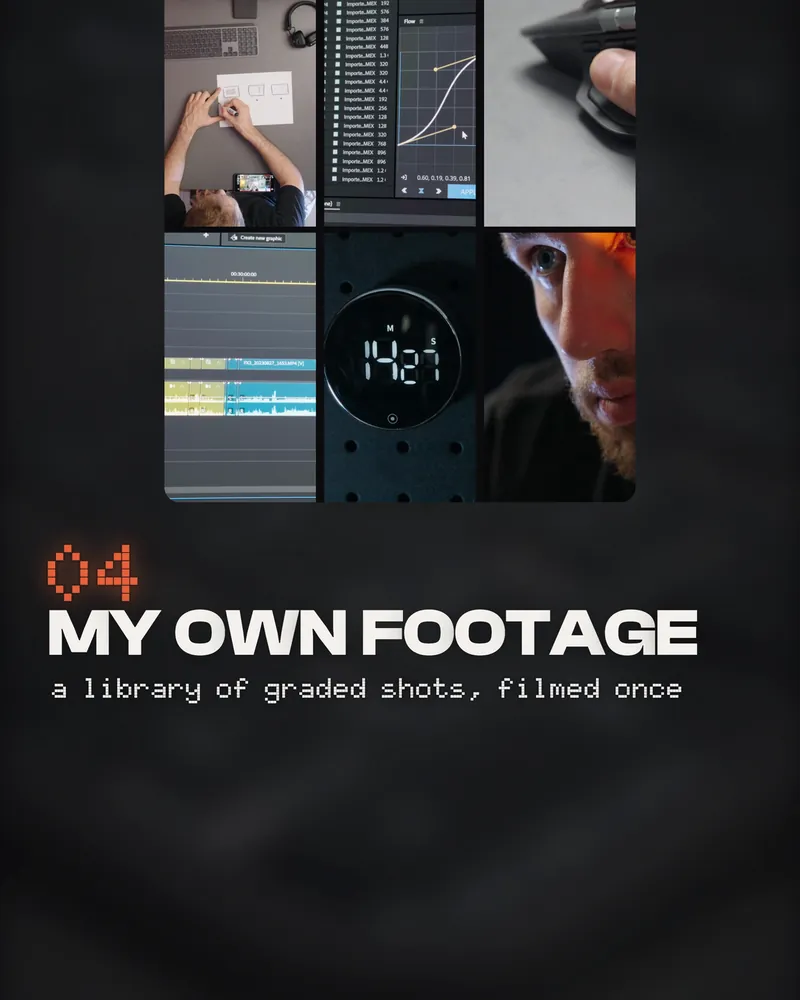
I filmed my desk once, properly: 69 graded clips in 4K of my hands, my screens, my face in the dark, the timeline, the timer. A reel like this one needs no new filming. Everything else I have shot sits in a catalog of 2,998 clips, each with who is in it, what happens, a description and a thumbnail, so Claude can search it.
Go through [my footage folder] and make a catalog: for every clip, who is in it, what happens, its best seconds, a one-line description and a thumbnail. Then for each scene of the storyboard, show me the three best shots side by side and say why.
 Premiere opening
 the first cut, the mouse
 watching the cut
 the shortcut keys
 the waveform
 a speed graph
 the timer
 my face, one problem
Claude builds it
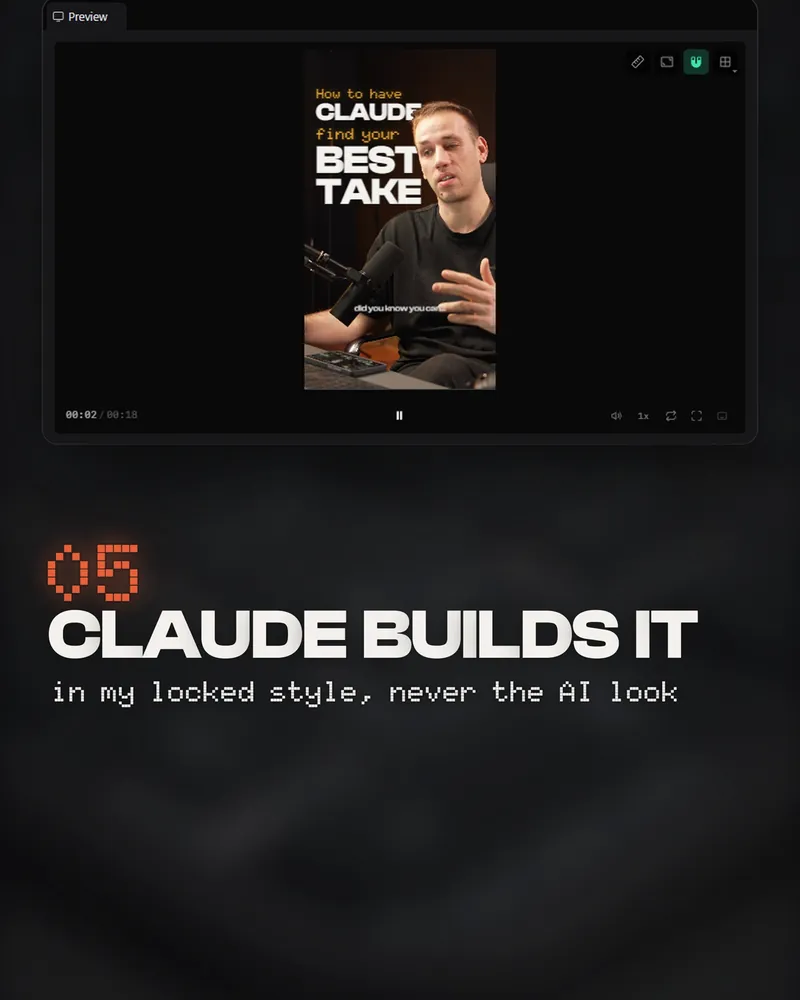
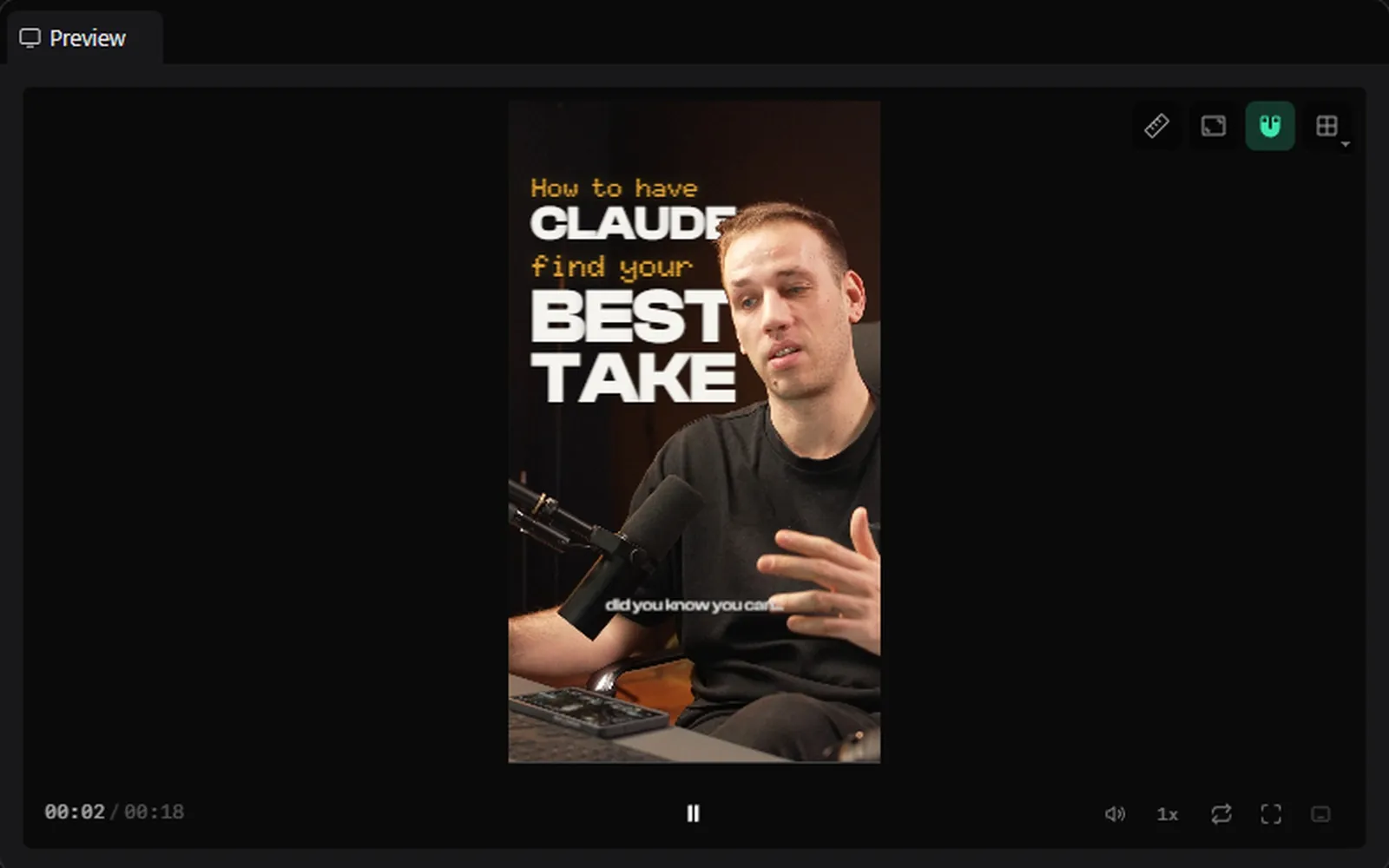
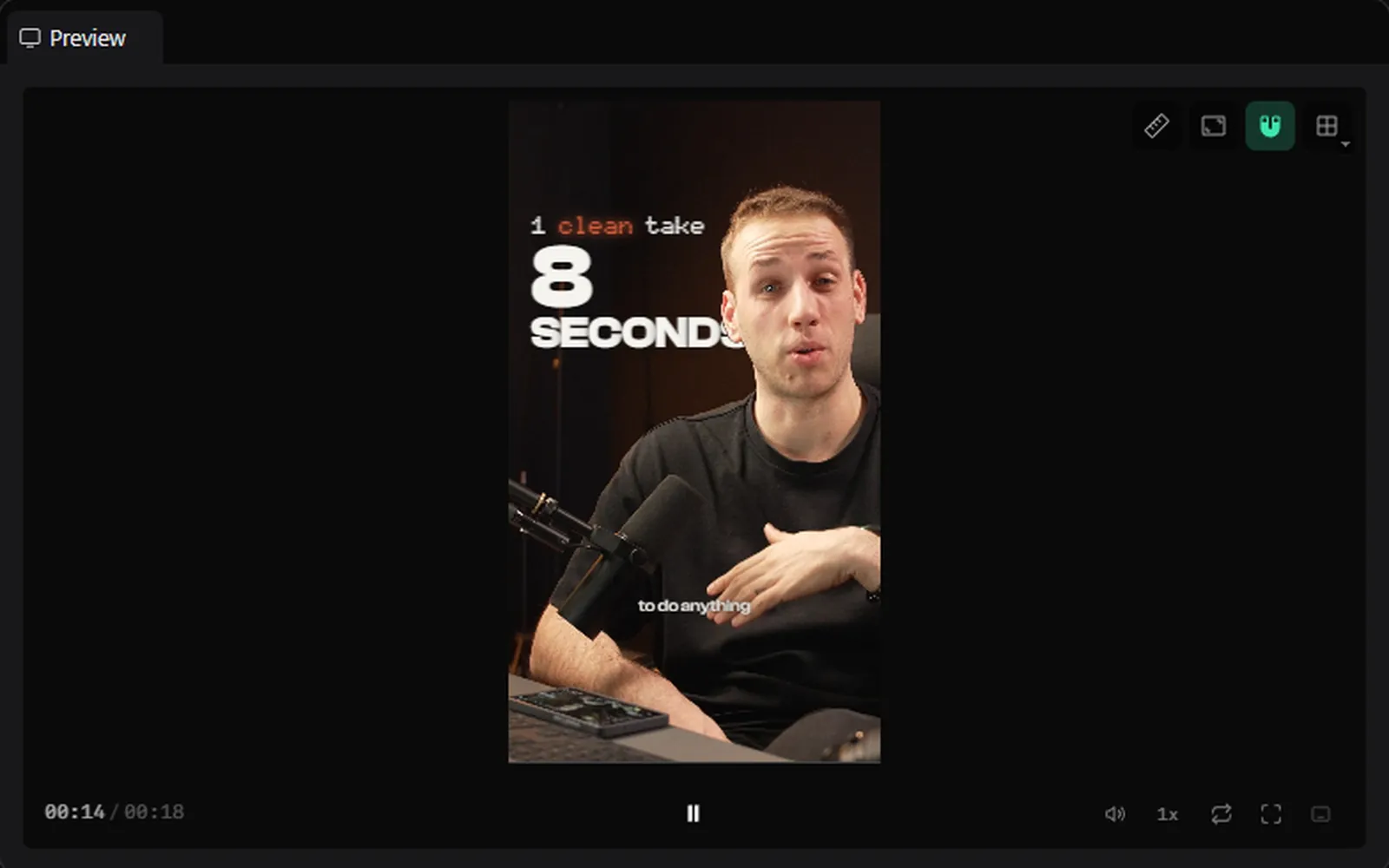
Claude builds each reel as a web page in HyperFrames, in my style, which I wrote down once as a skill: my footage full frame, a short text on every scene in my two fonts, white with orange only as a highlight, the words arriving on the beat, the picture pushed back when there is something to read, and every scene up long enough to read it. I watch it live in HyperFrames Studio and give notes.
Install HyperFrames from github.com/heygen-com/hyperframes. Save my style as a skill called [my-style]: [my fonts], [my colours], where the text sits, how it arrives, what a scene people read looks like, and [my best reel] as the example. Then build this storyboard in that style and open it in HyperFrames Studio so I can play it. Never render before I approve it there.
When it is right, one line:
Approved. Render it once in 4K vertical: 2160 x 3840, 30 fps, MP4.
It posts itself
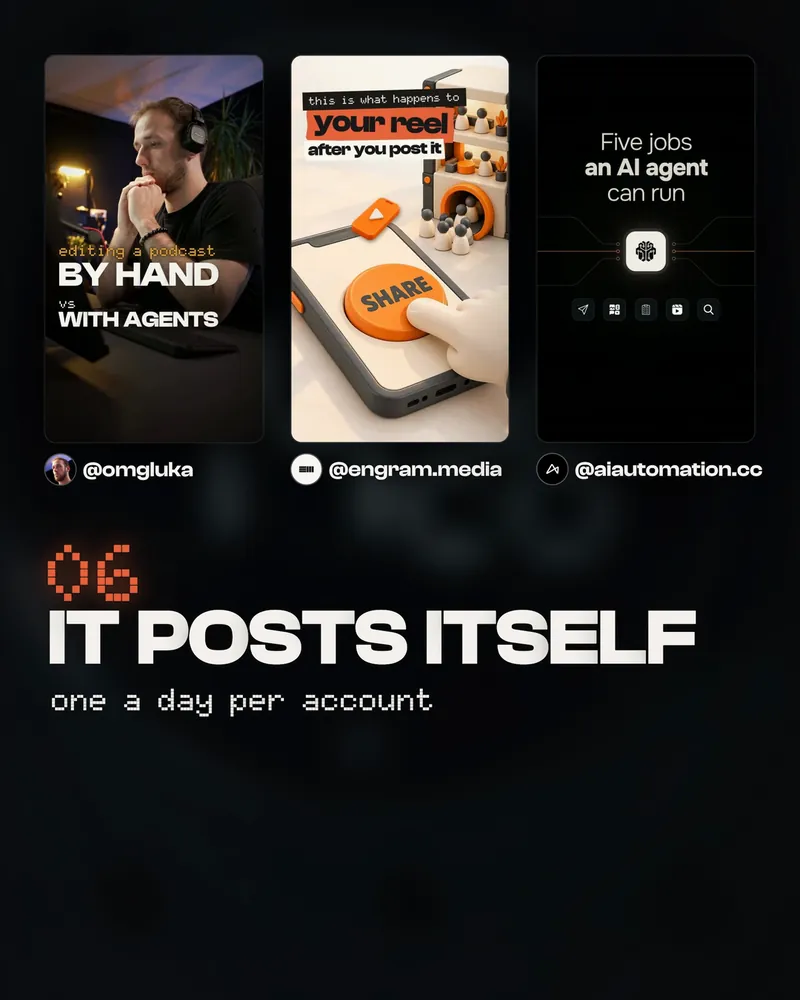
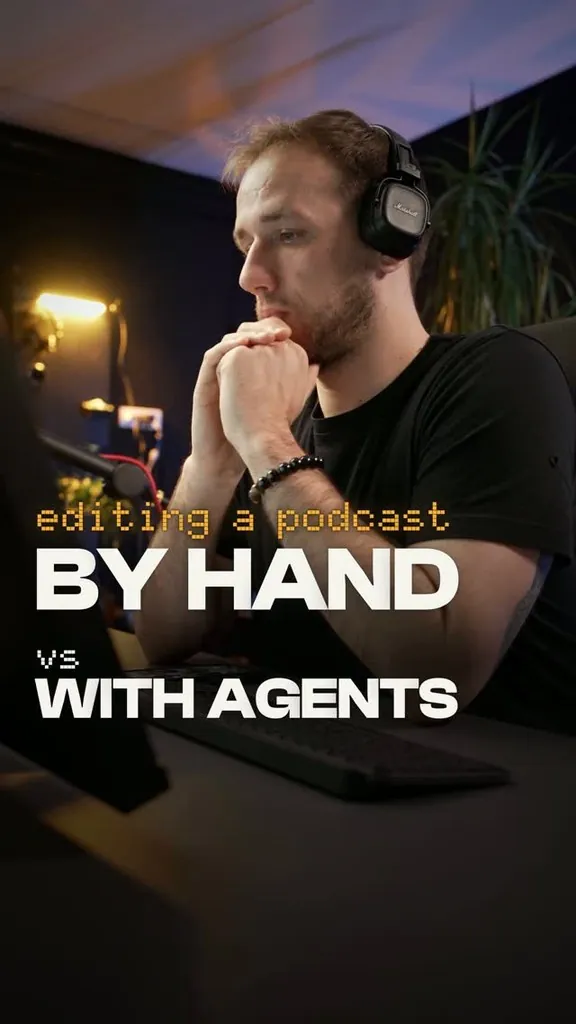
Each account has its own scheduled job. An approved reel goes into that account’s queue with its time and its caption, and the job posts it at that time through Meta’s publishing API: one a day per account. From 4 to 25 October @engram.media posted 7, 6 and 6 reels a week and @aiautomation.cc 6, 7 and 7; @omgluka posted 7, then 39 in its trial week, then 5.
Write me a poster for Instagram. It reads a queue of approved reels (the file, the caption, the time), posts the next one at its time through Instagram's API for professional accounts, and marks it done only when Instagram gives back the post's link. Run it every 15 minutes with my computer's scheduler, and first as a dry run that posts nothing.
 @omgluka
 @engram.media
 @aiautomation.cc
Two things I learned the hard way: a job that says it posted is not proof, so I look at the live account; and posting is the only part that runs on its own. Everything before it waits for me.
Quick fixes
The ideas look like everyone else's
Ask for the evidence with every title: the outliers it read, their dates, and how far each one beat its own account's usual. And ask for fresh titles only: anything you have circled before is out.
The storyboard is not what I meant
Strike the scenes you don't want and ask for a second route: “draw a second version of scenes 3 to 5, same words.” Nothing is built yet, so a change costs one sentence.
It looks like AI
Two things fix most of it: your own footage instead of generated pictures, and your style written down as a skill with your best reel as the example. Then give notes with the second they happen.
I don't have footage
Film one good session of your work: your hands, your screens, your face, the moment something finishes. A library like that carries many reels. Start the catalog prompt in step 04 on whatever you have.
Can it run without me?
Not the way I do it. Steps 03 and 05 wait for my yes, and nothing renders before I have watched it live. Posting is the only part that runs on its own.
My poster says it posted, but nothing is there
A job that ends without an error is not proof. Mark a reel posted only when Instagram gives back its link, and look at the live account.
30 a week sounds like a lot
It is three accounts, and one of those three weeks had a wave of 39 trial reels. Without it, about 20 a week: about one a day per account.
Before you build anything, show me three titles for this idea and say which one would stop me scrolling, and why.
Check every scene of the storyboard: can it be read in the time it stays up? List the ones that can't.
At 0:04, the text sits on my face. Move it to the dark part of the shot and keep it there on the next scene.
Write the caption for this reel: one line that says what they get, then the comment word, above the hashtags.
An independent guide by Luka (@omgluka), made at Engram. HyperFrames is an open-source project by HeyGen. Claude and Claude Code are made by Anthropic. Instagram is a trademark of Meta, Premiere Pro of Adobe. None are affiliated with this guide.