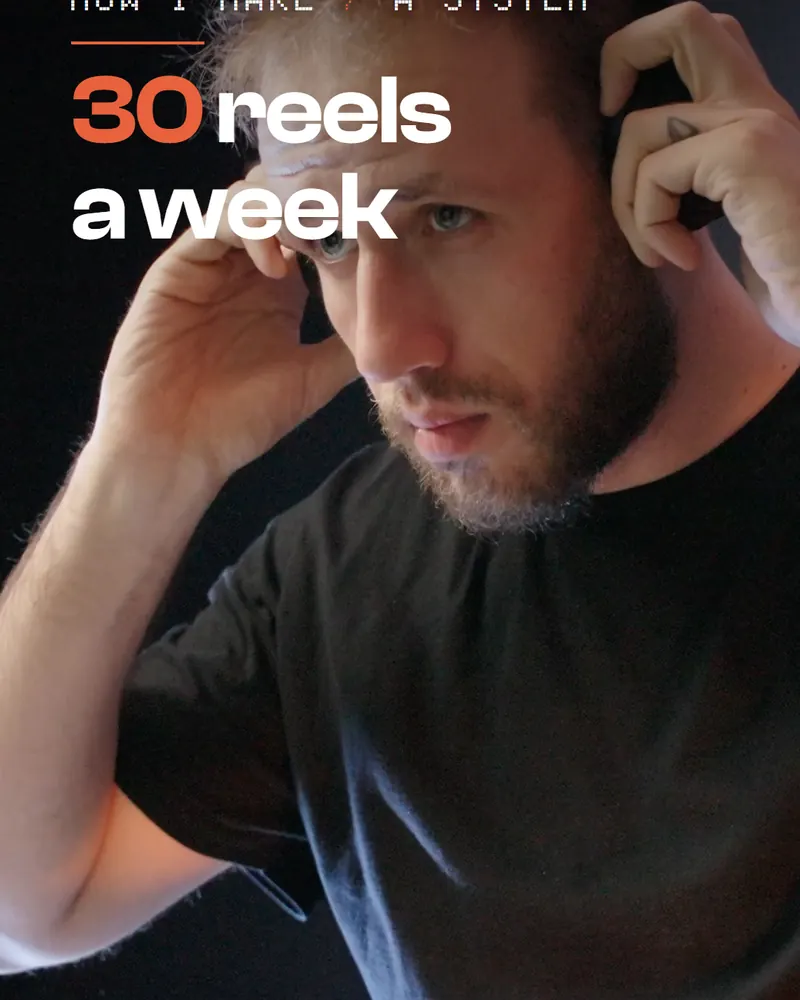
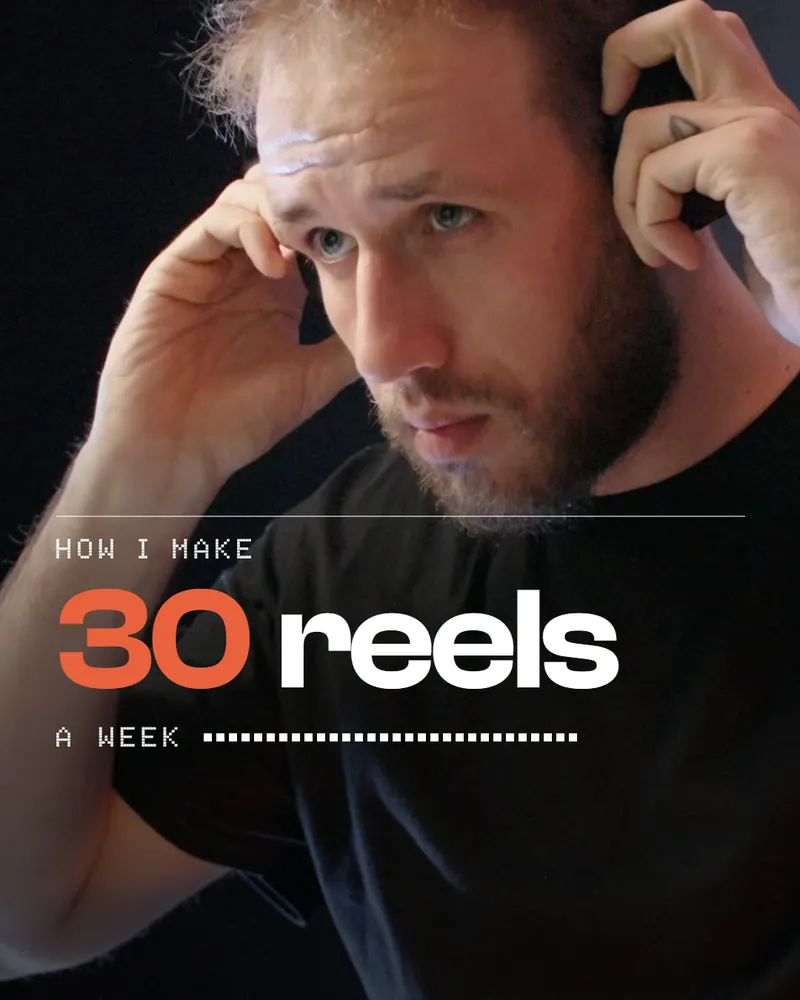
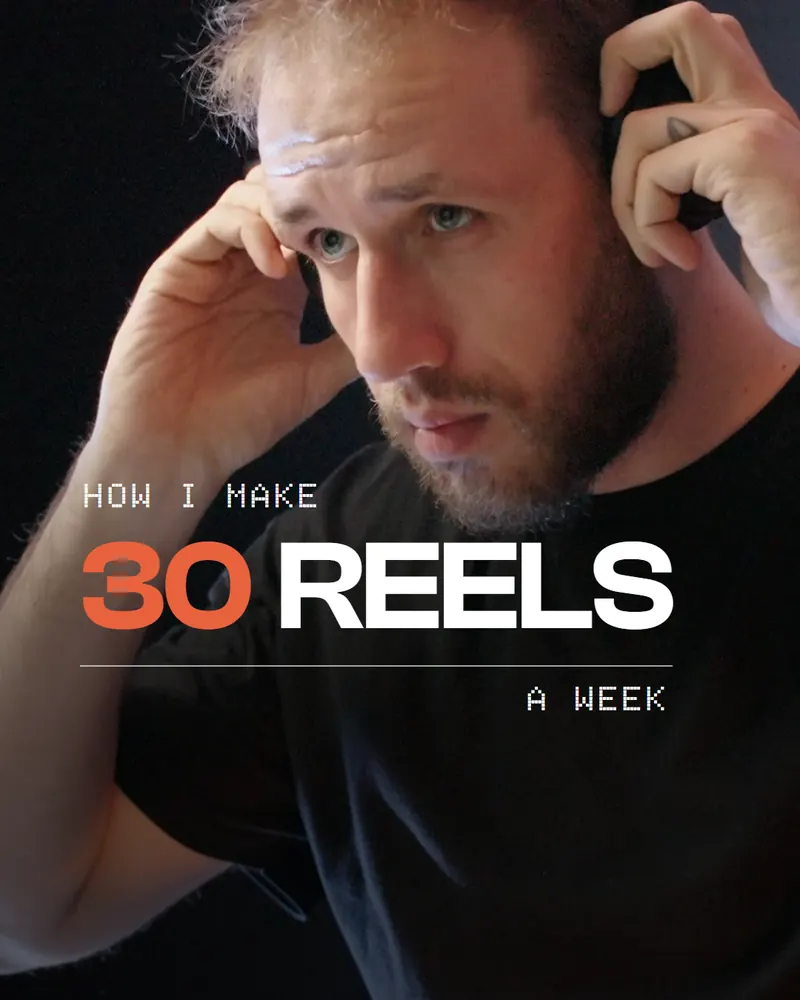
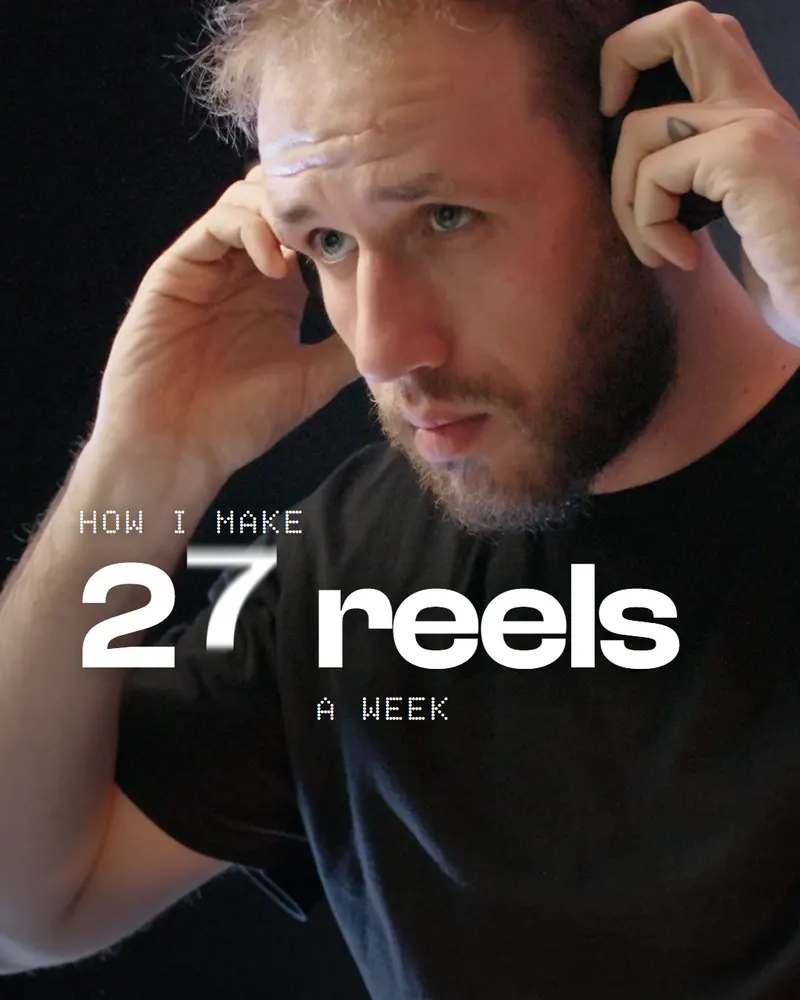
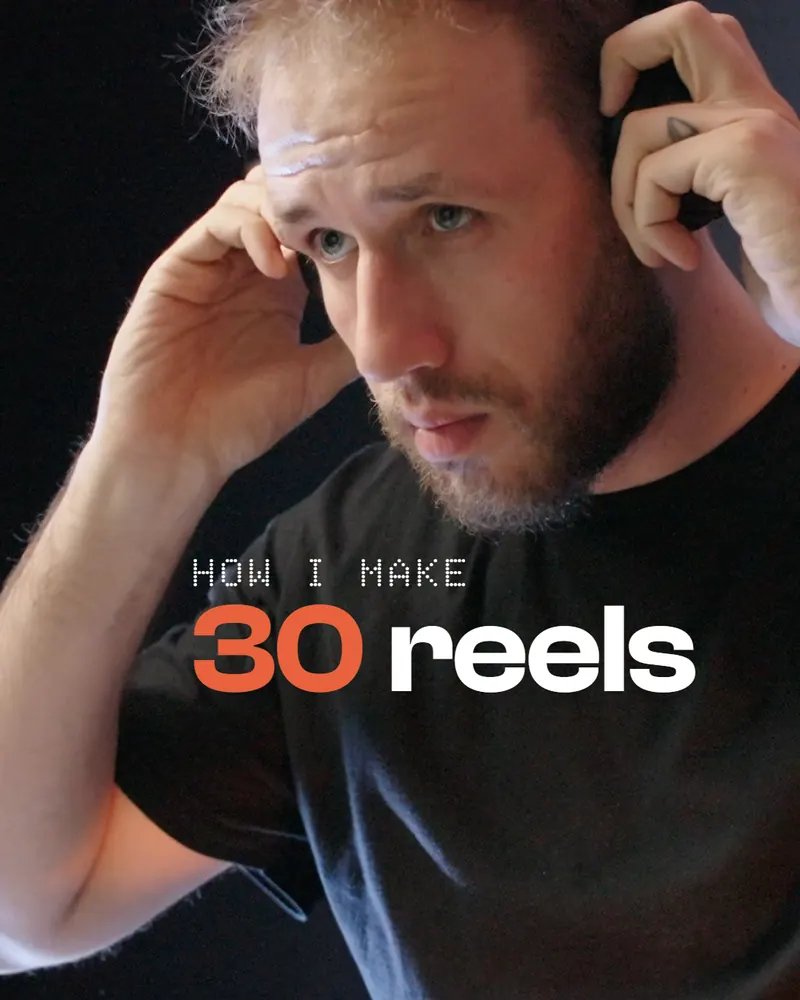
Effort is how much Claude thinks and checks before it hands you the result. I gave it two real jobs from my own work, a 6-second opening title over a clip of me and a 25-second edit of a 3-minute raw take, and ran each at all five levels: ten fresh sessions of Claude Opus 5.5, one at a time, the same prompt and the same files. Both jobs together cost $1.35 at low and $22.37 at max.
- You leave effort on max for everything and burn through your usage.
- You don’t know what a higher level changes, only that it costs more.
- Low hands you something that looks finished, and you find the problems later.
My pick is high: above it, you pay for polish.
What you need
To set the level, Claude Code. To repeat my test, the same two kinds of file.
- Claude CodeThe levels are low, medium, high, xhigh and max. Opus 5.5, the model of this test, starts at medium.
- One real job of yoursA clip and the prompt you would really send. Effort shows on real work.
- HyperFrames, to repeat my testBoth jobs were built in it: HeyGen’s free, open-source tool that turns a web page into a video.
The two jobs, word for word
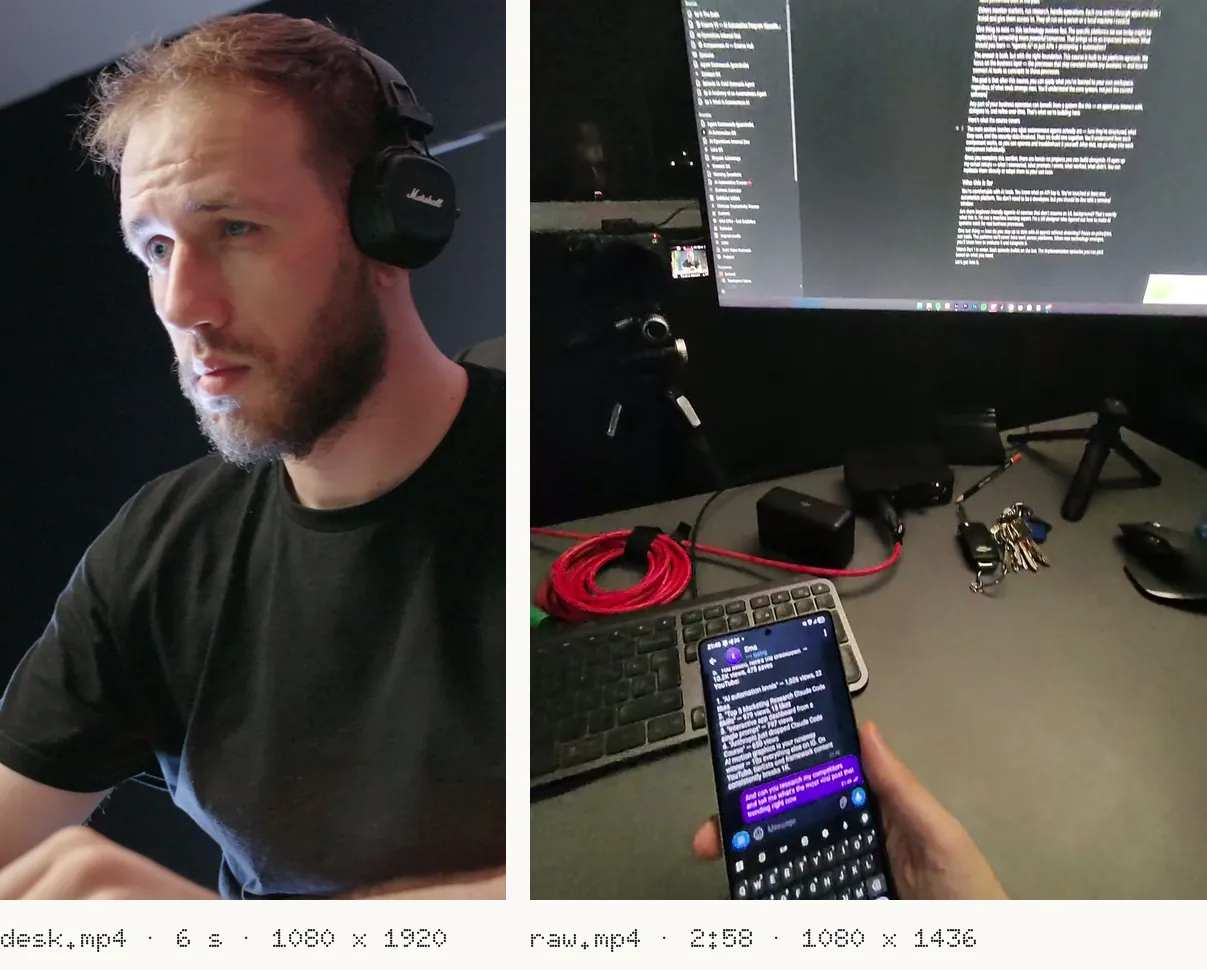
Each run got one of these as the whole request, in a fresh session, with the same files in its folder.
Make the opening title of my Instagram reel “How I make 30 reels a week” as a motion graphic over this clip of me at my desk: inputs/desk.mp4 (6 seconds, 1080 x 1920). Use HyperFrames. My style: Clash Display for the big words and Doto for the small words (both in inputs/fonts), white text, one orange accent #E8623C, nothing that looks AI-made. It has to look premium.
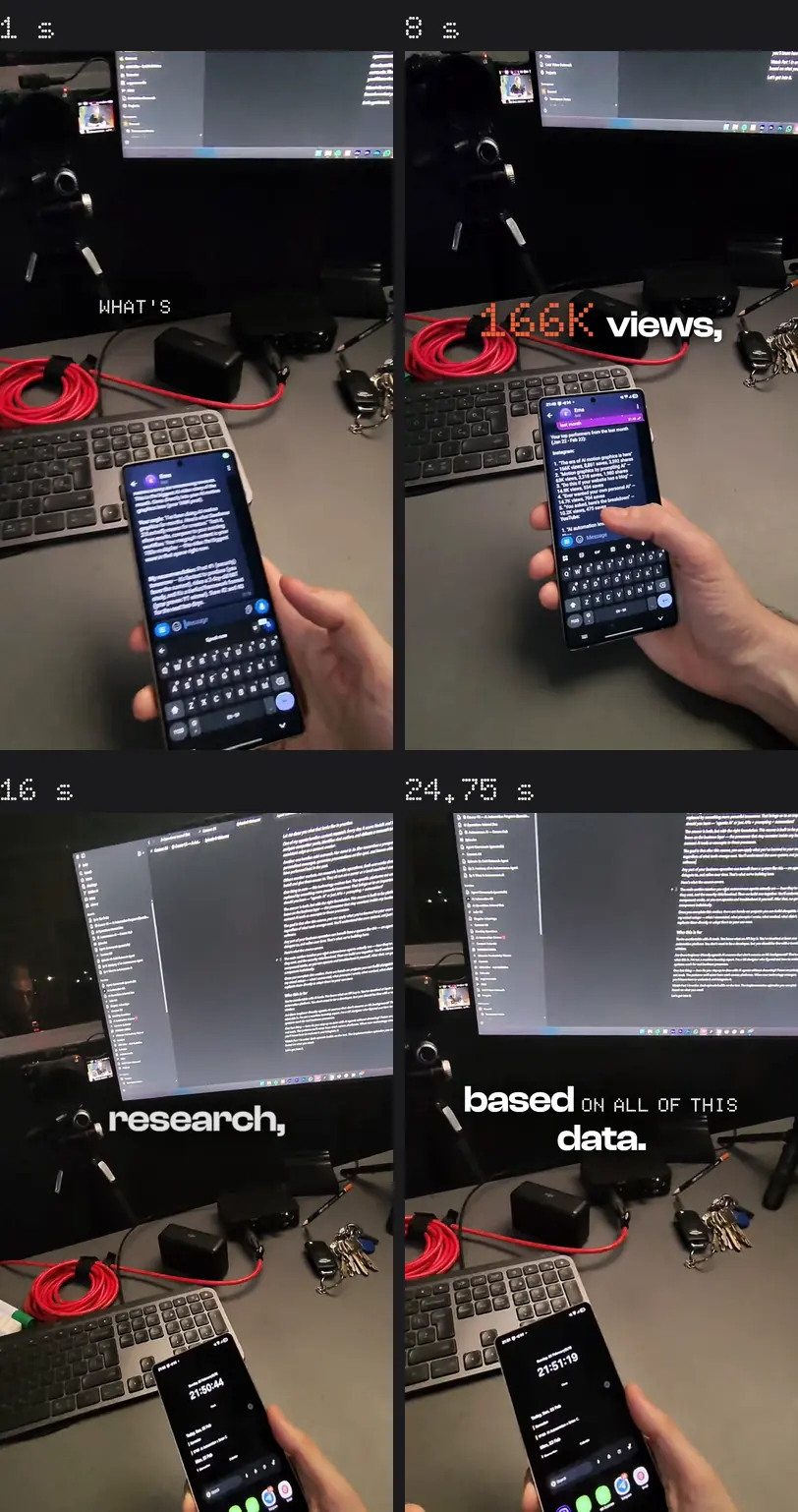
Edit this raw take into a 25-second Instagram reel: inputs/raw.mp4 (3 minutes of me showing my AI assistant Emma on my phone), with its word-level transcript in inputs/raw.words.json. Cut the dead air, the repeats and the mistakes, keep the strongest story, reframe it to 1080 x 1920, and add word-by-word captions in my fonts (inputs/fonts: Clash Display and Doto; white, one orange accent #E8623C). Use HyperFrames: the cuts are clips of the source video, the captions sit on top.
The same rules bound every run, so the only thing that changed was the level:
Work only in your folder. Invoke the Skill tool with "hyperframes" first and follow it. Make every design and editing choice yourself. Do not ask questions. Use the files in inputs\ where they are; do not copy, move or re-encode them. NEVER render a video. No preview server. Do not use the GPU. Run npx hyperframes check --no-browser-gpu, then the snapshot command of your job (the stills land in <your folder>\stills\). Look at the stills once; fix anything plainly broken once; re-take. Note the time you started and finished (date), and keep it in <your folder>\RUN.md with one paragraph on what you built.
Set the effort level
In Claude Code you can save a level as your default for a model, or keep it to one session. The quickest way, in a session:
/effort high
Every way to set it, from Claude Code’s own docs:
/effortOpens a slider. Enter saves the level as your default for that model, s keeps it to this session. /effort high sets it directly, /effort status shows the level in effect./modelThe left and right arrows move the effort slider as you pick the model.--effortAt launch: claude --effort high.CLAUDE_CODE_EFFORT_LEVELAn environment variable: a level name, or auto.effort: highIn a skill’s or a subagent’s frontmatter: that level while it runs. Every run of my test was a fresh subagent started at its own level.maxApplies to the current session only, unless you set it with CLAUDE_CODE_EFFORT_LEVEL.
The minutes and the dollars
Every run. Minutes run from the session’s first message to its last; dollars are its tokens at API prices.
- low
- medium
- high
- xhigh
- max
How the dollars are counted (runstats.py, step 06): the tokens summed once per API message, the last usage seen for each message id, priced at Claude Opus 5.5 API rates as cached on 2026-10-06: input $4, output $20, cache read $0.20, cache write 1.25x input for the 5-minute cache and 2x for the 1-hour cache, all per million tokens. On a Pro or Max plan you don’t pay per run; these are what the same tokens cost at API list prices.
One run per level, so read this as one honest sample, not an average. Run it again and every number moves.
What changed: the title
The five titles look alike once they land. The difference is when things happen, and what they happen on.
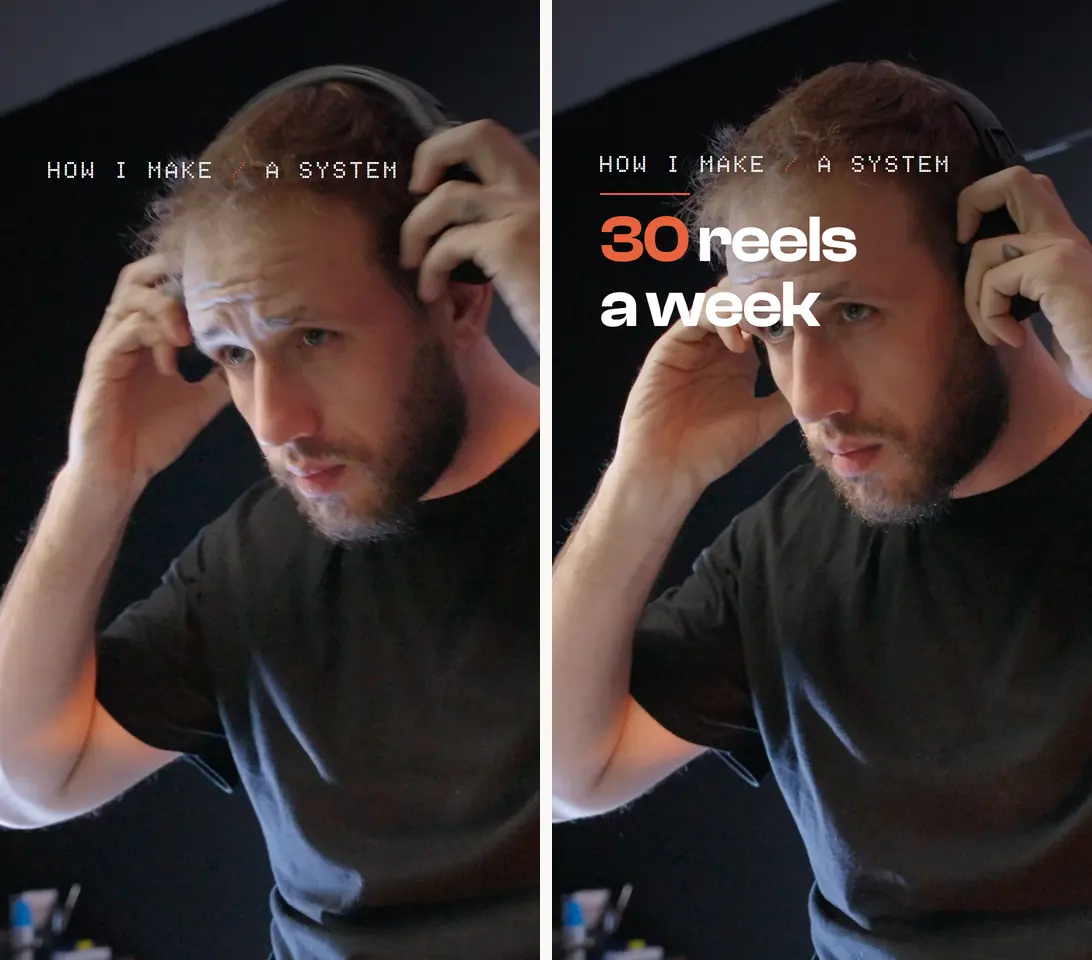
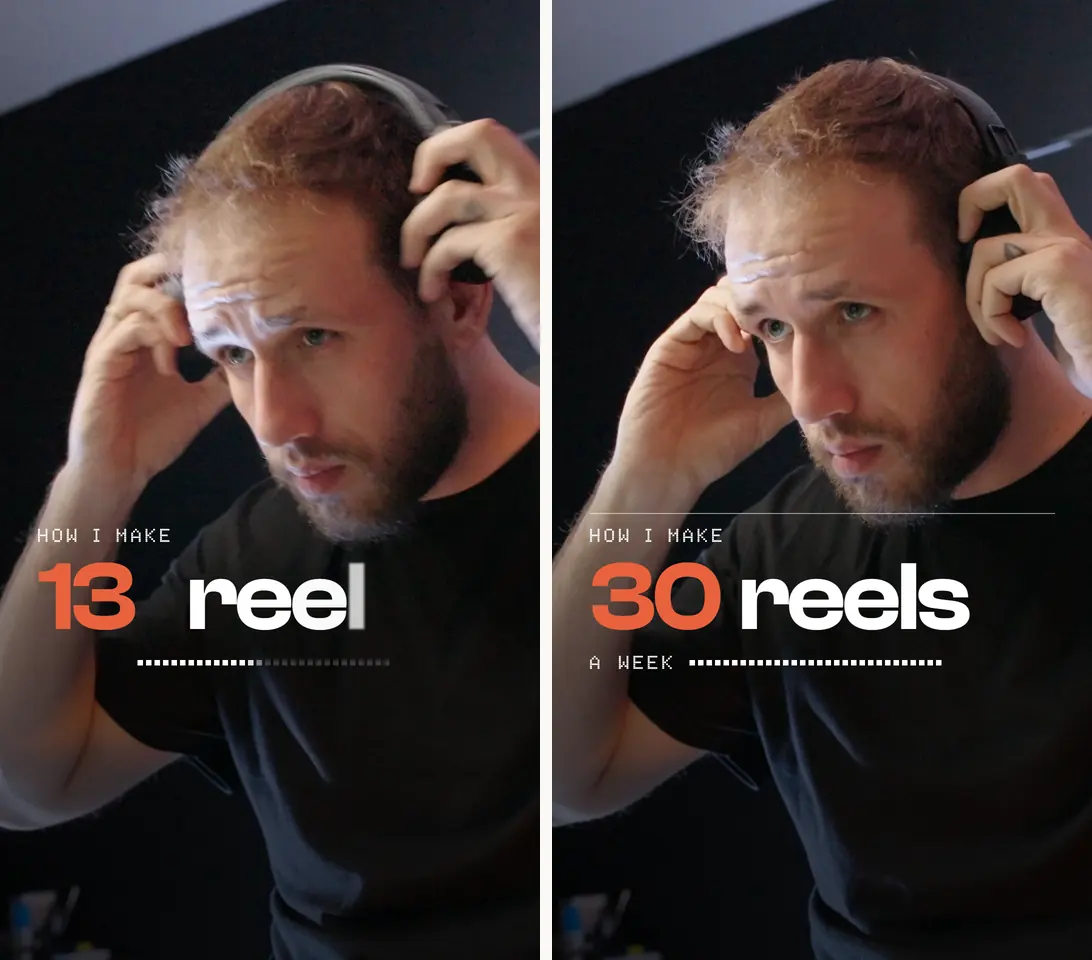
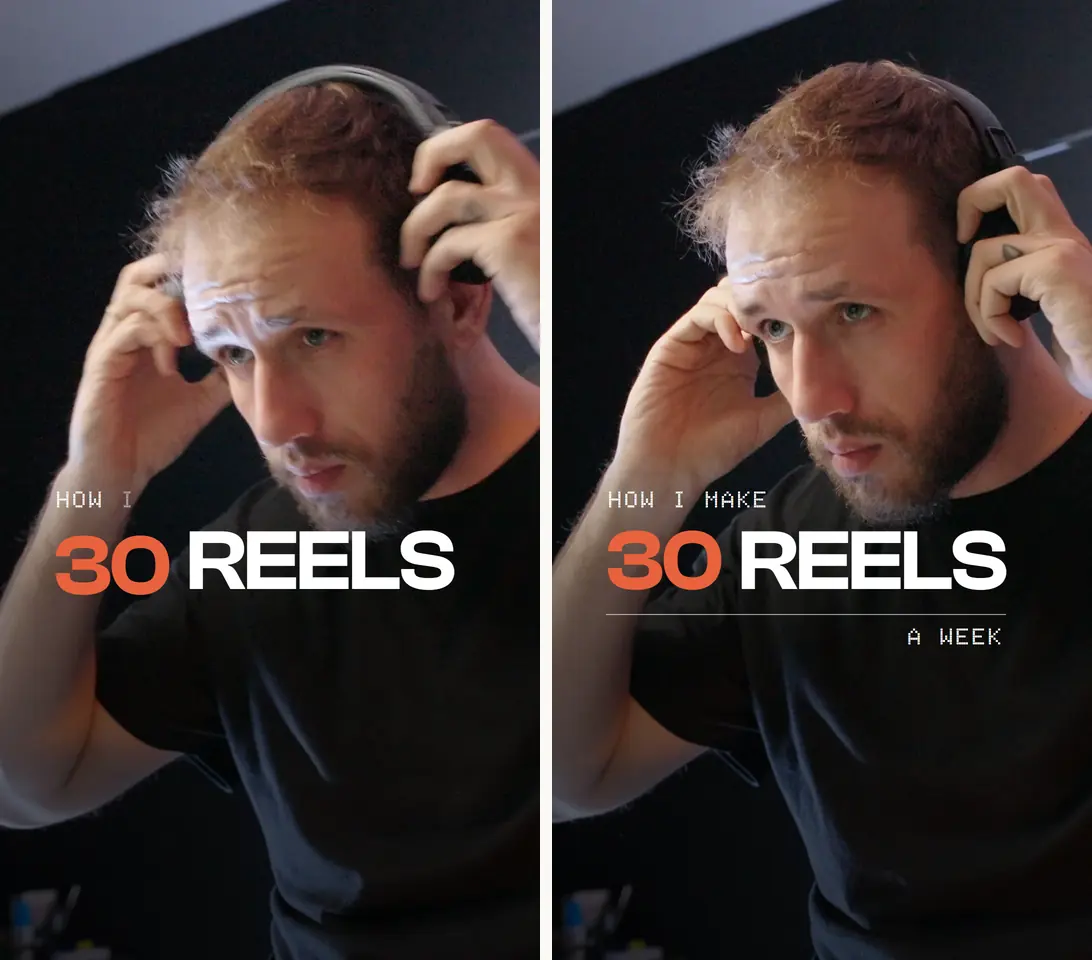
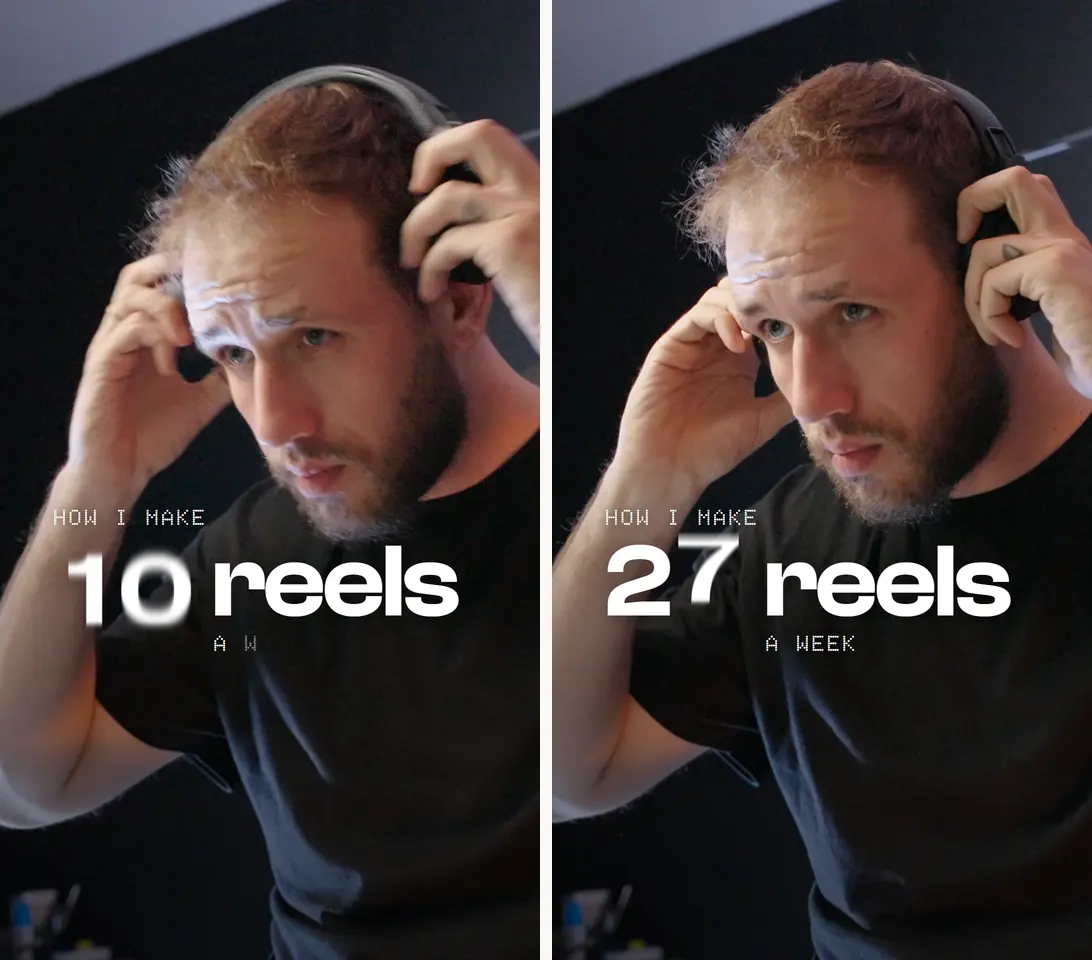
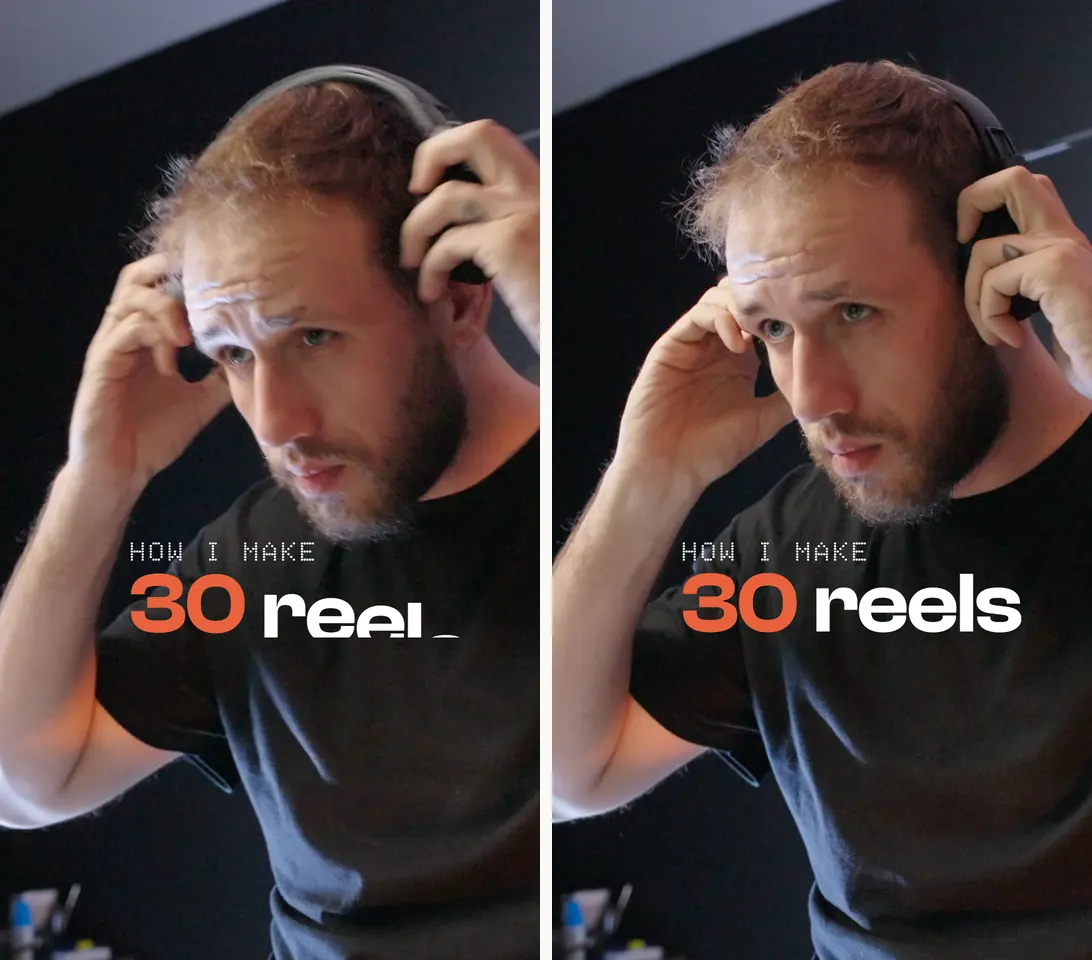
The move that made xhigh and max better, to ask for at any level:
Before you design anything, go through the clip frame by frame and list every moment something happens, with its time. Then land each part of the title on one of those moments.
What changed: the edit
Here the jump is plain, and it comes at high: the edit stops opening on an introduction and opens on the question.
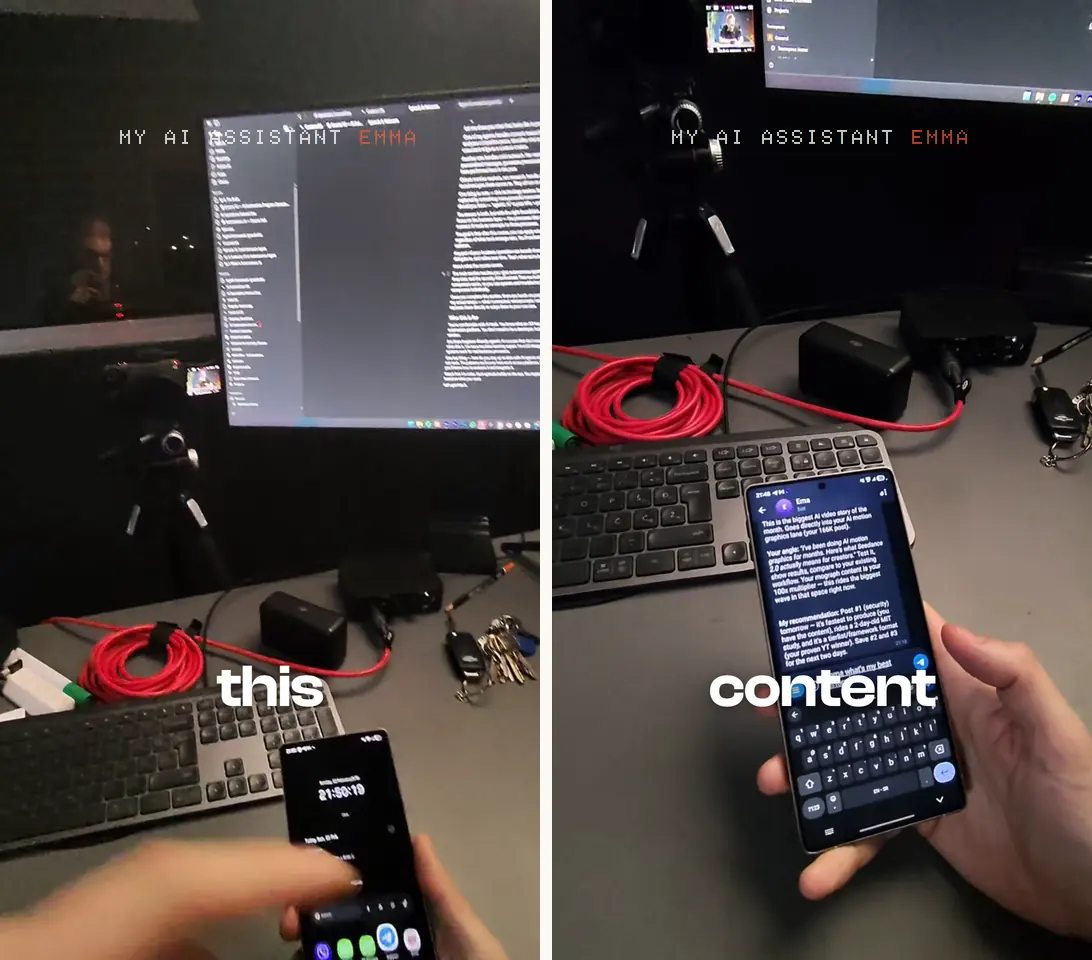
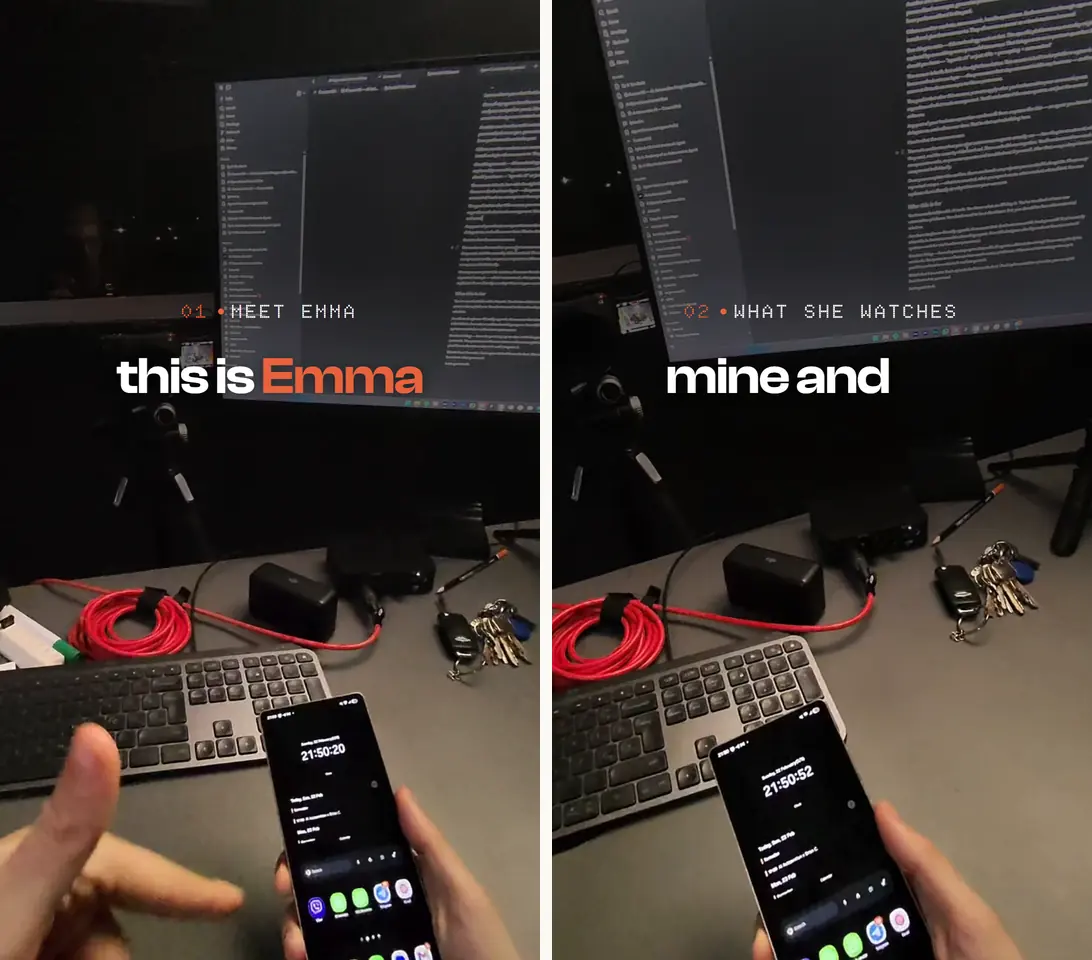
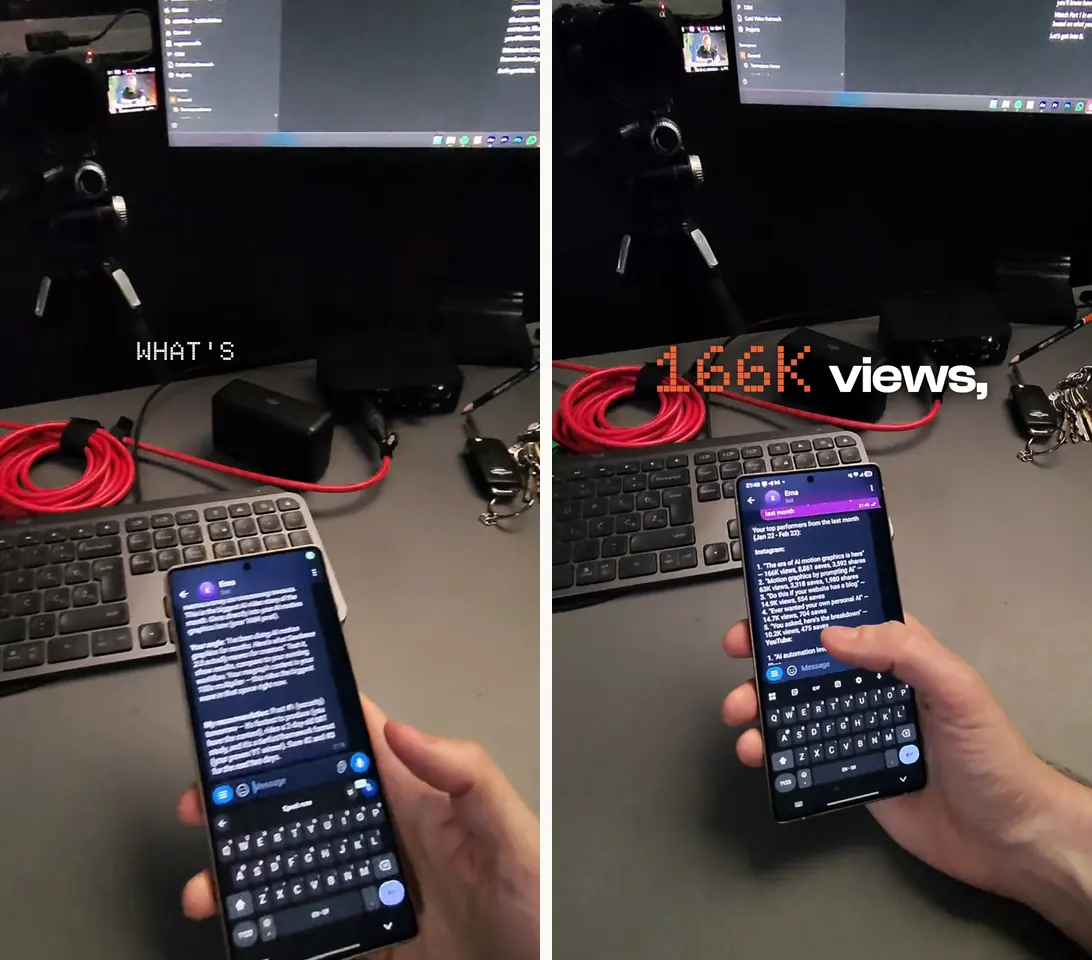
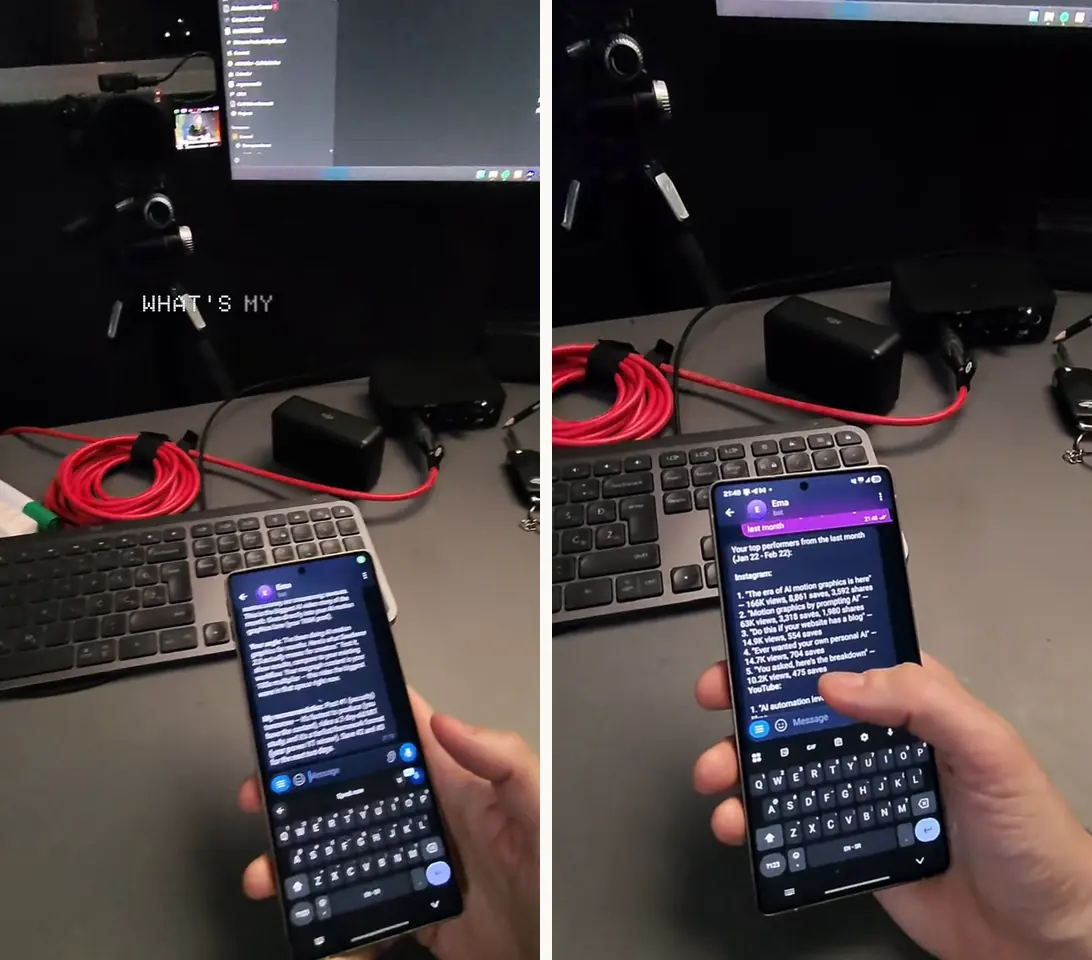
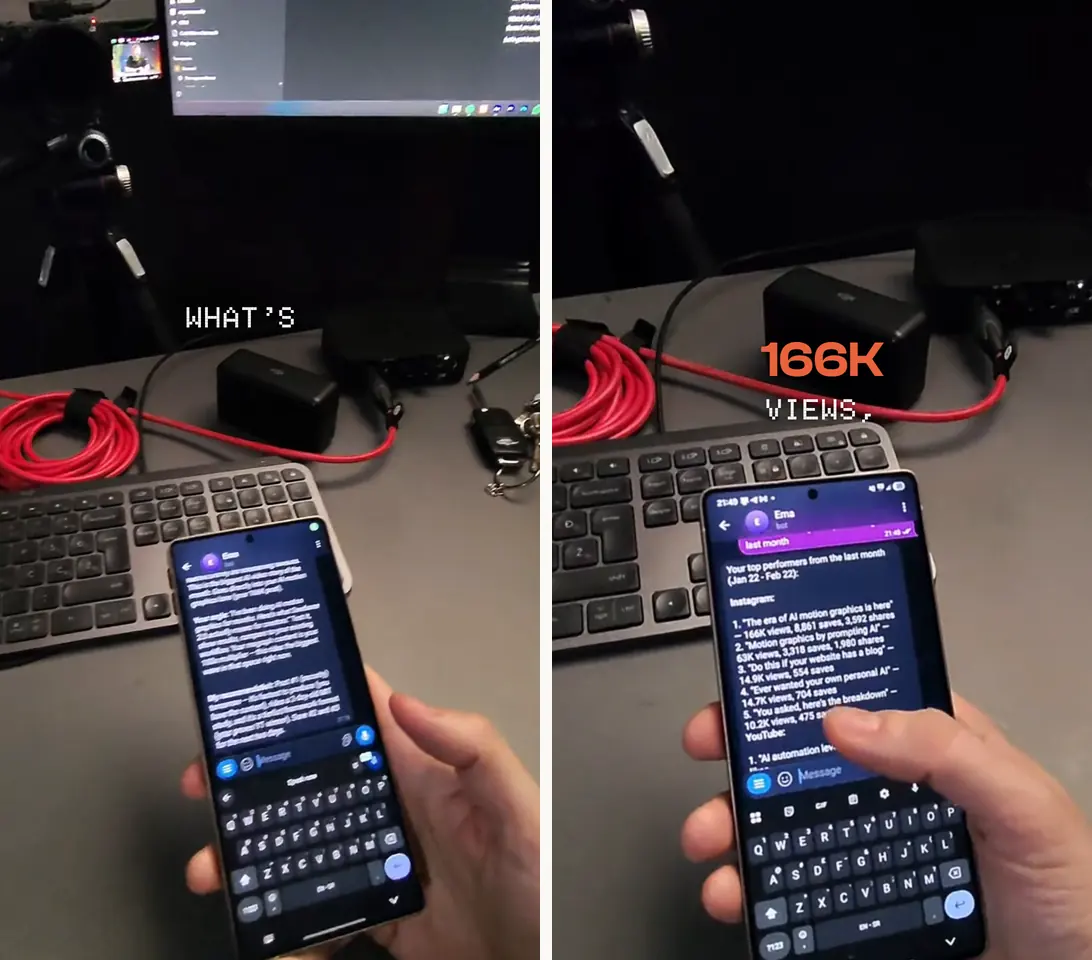
The visible jump is from low to high. Above high, the money buys timing and precision. The two moves that made high’s edit better, to ask for at any level:
Open on the strongest question in the take, then the proof, then the explanation. Put every cut in a silence you measured on the audio, not where the transcript says a word ends.
Meter your own run
In a session, /usage shows an estimate for the session you are in, worked out from its tokens at list price. For a run that has finished, or a subagent, read its transcript: Claude Code keeps every session as a JSONL file.
- a session
~/.claude/projects/<project>/<session-id>.jsonl - its subagents
~/.claude/projects/<project>/<session-id>/subagents/agent-<id>.jsonl
My script reads one and prints the minutes, the tokens, the dollars and what the run did: runstats.py, Python, no installs.
python runstats.py agent-<id>.jsonl <run folder> --json run.json
Or have Claude do it:
Read the transcript of my last session in ~/.claude/projects, sum the token usage once per message id, and price it at the current API rates for the model it used. Tell me the minutes, the tokens and the dollars.
Quick fixes
Which level should I start with?
For a real edit, high. In my test it was the first level that opened the edit on the hook, at $2.36 for the edit. Below it you get a result sooner and for less, and Claude Code's docs say as much: lower levels return a starting point sooner.
Low looked done, but it isn't what I meant
Don't rerun everything at max. Ask for the checks the higher levels made on their own: measure the clip before designing, put every cut in a measured silence, look at every still. Or rerun only that job at high.
Max went back to my old level
Claude Code applies max to the current session only, unless you set it with the CLAUDE_CODE_EFFORT_LEVEL environment variable.
My effortLevel setting does nothing on Opus 5.5
A top-level effortLevel in your user settings doesn't apply to Opus 5.5: it starts at medium until you pick a level for it with /effort or the /model picker.
/effort shows a lower level than I set
Your organization may cap it (maxEffortLevel, or a limit per role). A level above the cap runs at the cap.
My numbers don't match yours
They won't exactly. This is one run per level, on my two jobs and my files. Your prompt, your footage and what is already in the cache all move the minutes and the dollars. The shape is what to compare.
Does a higher level use a better model?
No, the same model. Effort sets how much it thinks on each step and how much it checks before it hands the work back. On Opus 5.5 thinking can't be turned off; effort decides how much of it there is.
Before you hand it back, look at every still you took and fix anything plainly broken, then take them again.
Check every cut against the audio and tell me the silence each one sits in, in milliseconds.
Write a RUN.md: when you started and finished, what you checked, and how many times you looked at the stills.
Give me two storylines for this take before you cut it, and say which one opens on the strongest line.
An independent guide by Luka (@omgluka), made at Engram. The test ran on 27 October 2026 in Claude Code, on Claude Opus 5.5: Claude, Claude Code and Claude Opus 5.5 are made by Anthropic. HyperFrames is an open-source project by HeyGen. The footage is my own. The dollars are API list prices as runstats.py states them, not what a plan charges. None are affiliated with this guide.